


Over the past year or so, I’ve been adding “fingerprint sensor” to the specs of new Chromebooks. Obviously, if the device doesn’t have one, I don’t put it in the specs. But more Chrome OS devices are coming with a fingerprint sensor, even lower-priced devices like the HP Chromebook x2 11, which is on sale for $349. There’s a functionality problem though. And because of that, I think a fingerprint sensor needs to do more than it does today.
The Chromebook fingerprint sensor problem explained
Essentially, a Chromebook fingerprint sensor does one thing and one thing only right now. It lets you log in to or unlock (OK, that’s two very similar things) your laptop. And while that is extremely useful, there’s more it could be doing.
I have a Windows laptop with a fingerprint sensor, for example. It too lets me log into the operating system or unlock the computer. And since I do one or both of those activities many times a day, that’s where I can save time. The same holds true of a Chromebook with a fingerprint sensor.
On the Windows device, however, that fingerprint sensor works with other applications that verify security.
The best example is 1Password, which is my password manager of choice. I recently switched to this app as I didn’t want to keep my online credentials in the cloud with Apple and Google.
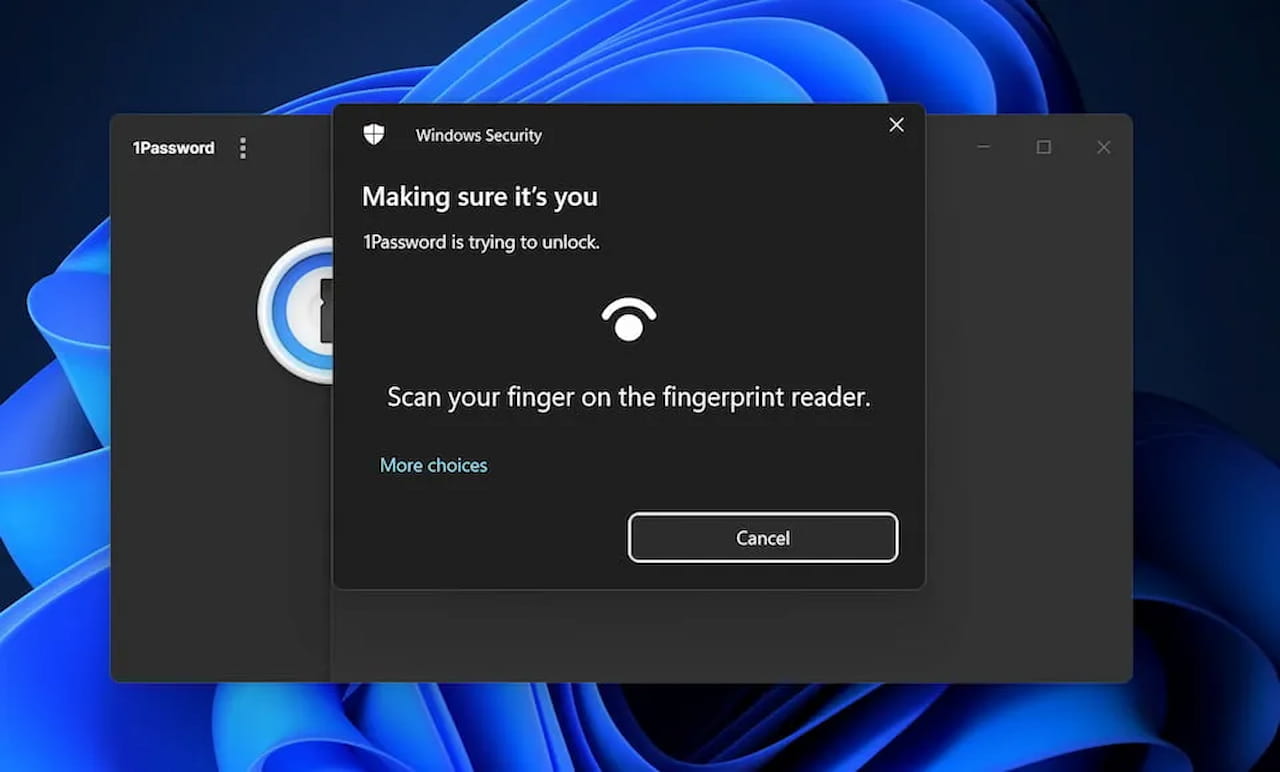
When I need to unlock my 1Password account to fill in web or app credentials, I use the fingerprint sensor on my Windows laptop. But on the Chromebook, I have to manually type my master password to do the same thing. Even if the Chromebook has a fingerprint sensor, I still have to do the typing.
It would clearly be so much easier to tap my finger to the sensor and have my credentials automatically populated in a split second. And as much as I log in to or unlock a Chromebook daily, I enter passwords many, many times more each day. So this is a big pain point for me personally.
My password manager is just one example though and I’m sure there are others. I don’t know of any third-party apps or services that use the fingerprint sensor of a Chromebook for authentication. I could be wrong, so if you know of one, let me know.
So what’s the difference here between the implementations on Chrome OS?
I can think of two.
One is that Google has built the Chromebook fingerprint sensor solution into Chrome OS and hasn’t opened it up to any third parties. As a result, it’s only programmed to work with the Chrome OS lock screen.
The second is that any of the third-party apps or services on a Chromebook are typically just Chrome browser extensions. I have the 1Password desktop app on my Windows device. But I have the 1Password extension on my Chromebook. And I don’t know if an extension can access the device hardware layer at a level including a fingerprint sensor. If that’s the case, then I don’t ever see this situation changing.
My hope is that in the future, Google works with third-party software vendors to expand the use of a Chromebook fingerprint sensor. Because right now, it’s just a fancy way of doing one thing, when it could do so much more.
