


Last month, I reported on a Chrome OS feature that would improve window management on Chromebooks. It’s called partial split and is similar to the Microsoft Windows 11 interface. With the latest Dev Channel software update on my Chromebook, I see more details using Chrome OS 105 partial split windows. There’s a multitasking button in the works too.
What’s new with partial split on Chromebooks?
First is a clarification on partial split.
The experimental flag to enable it has a new description, and users familiar with Chrome OS Developer Mode may already be accustomed to testing such early features. In June, it read “Enables the option to snap windows by thirds for split view.” That led me to incorrectly believe you could snap three equally sized windows across your Chromebook screen.

For Chrome OS 105 partial split, the flag reads this way: “Enables the option to snap two windows into 2/3 and 1/3 for split view.” So this won’t support three windows at once, at least not initially. Instead, it will allow for a window arrangement to how I point to below.
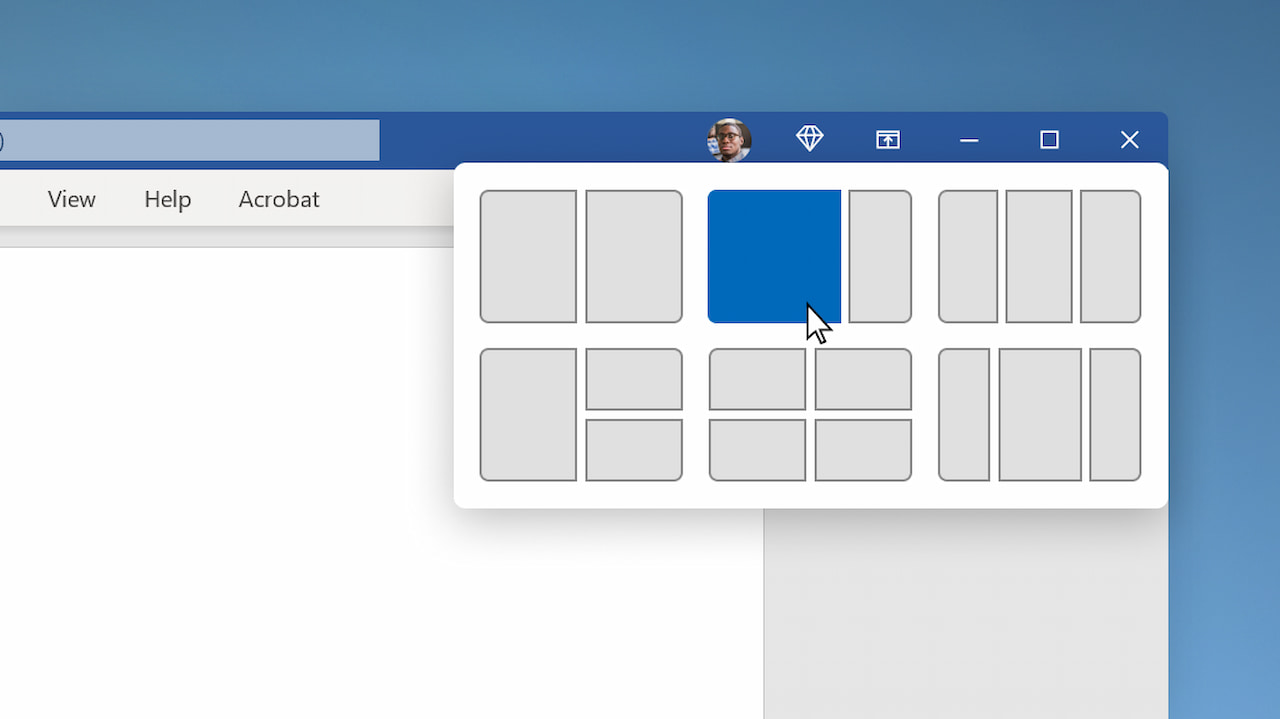
Ironically, that’s the setup I tend to use on a Windows device the most. I use the larger window for programming and the smaller one for coding research as needed.
Chrome OS 105 multitasking button feature
Also new in Chrome OS 105 is a tweak to the window icon used to maximize or restore a window. This is how partial split will be enabled, based on the code I found.
Hovering over the button will eventually provide several windows management options, including a half-size, partial, full-screen, and floating option.
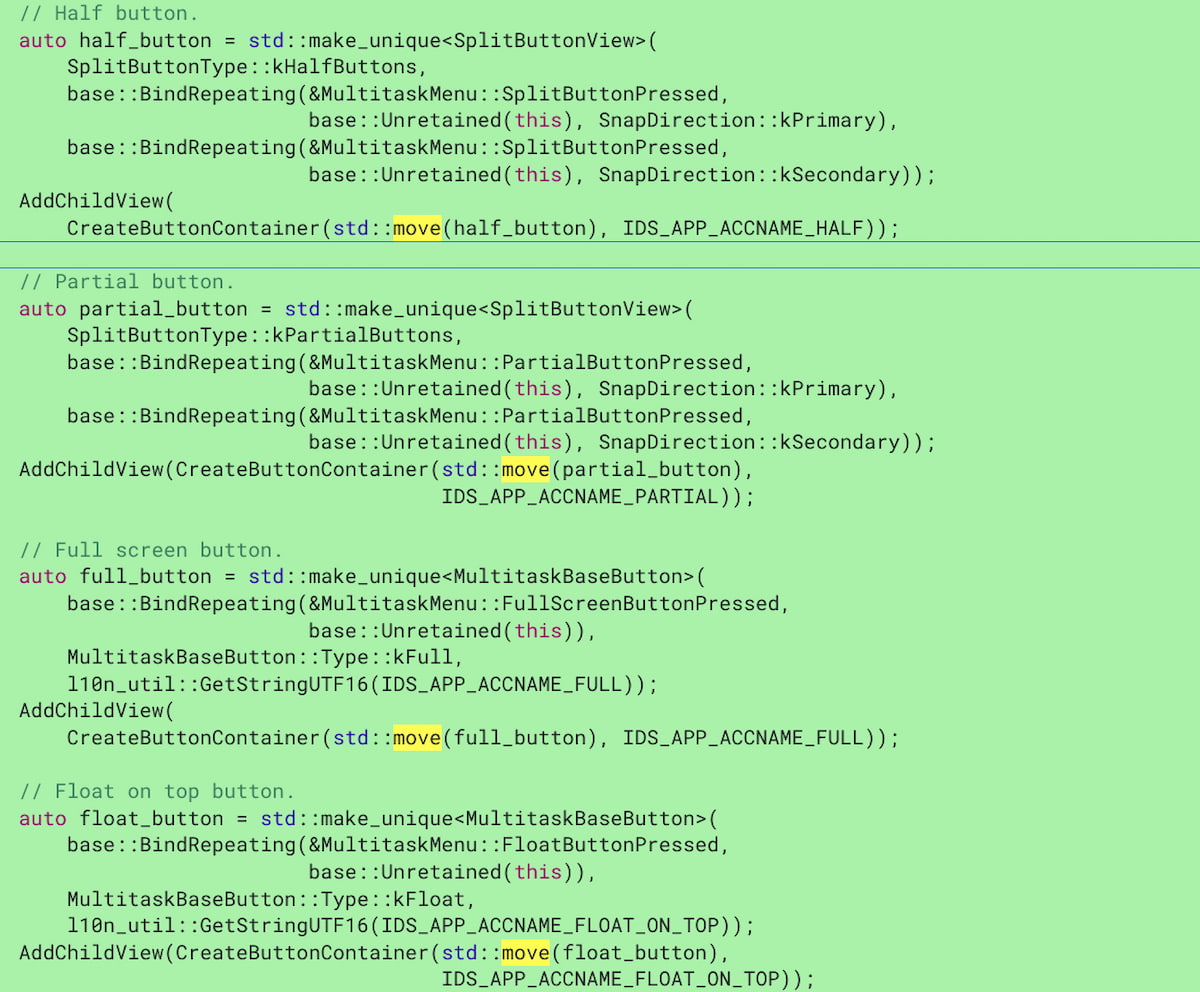
This is all still very much a work in progress. You can tell because the code I linked to above notes “still waiting for partial split.” I can already see a little of how this will work though because the multitasking button has changed in Chrome OS 105.
When I hover over the multitasking button, I now see an empty menu which is where the various window snap options will appear:
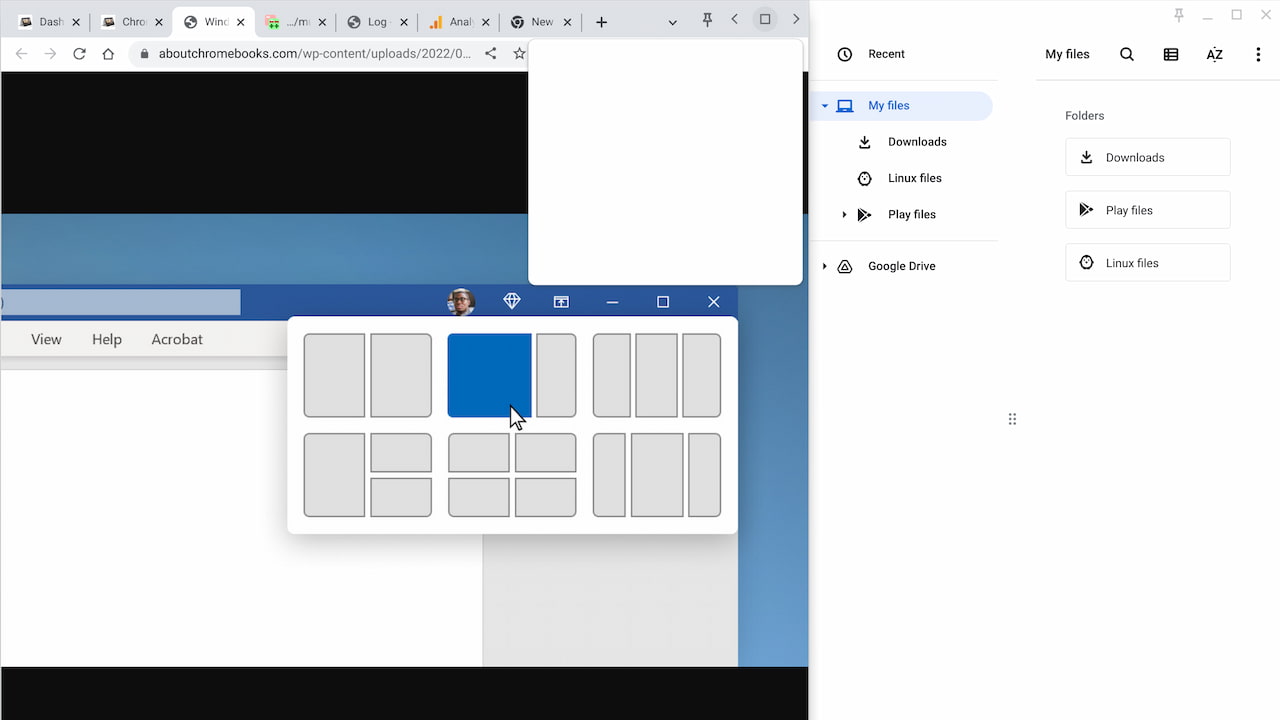
I can’t yet tell if Google will take the same approach as Microsoft and show representations of the window arrangements. However, it would make sense if Chrome OS does replicate this. I find it fairly intuitive on a PC.
If you want to follow along on the progress of this change, look for chrome://flags#partial-split on your Chromebook. It should be available as an option in the Chrome OS 103 Stable Channel and it’s definitely available in Chrome OS 105.
In the meantime, I’ll continue to watch the progress and report back as the feature becomes usable.
