


Do you use any custom automations on your smart phone or in your smart home? You may be able to do the same on your Chromebook thanks to a work in progress called AutoCrOS. Code in support of AutoCrOS suggests that Chromebook automation widgets are a future possibility.
I stumbled upon AutoCrOS as I was scanning the latest Chromium code this week. It’s what I do over morning coffee, don’t you?
I’ll point out upfront though that much of the developer effort is from June. So this is either a low priority or may not ever happen. I’m hoping for the former option because AutoCrOS sounds interesting to me.
Near as I can tell so far, AutoCrOS would enable certain things to happen on your Chromebook if some event is triggered.
If you have a smart home, this is a similar concept: Lights may go on at a certain time or when motion is detected, for example. Now apply this idea to your Chromebook. When you approach your device in the morning, it detects the Bluetooth radio in your phone, logs you in, and opens all of your Virtual Desks.
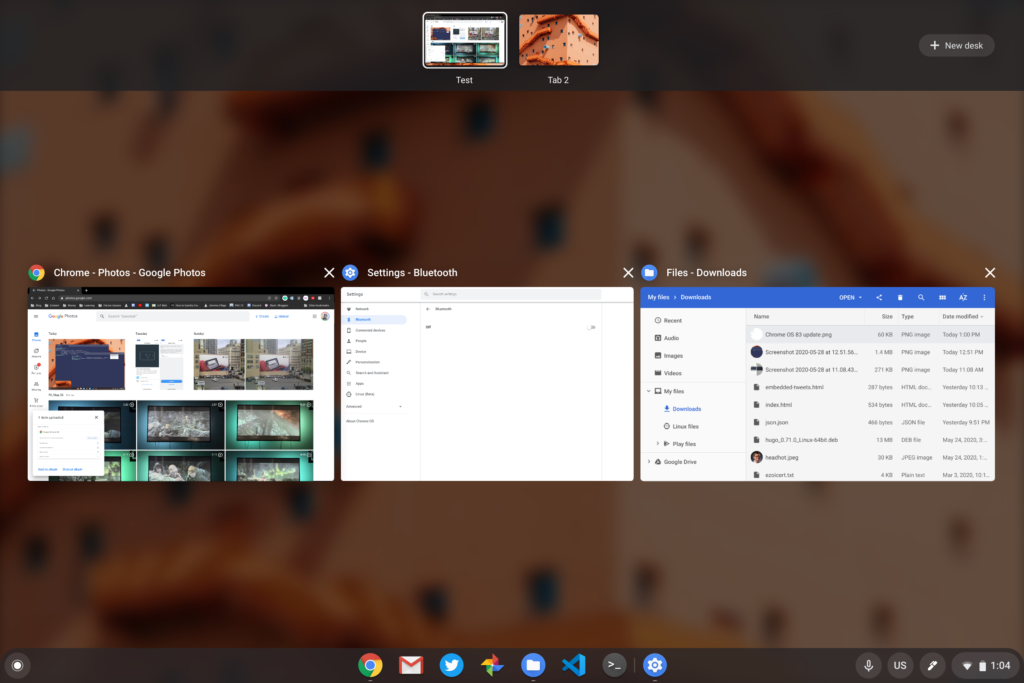
That’s just one example and there’s a reason that I chose it. One of the first code bits is to add Bluetooth support, likely as a trigger event. Heck if you have a Bluetooth smart lock on your home, unlocking the door when you arrive could kick off some Chromebook automation.
Clearly, Bluetooth is expected as one of the event triggers. The other one, so far, is a timer. This presumably would let certain Chromebook automations happen at user-configurable times. Maybe you want or need music to start playing at the end of your workday so you know it’s time to relax. I’m not talking about me here; really, I’m not. (Editor: Yes he is.)
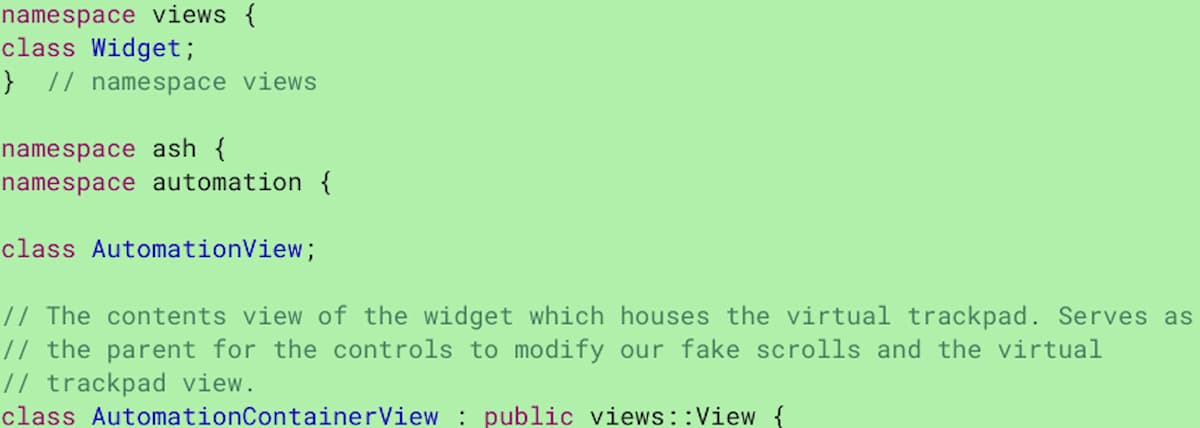
For now, the code snippets outline a basic user interface (UI) that’s yet to be determined. However, one interesting tidbit is that the automation UI will be part of a larger effort to enable Chromebook widgets.
Last month, 9to5 Google reported on these widgets, which appear to be limited to the lock or welcome screen of a Chromebook.
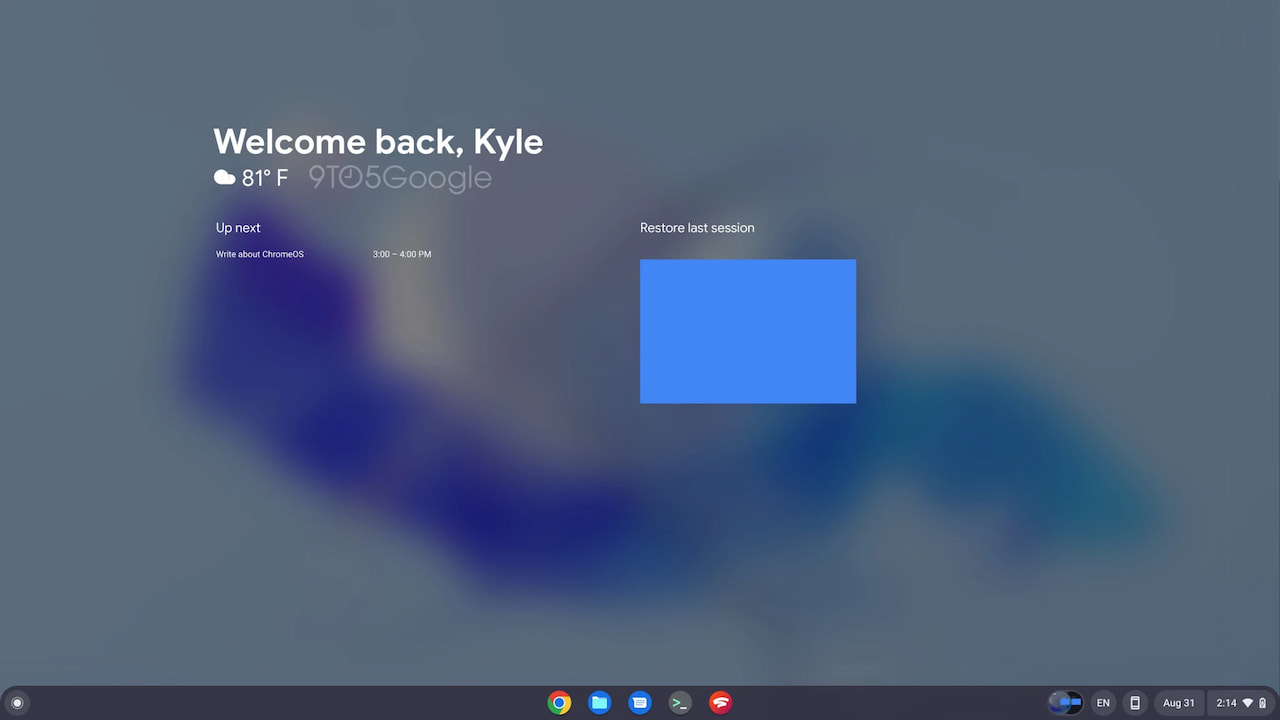
You can see “Up next” data from Google Calendar displayed as well as a way to restore the last user session. This is also a work in progress that will likely change over time before a rollout.
What you don’t see here is the Chromebook automation widgets referred to in the code I noticed. I would envision any automations based on a timer event to appear here. The interface to create Chromebook automations could launch from this screen as well.
Again, the Chromebook automation widgets haven’t been worked on for several months. I just hope it’s not abandoned because this all could tie in nicely to some Chromebook productivity features, if not some for Google Home.
