


The latest iteration of Google’s Chrome browser is now generally available, bringing a number of fixes and features to macOS, Linux, and Windows. The Chrome 108 release includes 28 security fixes and some performance boosts that I’ve previously reported. Here’s what’s in the now-available Chrome 108 release.
Improved performance in the Chrome 108 release
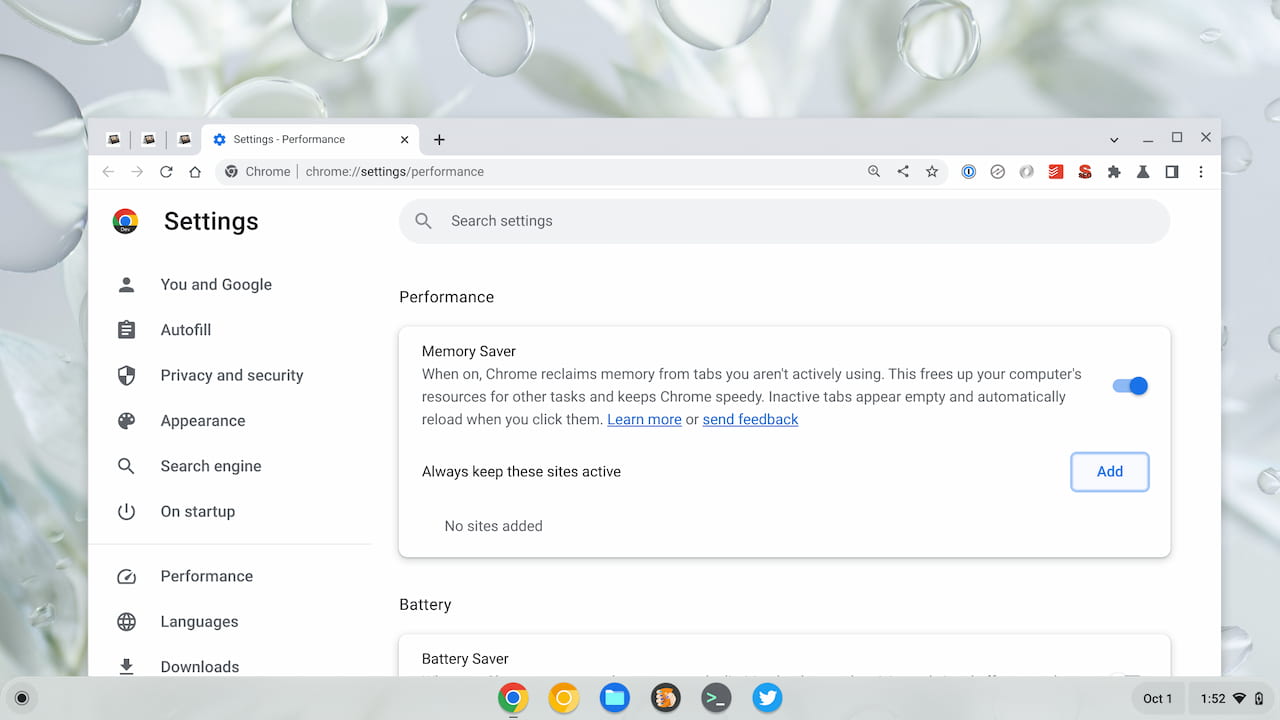
Two performance improvement options that I saw earlier in development make their way to Chrome 108. The browser gains both Memory Saver and Energy Saver options.
Memory Saver, in Google’s words, “reclaims memory from tabs you aren’t actively using. This frees up your computer’s resources for other tasks and keeps Chromium speedy. Inactive tabs appear empty and automatically reload when you click them.” Initially, I was happy to see this but I wanted certain tabs to stay active at all times.
Eventually, Google added exactly what I wanted to the Memory Saver feature. You can specify which sites you want to remain active. That’s handy for all-day browser activities such as email or social media, for example.
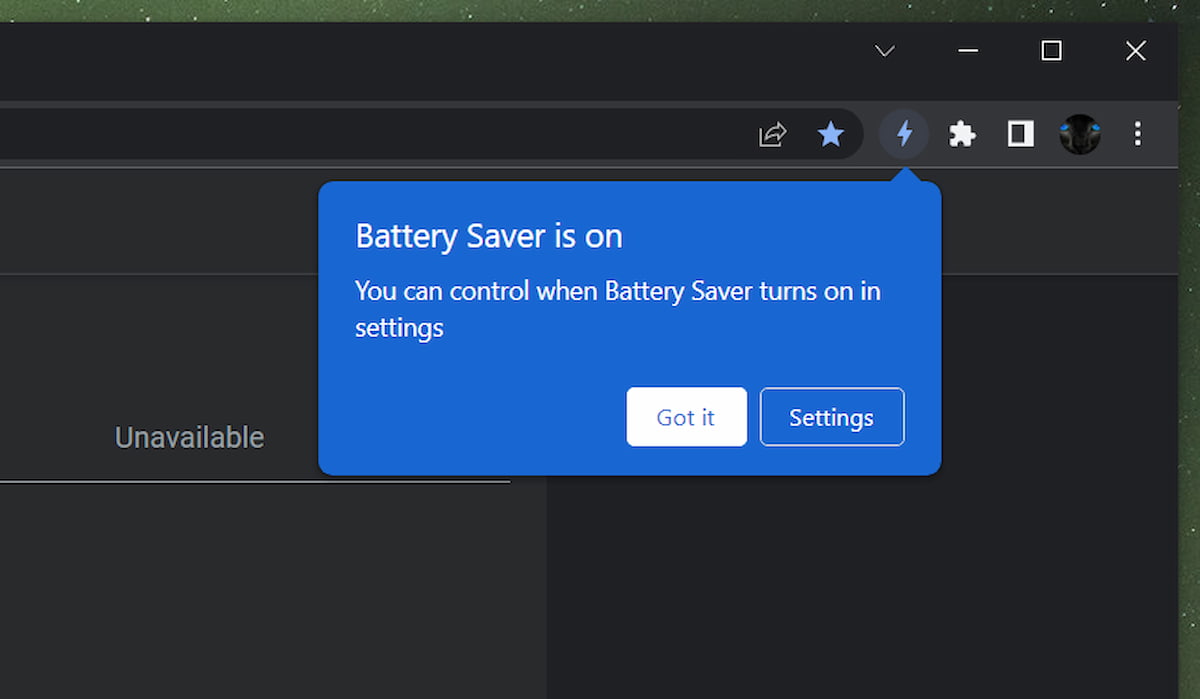
The other Chrome 108 release performance booster is mainly for laptops. It’s called Energy Saver mode, previously known as Battery Saver. This function “conserves battery power by limiting background activity and visual effects, such as smooth scrolling and video frame rates.” By limiting such activities, you’ll presumably get more battery life out of your device when using Chrome.
Google Password Manager notes generally available in Chrome 108
This is another feature I’ve previously found as it was being developed. The Google Password Manager in Chrome 108 supports personalized notes for each account.
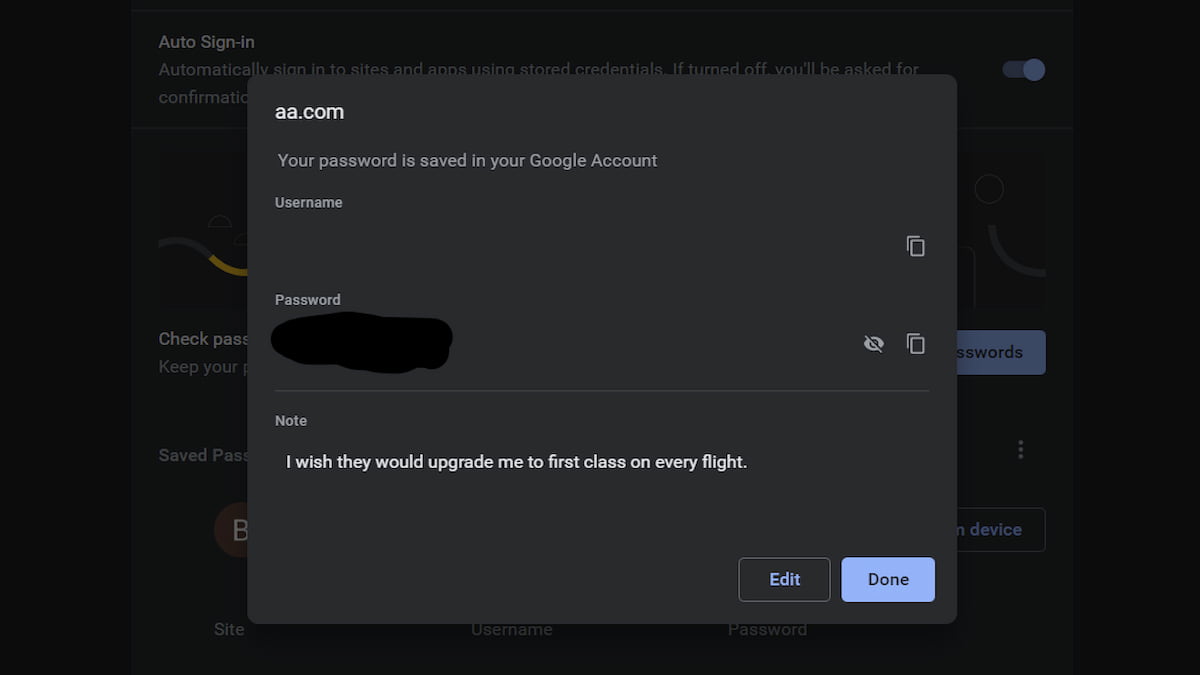
Recently, Google started work to export your notes along with your passwords so you don’t lose them. I don’t use the built-in password manager in Chrome, opting instead for a third-party system. Let me know if you see notes exported with your passwords in Chrome 108.
Improved cookies and site information
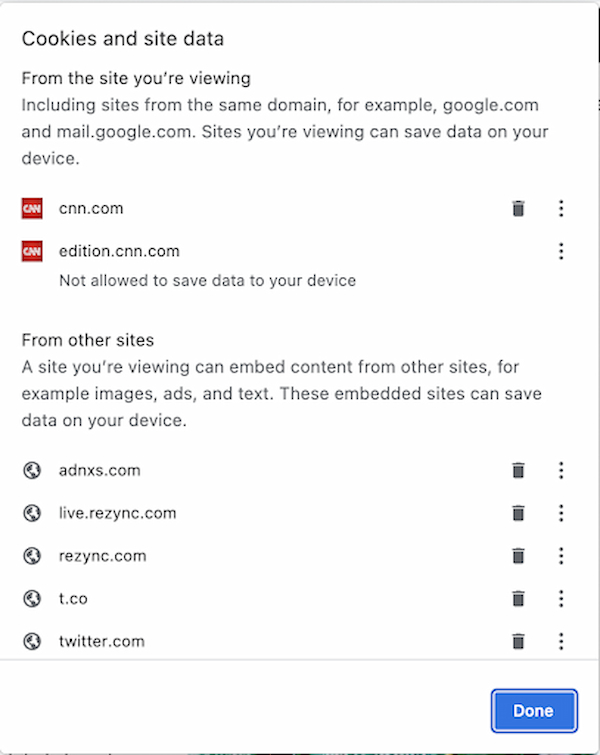
I’m betting most people don’t look at the site information available to them in Chrome. I do, but I’m a nerd. The Chrome 108 release has a redesigned dialog to provide cookies and site information in a simpler format.
Other bits in the Chrome 108 release
Google has added a number of new Chrome Enterprise policies, available here, that help support the new features. A few older policies are now deprecated, as well.
Windows users can pin Chrome to the Taskbar during the installation process, which is a nice time saver. On all platforms, if you use Google for price comparisons, there’s now a price tracking feature. You’ll have to opt-in to allow Google’s Web & Activity tracking to use price tracking though. You’ll also have to be signed in to a Google account.
Linux users with Chrome 108 installed will gain the built-in DNS client that was previously available to Chrome on other platforms. My guess is that folks with Linux won’t use it, preferring their own control over DNS. But hey, it’s there if you want it!
