

Close Menu
    Facebook X (Twitter) Instagram
    • About
    • Privacy Policy
    • Write For Us
    • Newsletter
    • Contact
    Instagram
    About ChromebooksAbout Chromebooks
    • News
      • Stats
    • AI
    • How to
      • DevOps
      • IP Address
    • Apps
    • Business
    • Q&A
      • Opinion
    • Gaming
      • Google Games
    • Blog
    • Podcast
    • Contact
    About ChromebooksAbout Chromebooks
    News

    Chromebook diagnostics are coming to the ChromeOS Launcher

    Kevin TofelBy Kevin TofelAugust 21, 2023Updated:September 13, 2025No Comments2 Mins Read
    Share
    Facebook Twitter LinkedIn Pinterest

    Google appears to be adding Chromebook diagnostics in the ChromeOS Launcher. That’s according to an upcoming, early version of the software. Over on Twitter / X, C2Productions showed off the new Chromebook diagnostics integration on the ChromeOS 118 Canary Channel. This will make it much easier to get hardware details of your Chromebook’s CPU, memory usage and battery health.

    You can see in each of the photos shared on social media, these Chromebook diagnostics are just a few keystrokes away. Thanks to the ChromeOS Launcher autocomplete function, typing a “C”, for example, brings up CPU usage in a minimal, easy to read format.
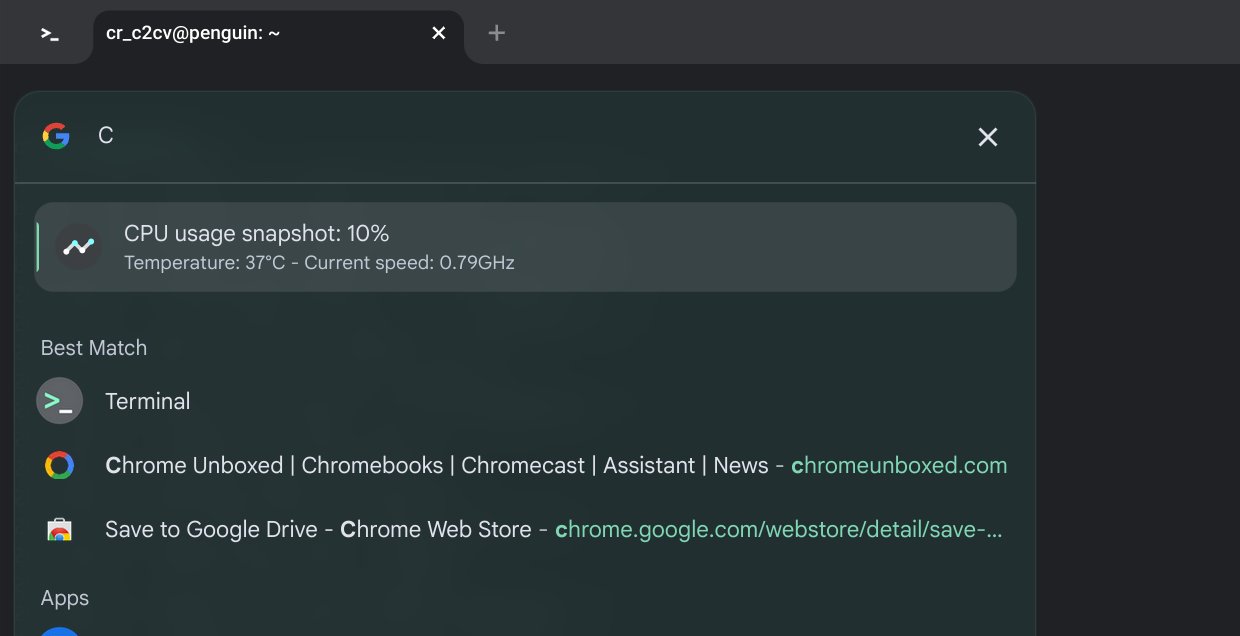
    Chromebook Diagnostics in the ChromeOS Launcher showing CPU usage

    This is the same Chromebook diagnostic information you can currently find in the dedicated Diagnostics application on ChromeOS.

    That’s where today you’ll find these hardware metrics in a single spot. And I doubt the Diagnostics application would be removed, even if this information comes to the Launcher. Of course, you never know what Google plans.
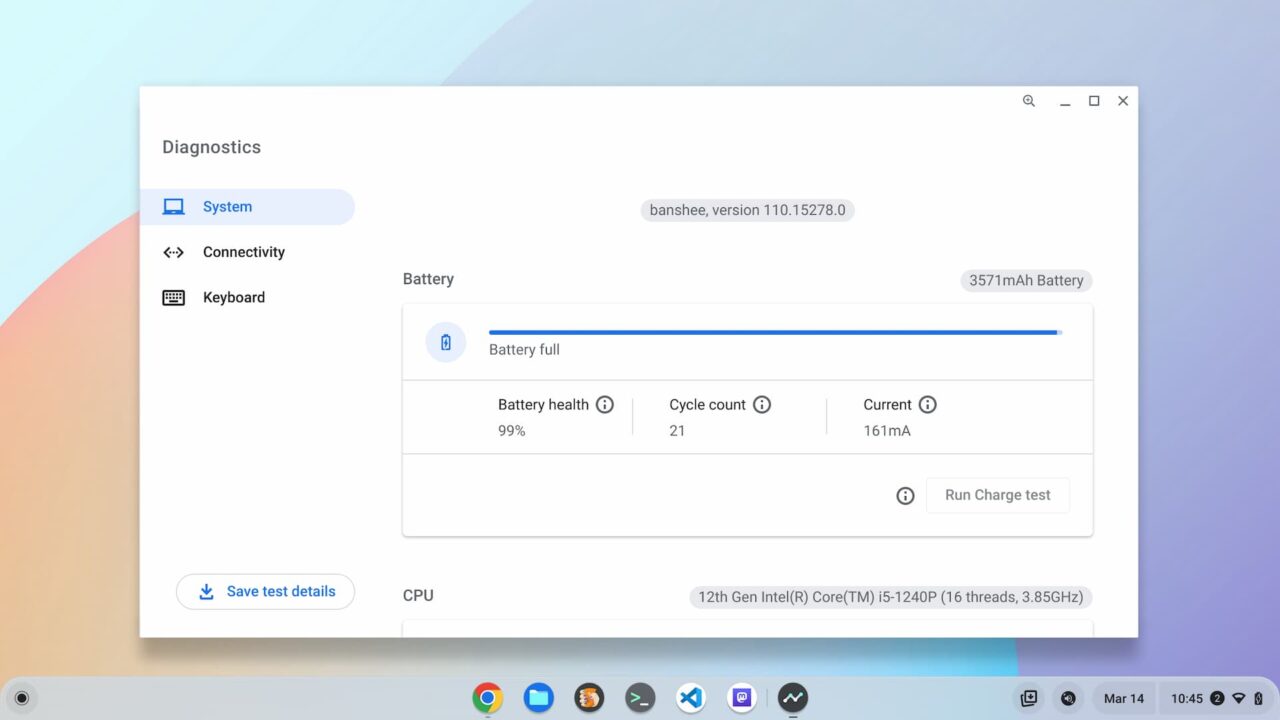
    Chromebook Diagnostics are found in the ChromeOS Launcher
    The current Chromebook Diagnostics application

    But I do like me some keyboard shortcuts to get around much easier in ChromeOS. Even if they require the Launcher to access them.

    Checking the real-time memory usage on your Chromebook might require few keystrokes. You can see that “RAM” is required to check that, likely because there are other autocomplete functions that appear without the second and third letters.
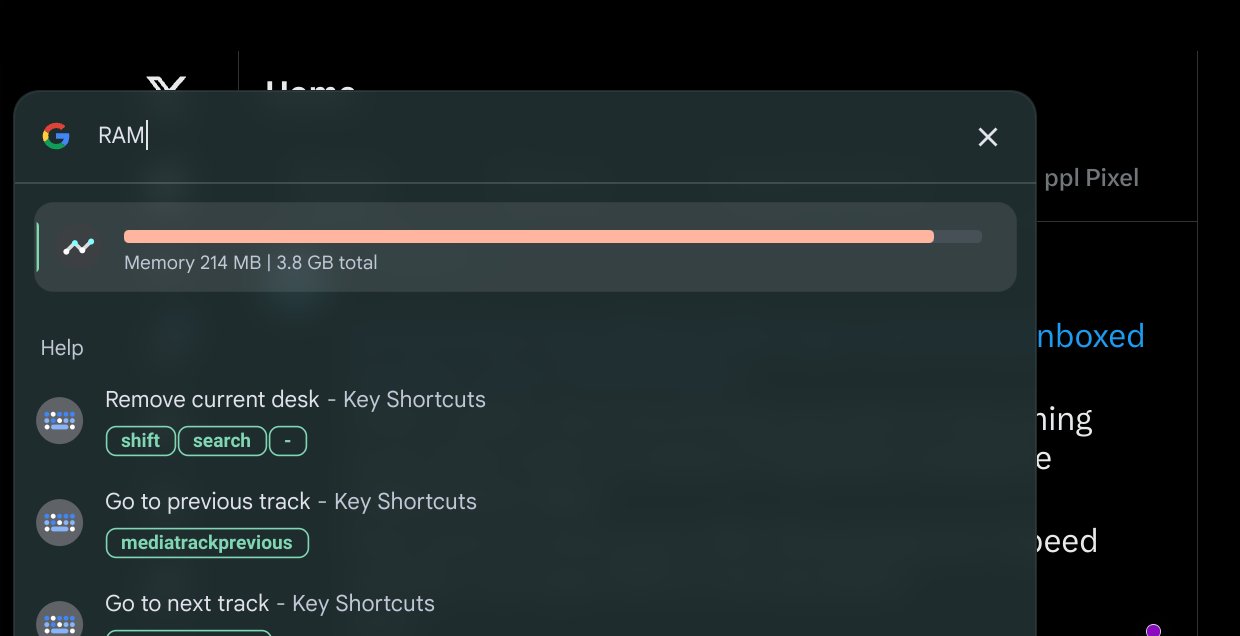
    Chromebook Diagnostics in the ChromeOS Launcher showing memory usage

    And the same goes for checking your Chromebook battery health, which until a year or so ago, required using the Linux terminal.
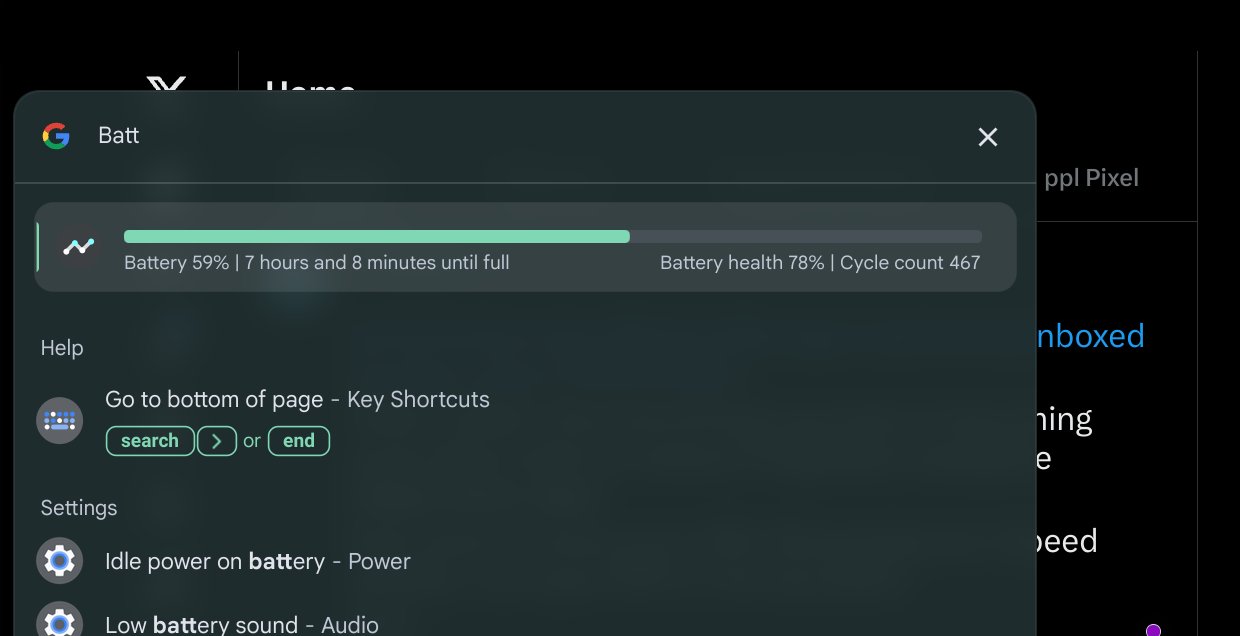
    Chromebook Diagnostics in the ChromeOS Launcher showing battery life and health

    Personally, I think the Battery Health information could be worked into the current Battery indicator in the ChromeOS Quick Settings area. But I’ll take this information in the Launcher as an alternative to opening up an app.

    It’s likely that these new ChromeOS Launcher integrations are part of Google’s push for an updated user interface. I’m already using some of these tweaks, which are currently experimental.

    To be honest, I love them. The software looks much more polished and modern. And the automatic color matching of the interface to my ever changing wallpaper is a treat for my eyes.
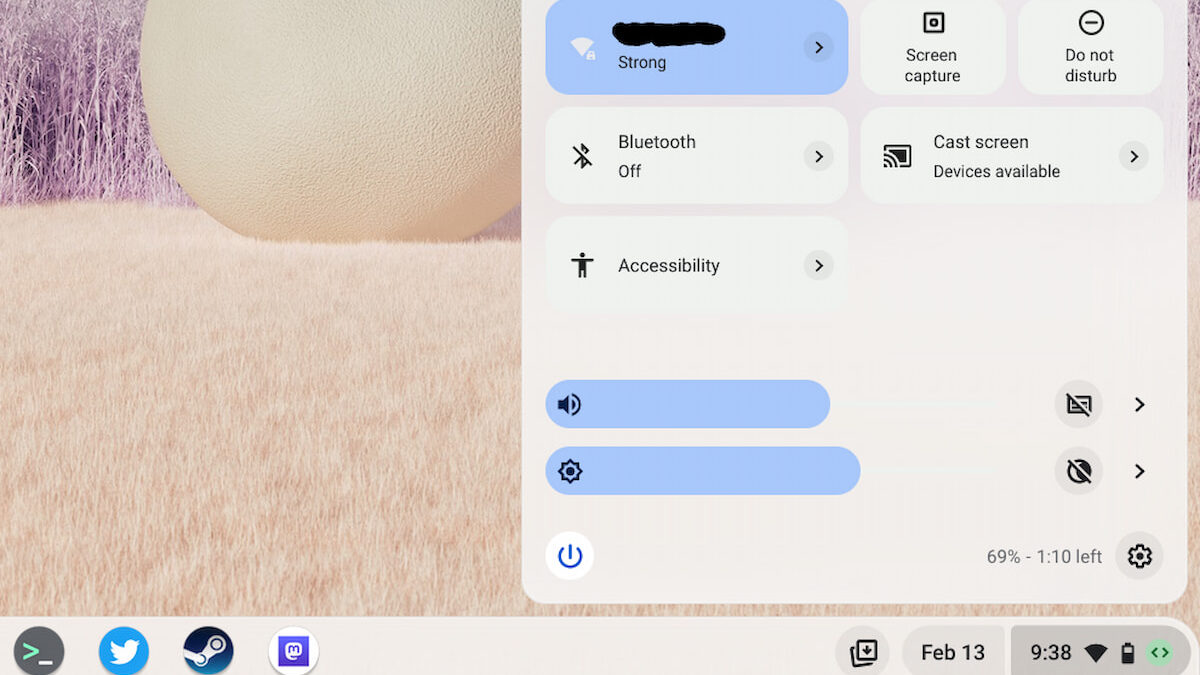
    Material You Quick Settings in ChromeOS 114
    Share. Facebook Twitter Pinterest LinkedIn Tumblr
    Kevin Tofel
    • Website

    After spending 15 years in IT at Fortune 100 companies, Kevin turned a hobby into a career and began covering mobile technology in 2003. He writes daily on the industry and has co-hosted the weekly MobileTechRoundup podcast since 2006. His writing has appeared in print (The New York Times, PC Magazine and PC World) and he has been featured on NBC News in Philadelphia.

    Related Posts

    Auto DraftStarbucks Partner Hours: Manual to Managing Work Schedules

    January 26, 2026

    Anon Vault For Private Cloud Storage

    January 23, 2026

    GitHub Copilot Statistics [2026]

    January 7, 2026

    Comments are closed.

    Best of AI

    VALL-E Statistics 2026

    January 28, 2026

    StarCoder Statistics And User Trends 2026

    January 27, 2026

    BLIP-2 Statistics 2026

    January 23, 2026

    AI mode Usage Statistics 2026

    January 22, 2026

    Code Llama Statistics 2026

    January 22, 2026
    Trending Stats

    Most searched keywords on Google

    January 27, 2026

    Ahrefs Search Engine Statistics 2026

    January 19, 2026

    Pay Per Click Advertising Statistics 2026

    January 16, 2026

    Google Ads Revenue 2025

    November 29, 2025

    Statistical Analysis Programs for Chromebook 2025

    November 22, 2025
    • About
    • Write For Us
    • Contact
    • Privacy Policy
    • Sitemap
    © 2026 About Chrome Books. All rights reserved.

    Type above and press Enter to search. Press Esc to cancel.