


The latest ChromeOS 116 release adds several new Chromebook features and follows the recent Chrome browser update to version 116. Updated or new Chromebook features include the transition to a new browser and profile switching as well as file search for both local and Google Drive files. This version is now rolling out to most of the supported ChromeOS devices. If your Chromebook hasn’t received the ChromeOS 116 release, you can check the status of your device here.
Improved file search in the ChromeOS 116 release
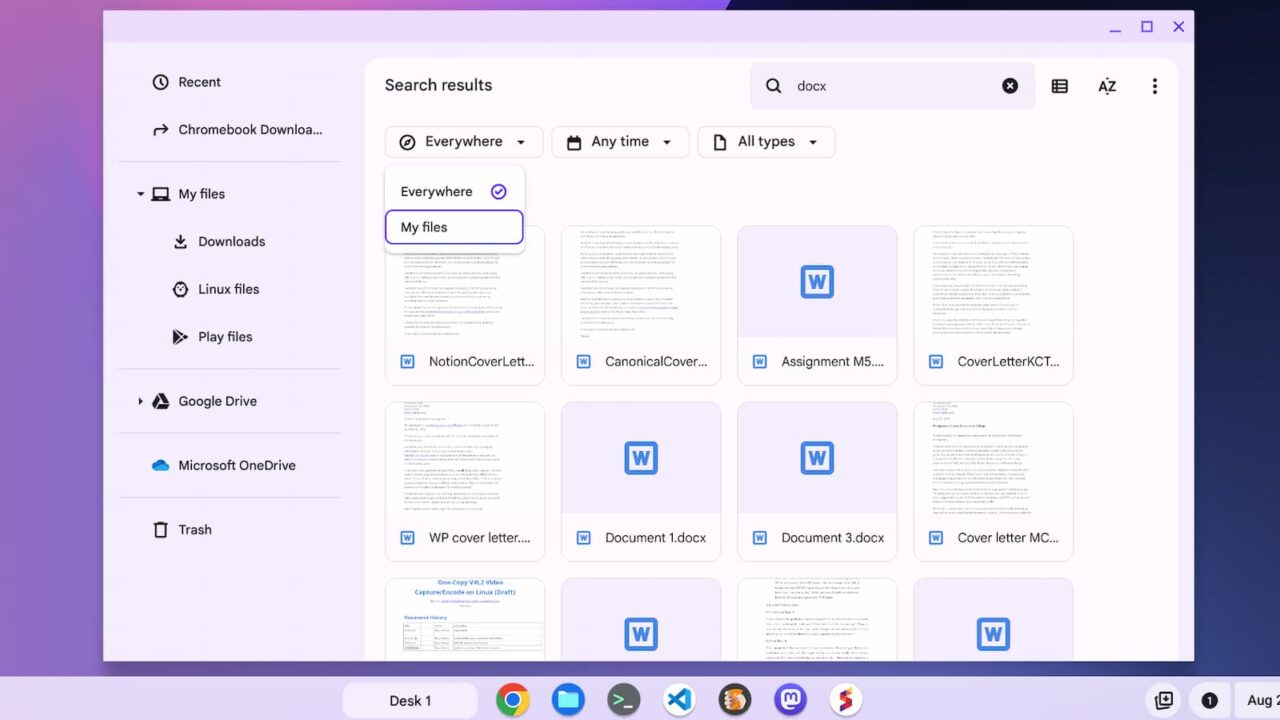
Don’t remember if you saved a file on your Chromebook or on Google Drive? No worries. ChromeOS 116 lets you search across both places at the same time. When searching for a file, you’ll see an option to search “Everywhere”, which includes your Google Drive. The feature works well and brings a nice integration point between ChromeOS and Google Drive.
PDF text scanning for screen readers
Google says that 360 billion PDFs, which account for 12 percent of all PDFs, can’t be read aloud for people with visual impairments. To address that, ChromeOS 116 brings OCR, or optical character recognition, to Chromebooks for these documents:
We’re leveraging AI to fix the user experience of these sites and PDFs. Through Optical Character Recognition (OCR), users will be able to convert images to text, so that they can access and read them. Image to text will be available on Chrome browser in the coming months.
Enhanced autocorrect by default in ChromeOS 116
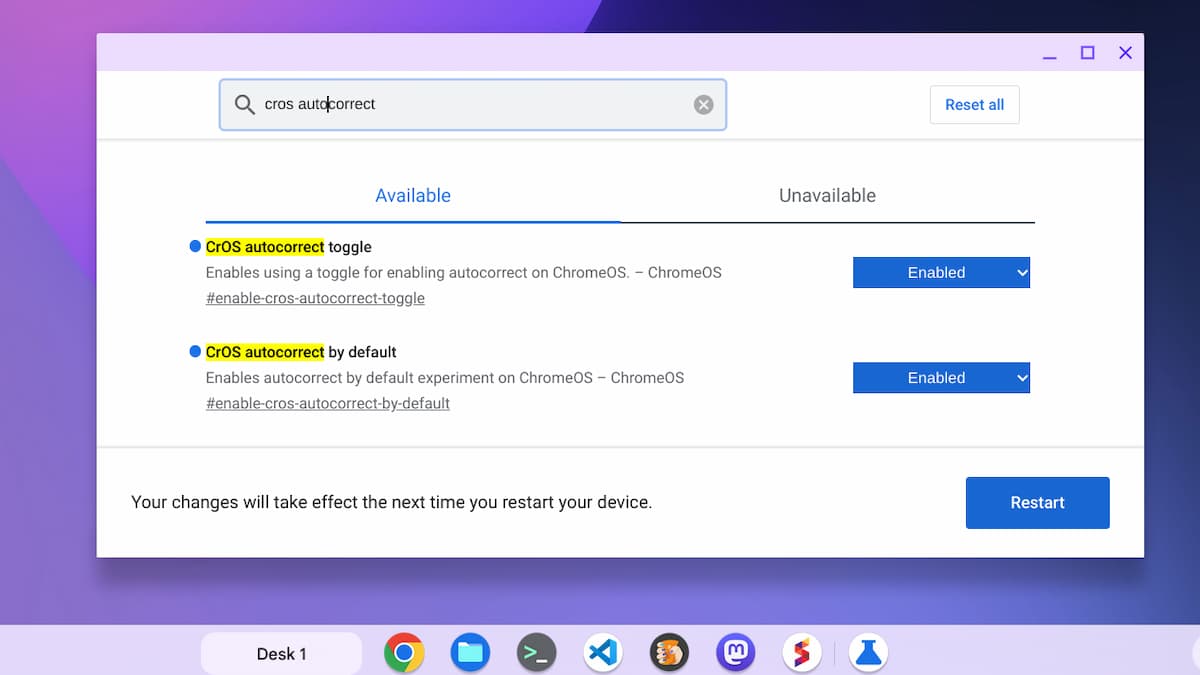
Autocorrection to fix typos and spelling errors will be enabled by default in the ChromeOS 116 release, according to Google. And the autocorrect feature is enhanced to find and fix more errors. I noticed that on my Chromebook, this feature is not enabled after the ChromeOS 116 update. It’s not uncommon for features to be announced and later arrive in smaller updates or a server-side switch.
If you can’t wait for the new enhanced autocorrect, the flags listed below should add the updated feature to your Chromebook.
The Lacros browser transition begins with the ChromeOS 116 release
I’ve covered the transition to the Lacros browser extensively, but it’s worth a mention given that it begins with ChromeOS 116. This will be roughly a one-year process to remove the integrated Chrome browser from ChromeOS. In its place will be a Linux version of Chrome with the same feature set. Google is doing this to reduce development efforts and to speed up the process of updating the browser in lieu of a larger ChromeOS update going forward.
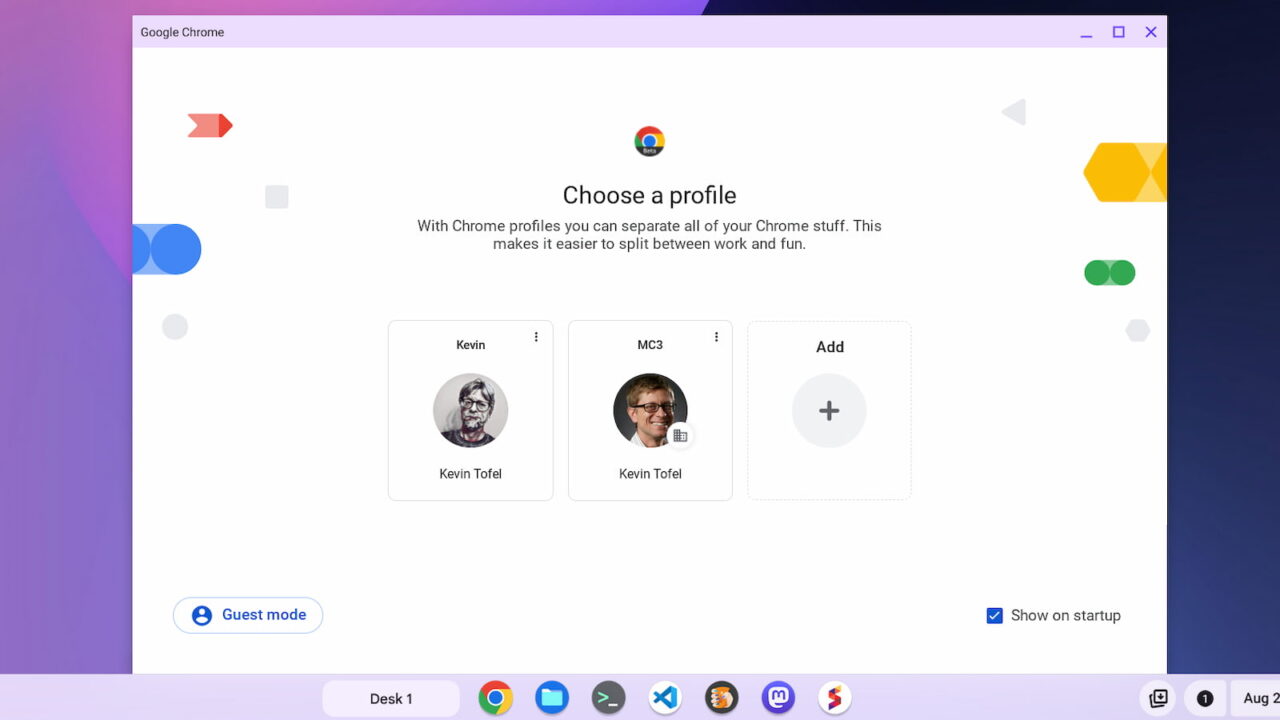
Perhaps the next best thing that Lacros brings to Chromebooks is the same account profile switching found in the Chrome browser for all other platforms. I use Lacros as my primary browser today and it’s super easy to switch between Google accounts. As it should be.
Keep in mind that this changeover is just beginning and Google will focus first on Chrome Enterprise users. However, you can try Lacros with these experimental flags:
chrome://flags#lacros-onlychrome://flags/#lacros-availability-ignore
Once you do that, the integrated browser won’t be available. If you run into any issues with Lacros, you can simply disable these flags and return to the old Chrome browser.
