


Protecting your loved ones is always at the forefront of your mind. There are countless ways of doing so, from installing alarms to tracking locations and vigilantly maintaining vehicles – but there’s an area we overlook: data.
Let’s be honest, online storage has become part of daily life, especially for big families, where the risks of identity theft, financial fraud, and reputational damage are at stake. It’s safe to say digital protection has never been so important. Care to find out how to protect your family’s data? Keep reading on!
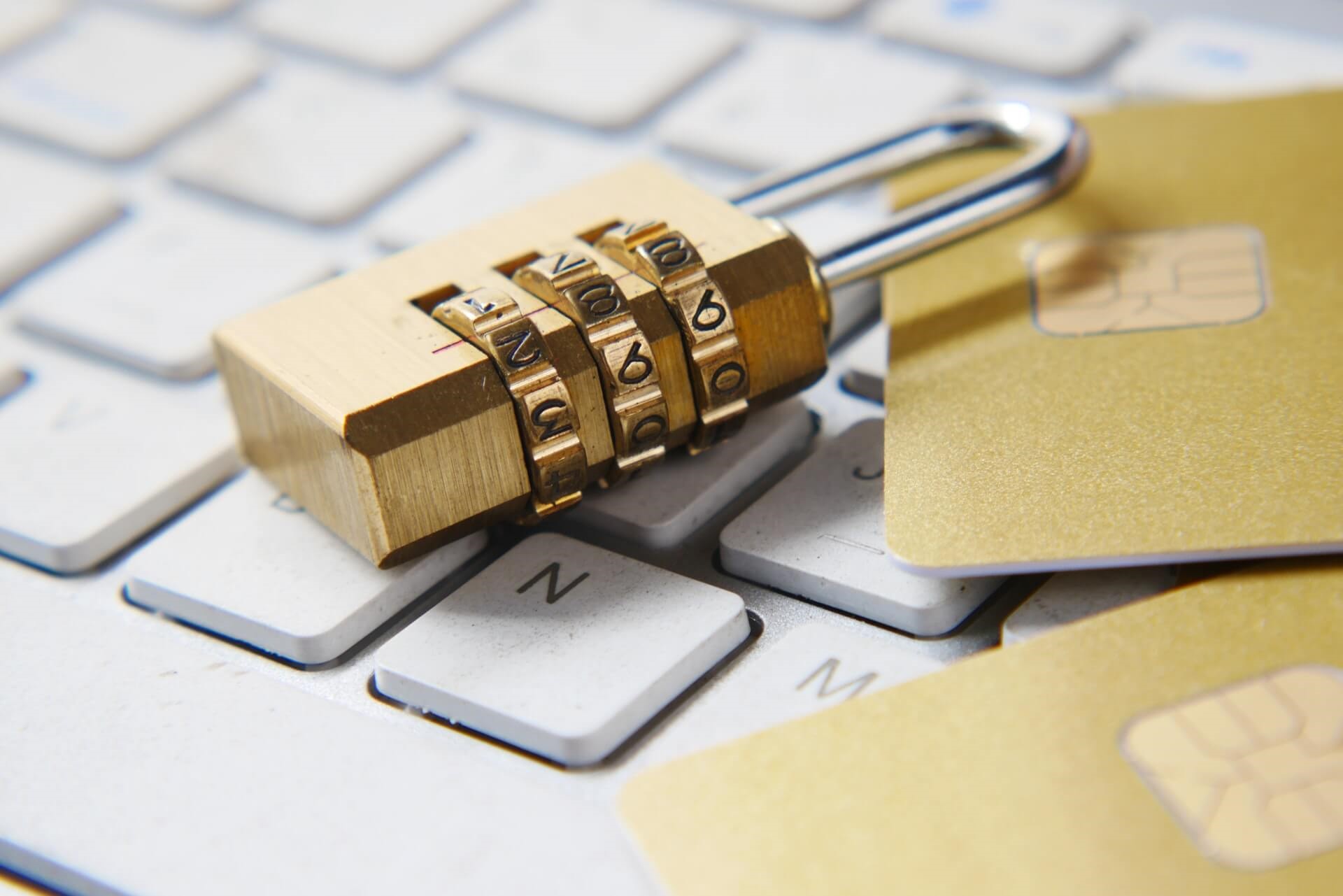
Use strong, unique passwords
Start strong. Passwords are the initial defense, whether you’re adding security to a Facebook or family Netflix accounts, treat them seriously. The general rule of thumb is to create something unique (hint, hint: not the exact same for every account).
Where possible, aim for at least 12 characters — including symbols, numbers, and a mixture of upper and lowercase letters.
It should be personal, of course! But don’t fall into the trap of leaving it “guessable.” Steer clear of birthdays and maybe create an inside joke for each account.
Enable two-factor authentication
Two-factor authentication might seem like a hassle. It’s true to an extent. Confirming that it is you attempting to access emails, banking apps, and cloud storage might seem tedious — yes, it’s another code sent to your phone.
However, this extra step will not only dissuade hackers but also provide an additional alarm system. It’s an extra layer of security that’s ultimately worth having. If that password fails? The authentication won’t.
Two-factor authentication isn’t perfect, especially with the rise in AI agents. Always secure mobile devices and invest in software that will wipe its data if stolen.
Back up data automatically
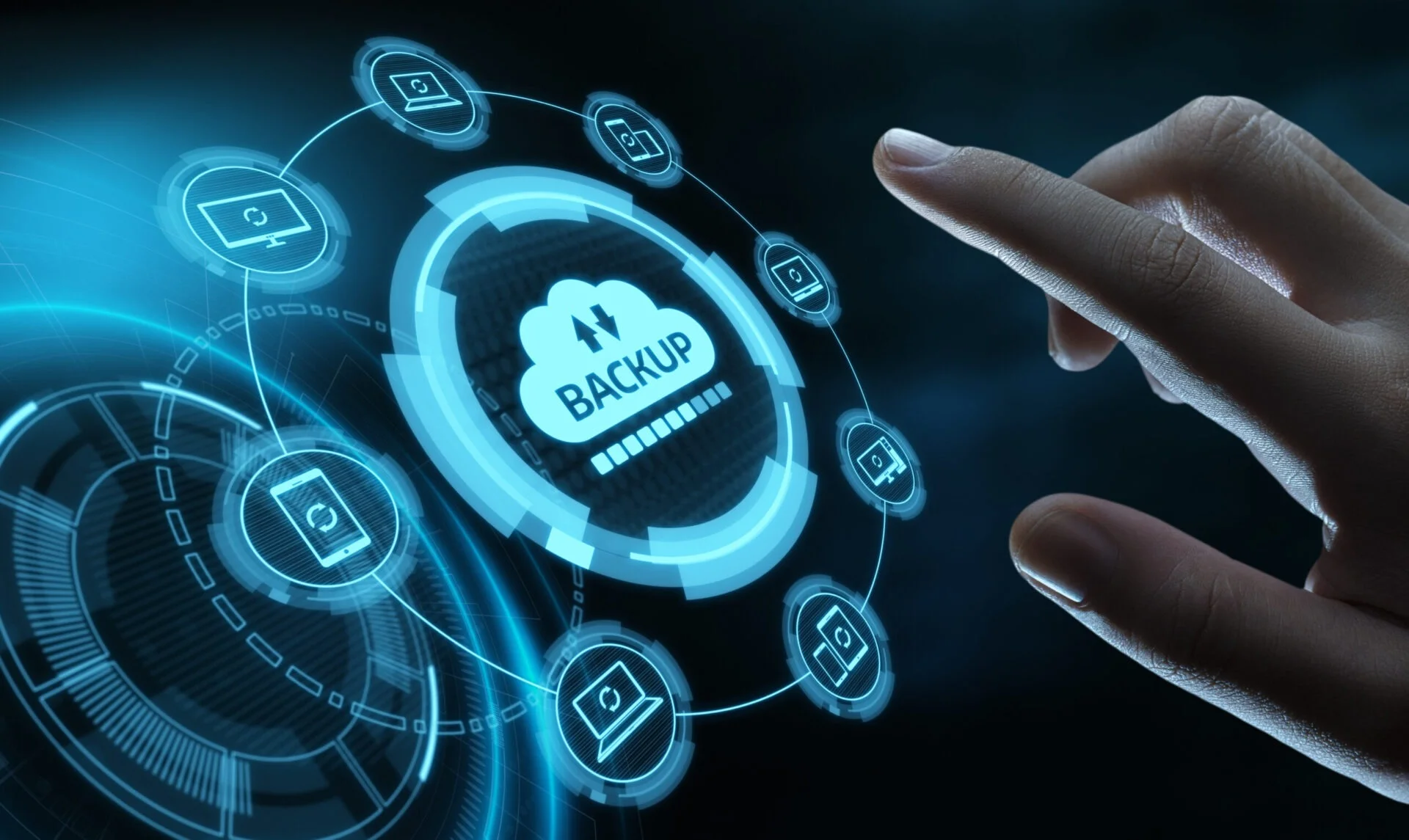
Backing up data is an essential method of protecting family information. If something breaks — or, unfortunately, gets stolen — investing in cloud storage will have saved the day.
Cloud storage centralizes files and photos (including images from that incredible trip to Sicily). It keeps everything safe in the event of an emergency. Instead of only accessing them from one device, it’s possible to log onto the system through any device.
Keep a solid password and two-factor authentication on that, and you’re onto a winner! By setting up automatic back-ups, it keeps this storage as updated as possible, not forgetting to press save.
Parental controls
As a parent, there is always that gnawing anxiety about your child’s safety online. We want to hide them away from that scary digital world, but the reality is we can’t. Children are increasingly exposed to technology in school, with their peers, and at home.
Luckily, there is something that you can do: set up parental controls on your child’s devices, browsers and streaming services. Family safety apps are a trustworthy place to start. These apps help track screen time, monitor apps and website usage, and restrict inappropriate content.
Protecting your family’s data is a mammoth task, but with some small steps, it’s possible to keep everyone safe.
