


Chromebooks have become a popular choice for adults who want a lightweight, affordable device that handles everyday tasks with ease.
While they were once seen as limited for gaming, modern Chromebooks now support a wide range of entertainment options—from cloud gaming to Android apps and browser-based experiences.
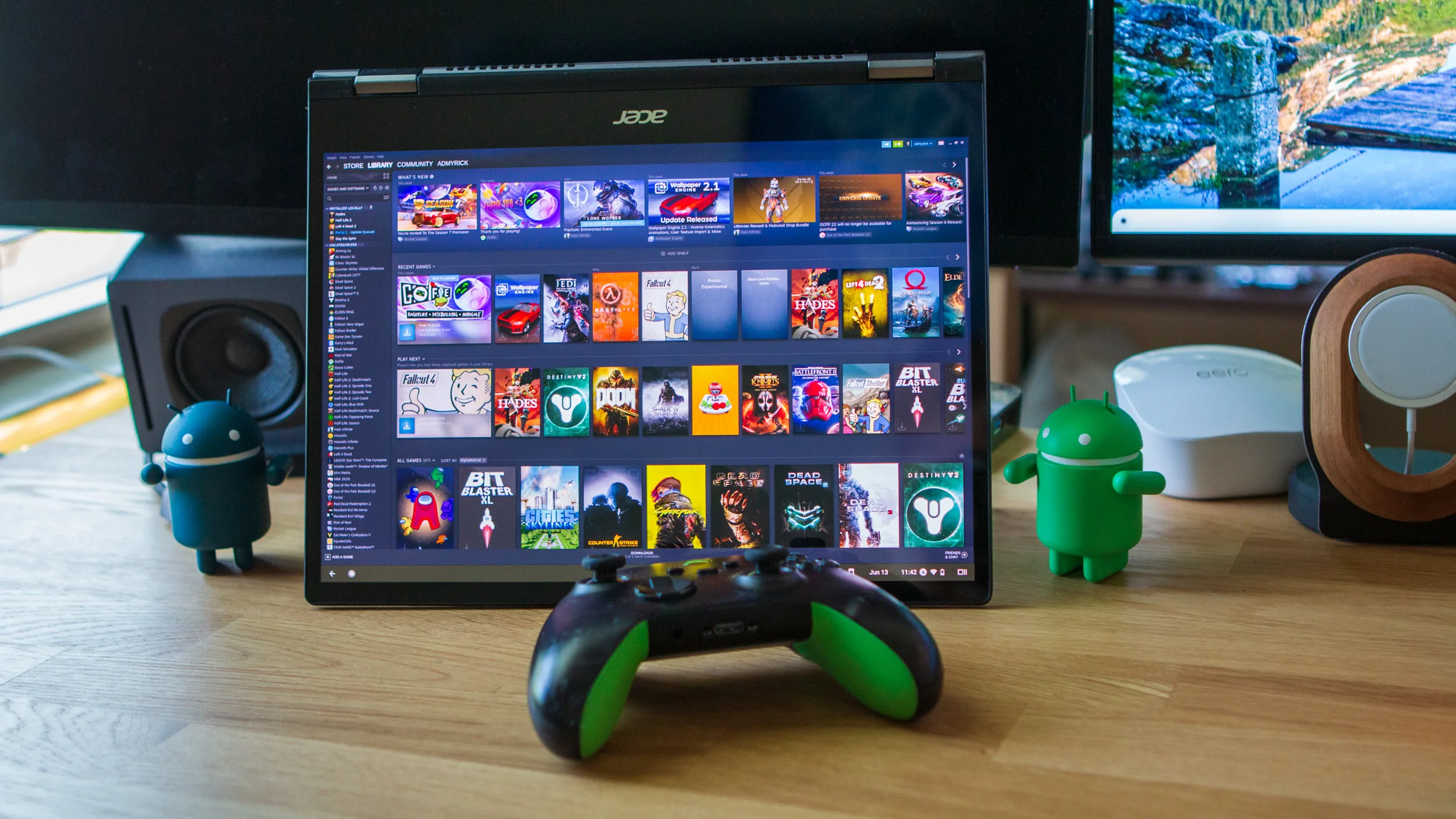
Many adults who enjoy digital entertainment, including browsing categories such as online casino platforms, also look for ways to make the most of gaming on a Chromebook.
With the right tools and settings, Chromebooks can offer a surprisingly versatile gaming experience.
Cloud Gaming Platforms
Cloud gaming is one of the most effective ways to enjoy high-quality games on a Chromebook. Because the processing happens on remote servers rather than on the device itself, even modest Chromebooks can run visually impressive titles.
Popular cloud gaming services offer access to large libraries of games, including action, adventure, racing, and strategy genres.
These platforms stream gameplay directly through the browser or a dedicated app, making them ideal for adults who want console-level experiences without needing powerful hardware.
Cloud gaming is also a great option for those who enjoy variety, as it allows players to switch between genres quickly and explore new titles with minimal setup.
Android Games Through Google Play
Most modern Chromebooks support Android apps through the Google Play Store, opening the door to thousands of mobile games. This includes everything from puzzle games and RPGs to sports titles and casual entertainment.
Adults who enjoy browsing online casino categories often appreciate the convenience of Android-based gaming, as many digital entertainment apps are designed with mobile-friendly interfaces.
Chromebooks with touchscreens offer an even smoother experience, allowing players to interact with games just as they would on a smartphone or tablet.
Android games are especially appealing for short, casual sessions, making them ideal for adults who want quick entertainment during breaks or downtime.
Browser-Based Gaming
One of the simplest ways to game on a Chromebook is through browser-based platforms. Many modern games run directly in Chrome without requiring downloads or installations. These include:
- Strategy and simulation games
- Puzzle and logic games
- Multiplayer social games
- Retro and arcade-style titles
Browser-based gaming is perfect for adults who want instant access without managing storage or updates. It also works well on lower-spec Chromebooks, as many of these games are lightweight and optimized for web performance.
Linux Gaming on Chromebook
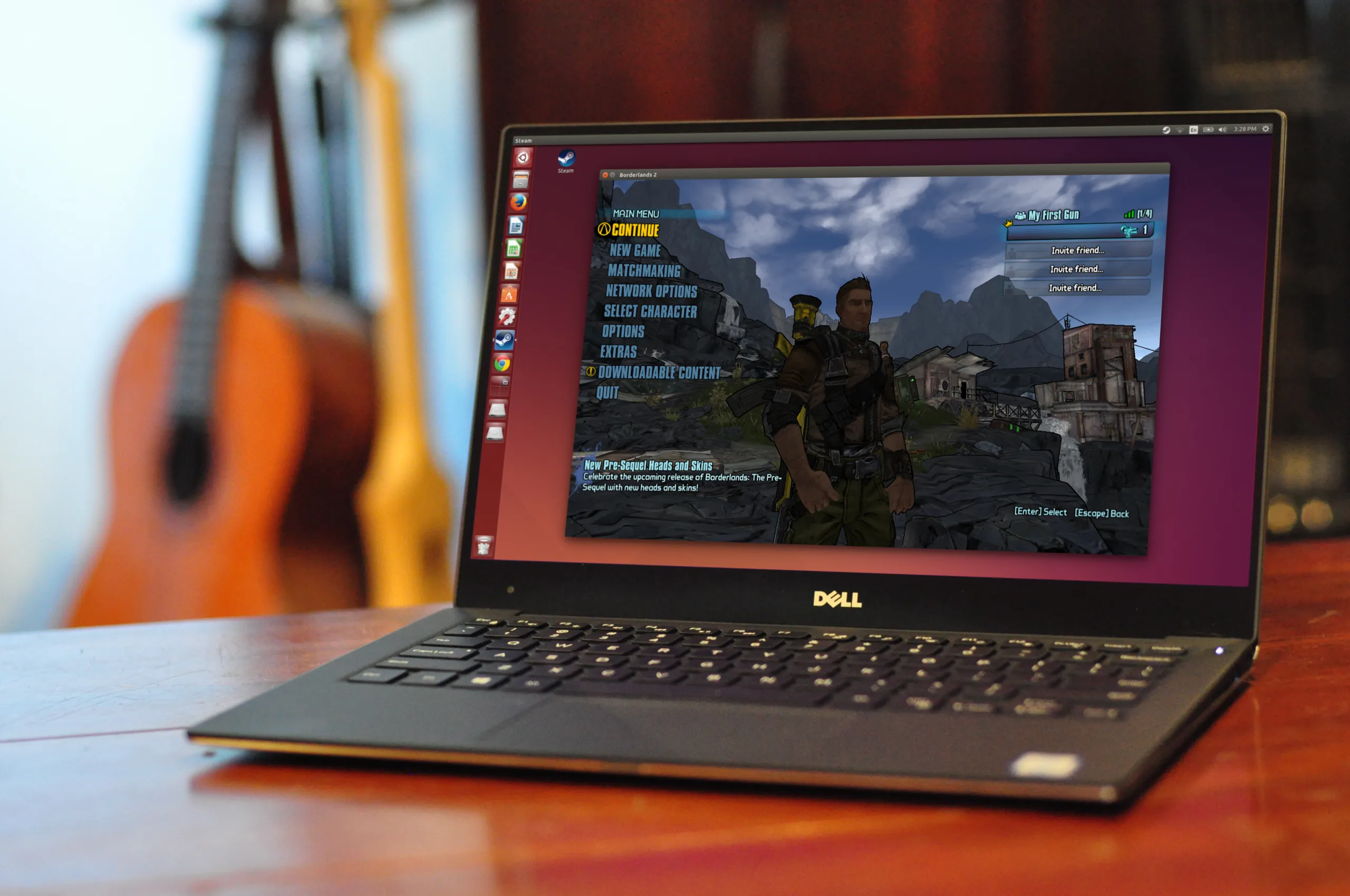
For adults who want more advanced options, many Chromebooks now support Linux apps. This allows users to install certain PC-style games and gaming tools that aren’t available through Android or the browser.
Linux gaming on Chromebook is best suited for those who are comfortable with basic setup steps, but it can significantly expand the device’s capabilities. Some popular indie games and open-source titles run smoothly through Linux, offering a wider range of experiences.
This option is ideal for adults who enjoy experimenting with technology and want to customize their gaming environment.
Streaming From Another Device
Another effective way to game on a Chromebook is by streaming from a PC or console using remote-play apps. These services allow players to mirror gameplay from another device onto their Chromebook over a shared network.
This method is especially useful for adults who already own a gaming system but want the flexibility to play in different rooms or on the go. It combines the power of a dedicated gaming device with the portability of a Chromebook.
Optimizing Your Chromebook for Gaming
Regardless of the method used, a few simple adjustments can improve the gaming experience:
- Keep Chrome OS updated
- Close unused tabs and apps
- Enable performance mode if available
- Use an external mouse or controller for better control
- Ensure a stable internet connection for cloud or streaming games
These small steps help ensure smooth performance and reduce interruptions during gameplay.
A Versatile Device for Modern Gaming
Chromebooks have evolved into capable gaming devices thanks to cloud technology, Android compatibility, browser-based platforms, and optional Linux support.
Whether adults enjoy casual mobile games, immersive cloud-streamed titles, or digital entertainment categories such as online casino platforms, Chromebooks offer flexible ways to play.
With the right setup, a Chromebook can become a reliable and enjoyable hub for gaming across multiple genres and styles.
