


ChromeOS has never been the first platform that comes to mind for gaming. That reputation is outdated. Over the past couple of years, Chromebooks have quietly built a legitimate casual gaming setup. This was not through brute hardware power, but through smart platform choices and cloud infrastructure that plays to their strengths.
The change has been gradual. Android integration matured, browser performance improved significantly, and cloud gaming services stepped in to fill the gaps where local hardware falls short. Together, these changes have made ChromeOS a genuinely usable gaming environment for the right audience.
Android Games That Actually Run Well
Google Play on ChromeOS gives users access to a massive library of mobile games, and a surprising number of them perform well. Titles like Asphalt 9, Stardew Valley, and various RPGs run smoothly on mid-range Chromebooks with decent processing power. The larger screen and keyboard-mouse support often make the experience better than on a phone.
Not every Android game translates perfectly to ChromeOS. Some titles were never optimized for non-touch input, and performance can vary depending on the specific Chromebook model. But the library is broad enough that most casual gamers will find plenty worth playing without much friction.
Steam On Chromebook Still Has Real Limits
Steam on Chromebook launched as an experimental beta in 2022, but it never gained wide traction. Google and Valve ended the Steam for ChromeOS experiment in January 2026, citing limited adoption among only a “handful of users.” The hardware requirements, at a minimum, an Intel i3 or Ryzen 3 with 8GB of RAM, already exclude most Chromebooks on the market.
That pivot has redirected attention toward browser-first and cloud-based alternatives, which suit ChromeOS far better. Browser-first entertainment platforms, including top 10 crypto gambling sites built for in-browser play, show just how easily online casino-style experiences run on ChromeOS thanks to Chrome’s rendering efficiency. The platform’s strengths have always been in lightweight, connected experiences, not local game installations.
Browser-Based Gaming Is ChromeOS’s Sweet Spot
This is where ChromeOS shines. HTML5 and WebGL-based games load fast, run without installation, and leverage Chrome’s highly optimized rendering engine.
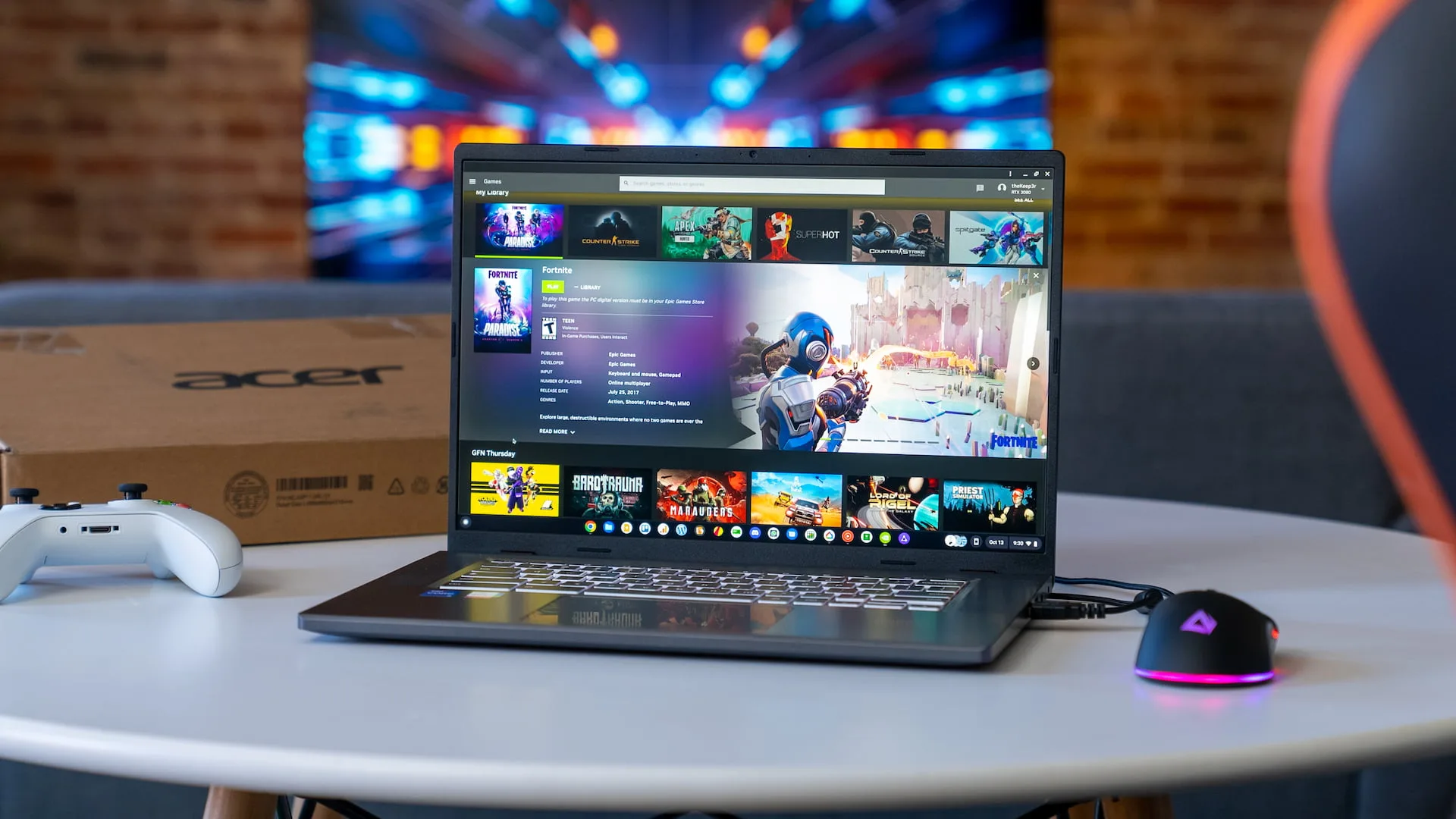
Puzzle games, strategy titles, casual multiplayer experiences all of these work extremely well. Cloud gaming extends this further, with services like NVIDIA GeForce NOW allowing users to stream demanding PC titles without needing capable local hardware.
Smart TVs and Chromebooks together account for 17% of all cloud gaming sessions globally in 2026. That’s a meaningful share, and it reflects how well ChromeOS devices handle streaming-based play. The combination of browser performance and cloud access makes this the most reliable gaming path for most Chromebook users.
Which Chromebooks Handle Games Best Today
Hardware still matters, even in a cloud-first setup. For Android gaming and cloud streaming, you want at least 8GB of RAM and a recent Intel Core i3, AMD Ryzen 3, or MediaTekKompanio chip. Models with fanless designs can throttle under sustained load, so gaming-focused users should look at Chromebooks built with thermal headroom in mind.
The best options in 2026 balance screen quality, processor performance, and battery life. These are key factors when streaming games over Wi-Fi for extended sessions.
Mid-range to premium devices from Acer, Lenovo, and ASUS tend to offer the best overall gaming experience without pushing into laptop-level pricing. If gaming is a priority, spending a little more upfront makes a noticeable difference in day-to-day usability.
