


It wasn’t that long ago that if you told someone you were using a Chromebook for serious data work, they might have looked at you a bit funny.
For years, these devices were seen as the lightweight option, something for the kids to do their homework on or for scrolling through social media at the kitchen table. But things have changed quite a bit recently. As we move through 2026, the hardware has finally caught up with our demands.
If you’re someone who takes football analytics seriously, whether you’re tracking player stats or keeping a close eye on shifting market trends, ChromeOS has quietly become one of the most efficient tools for the job.
I’ve spent a lot of time refining my own setup to see if a web-centric operating system can actually handle the heavy lifting required for live match analysis.
What I found is that it isn’t just about whether the machine can do it; it’s about how much more streamlined the whole process becomes when you aren’t fighting with background updates or bulky software. Let’s look at how to build a high-performance workspace that keeps you ahead of the game.
Hardware Evolution: The Rise of the Power Chromebook
The secret to a smooth experience starts with the hardware. We’ve moved well beyond the days of 4GB of RAM being the standard.
To handle multiple live streams, several dozen tabs of statistical data, and real-time odds trackers, you really need to be looking at the ‘Plus’ or ‘Gaming’ categories of Chromebooks.
These machines typically pack at least 8GB or 16GB of RAM and much faster processors, which is vital when you’re refreshing data every few seconds.
One of the most significant upgrades in recent models is the display technology. Many of the newer gaming-focused Chromebooks now feature 120Hz or even 144Hz refresh rates.
While that might sound like something only a hardcore gamer would care about, it’s actually a massive benefit for football analysts.
When you’re watching the rapidly changing numbers on a platform like Bally Bet, that higher refresh rate makes the movement of the numbers much clearer and easier on the eyes. You’ll notice the subtle shifts in the market much faster when the screen isn’t struggling to keep up with the data flow.
If you’re upgrading, I’d suggest looking for something with an Intel Core i5 or i7 (or the equivalent AMD Ryzen chips). These provide the multi-core performance needed to keep your analytics spreadsheets running in the background while you have a live match feed taking up the rest of your screen.
Please gamble responsibly. For help and support, visit BeGambleAware.org.
Productivity Power-Ups: Mastering Your Digital Pitch
Hardware is only half the battle; it’s how you organise your workspace that really makes the difference during a busy Saturday afternoon of fixtures. ChromeOS has some built-in features that feel almost tailor-made for sports analysis, provided you know how to use them.
Virtual Desks: Your Strategic Hubs
I find that the best way to avoid getting overwhelmed is to use Virtual Desks. Instead of having fifty tabs open in one window, I split my workflow across different desks. For example, I’ll have Desk 1 dedicated to the “Live View.”
This has my main match stream and a real-time scoreboard. Desk 2 is my “Data Lab,” where I keep all my historical stats and spreadsheets. Desk 3 is for “Market Tracking,” where I keep an eye on the latest odds and expert commentary.
You can switch between these desks with a quick four-finger swipe on the trackpad. It’s incredibly fluid and allows you to move from deep data analysis to checking a live goal update in about half a second.
Split-Screen and Snap Layouts
When a match is in play, you don’t have time to be clicking between windows. Using the split-screen function on ChromeOS allows you to pin your analytical spreadsheet to one side of the screen while keeping your live data feed on the other.
If you’re using a high-resolution 14-inch or 16-inch screen, this layout provides plenty of real estate to see both the raw numbers and the action on the pitch.
It’s all about reducing the “cognitive load” (the amount of brainpower you’re using just to find information) so you can focus on making actual decisions.
The Security Advantage: A Safer Way to Manage Accounts
One aspect of sports analytics that often gets overlooked is security. When you’re managing various accounts and performing financial transactions, you want to know your data is protected. This is where ChromeOS really shines compared to more traditional operating systems.
The entire OS is built around the concept of “sandboxing.” Every time you open a tab or an app, it runs in its own isolated environment.
This means that even if one tab were to encounter something malicious, it wouldn’t be able to access the rest of your system or your personal data.
This sandboxed browser environment is particularly useful when managing your personal accounts on platforms such as Bally Bet.
Because the browser is inherently more secure and doesn’t require the constant installation of third-party antivirus software (which often slows your computer down anyway), you can manage your deposits and withdrawals with a much greater peace of mind.
It’s a cleaner, safer way to handle your football-related finances without the clutter of traditional OS security vulnerabilities.
PWA vs. Android: Choosing the Right Interface
Chromebooks offer a bit of a choice when it comes to how you interact with sports platforms. You can either use the Android app (downloaded from the Play Store) or a Progressive Web App (PWA). In my experience, for serious real-time decision making, the PWA wins every single time.
Android apps on ChromeOS are great for some things, but they are often designed for mobile phones. On a large laptop screen, they can look stretched or offer limited functionality. A PWA, on the other hand, is essentially a website that behaves like an app.
It’s built to run natively in the Chrome browser, which means it’s faster, more responsive, and takes full advantage of your laptop’s screen resolution and processing power.
When I’m testing the Bally Bet football betting PWA, the difference is clear. The interface feels snappier, the live updates arrive without the slight delay you sometimes get in an emulated Android app, and it’s much easier to use keyboard shortcuts to navigate.
For real-time football analytics, where every second counts, the efficiency of a well-optimised web interface is impossible to beat.
The Professional Sports Desk: Putting It All Together
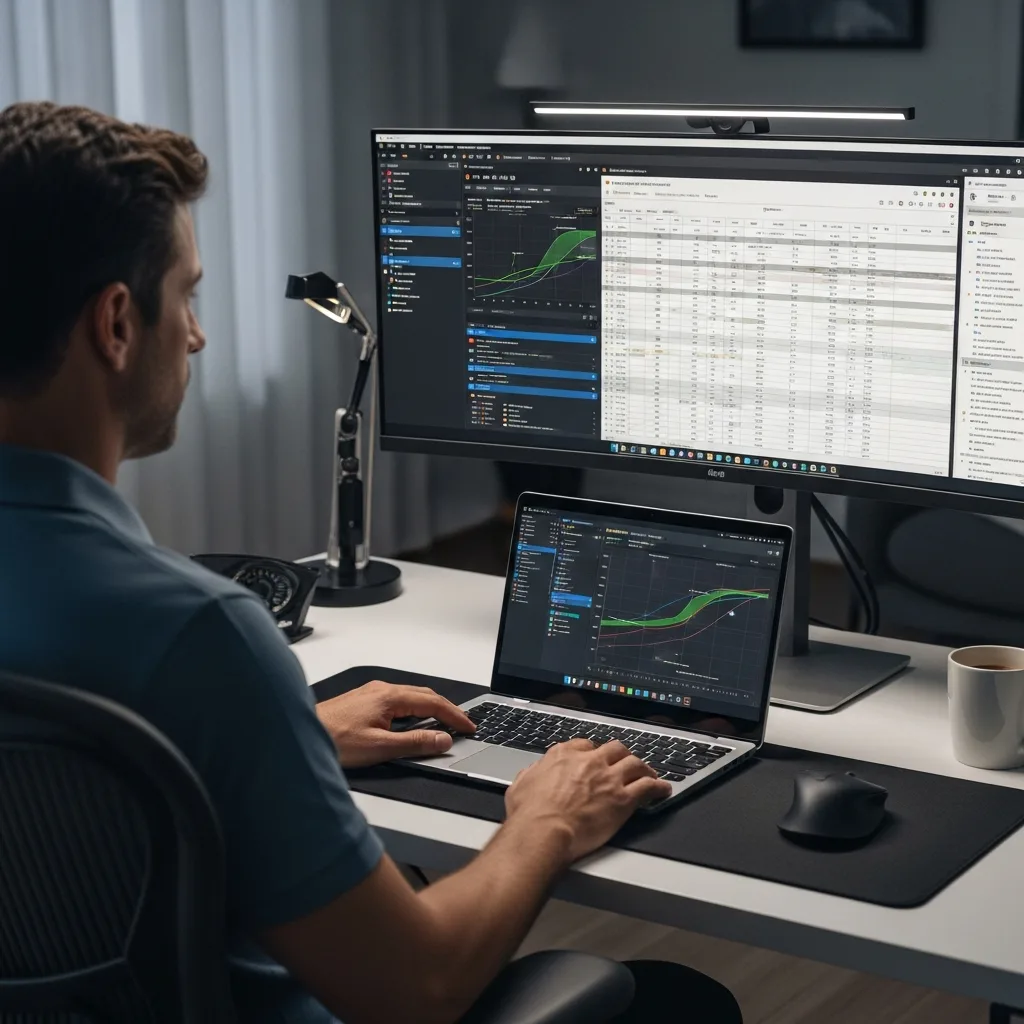
If you want to take your setup to the next level, you should think about how you integrate everything into a physical “Sports Desk” environment. A Chromebook is a great portable tool, but when you’re at home, connecting it to a larger external monitor via USB-C can change everything.
Imagine a 27-inch monitor as your main display, showing four different match data streams at once, while your Chromebook screen sits below it, dedicated entirely to your Bally Bet dashboard. This allows for dedicated real-time market tracking without ever having to hide your analytical tools.
I also recommend using a physical mouse rather than the trackpad for this kind of work. When you’re trying to click on a specific player stat or a shifting price point in a hurry, the precision of a mouse is far superior.
A More Focused Way to Work
What I love most about using ChromeOS for football analytics is the lack of distractions. There are no intrusive pop-ups from the operating system, no long waits for “System Update 1 of 45” to finish when a match is about to kick off, and very little maintenance required. It’s a “lean” way of working that suits the fast-paced nature of football perfectly.
By choosing the right hardware (look for those 120Hz screens), mastering virtual desks, and leaning into the security and speed of PWAs, you can create a workspace that’s every bit as professional as someone running a high-end Windows or Mac rig.
The beauty is in the simplicity. You have everything you need right there in the browser, protected by a secure sandbox, and ready to respond to the latest news from the pitch in an instant.
Whether you’re just starting to look deeper into football data or you’re a seasoned analyst, give the modern Chromebook a chance. You might find, as I did, that it’s the most efficient way to keep your eye on the ball.
***
Disclaimer: Gambling involves risk. Please ensure you are playing within your means. If you feel you may have a problem, contact a professional support service immediately. Use of betting platforms is restricted to those aged 18 and over.
