


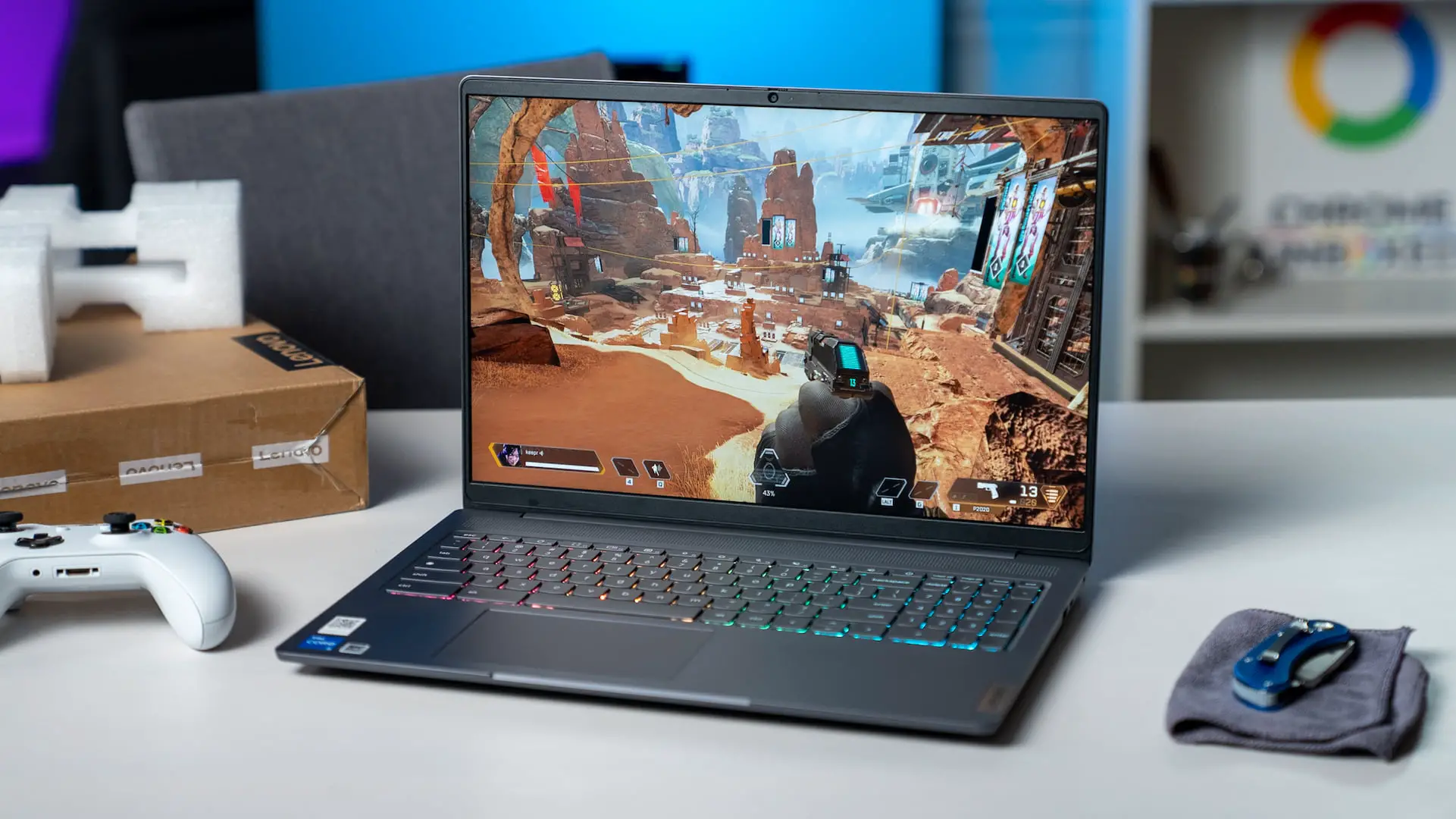
Okay so I genuinely didn’t think my Chromebook could handle real gaming. School work was fine, obviously. Netflix worked great. But actual games needing speed and decent graphics?
I was super skeptical.
Then I spent roughly 3 hours one Saturday morning testing different approaches and figuring out what actually worked versus what was total garbage.
My Initial Setup Attempts
I’m not some tech wizard. I just wanted to play games during lunch break without carrying around my gaming laptop everywhere (that thing weighs like 6 pounds and gets crazy hot).
So I started with enabling Linux on my Chromebook, checking my RAM specs because I had 8GB, and making sure ChromeOS was updated.
First try? Complete disaster.
I downloaded a game needing OpenGL 4.5, but my integrated graphics only supported 4.3. Learned that lesson fast.
What Actually Worked for Me?
Cloud gaming changed everything because you’re basically streaming the game from servers that do all the heavy lifting while your Chromebook handles input and display.
I tested three platforms over two weeks. GeForce Now gave me the smoothest experience, around 47ms latency on my home wifi which felt totally playable.
I found Winthrone slots and realized browser-based gaming is perfect for ChromeOS. No installation required. No compatibility headaches. Just open Chrome and you’re playing within seconds.
The Performance Numbers That Surprised Me
I tracked my Chromebook’s performance across different activities. Regular web browsing used about 23% of my CPU on average. Video streaming pushed it to 31% when I tested YouTube at 1080p. Browser-based games sat comfortably at 38-42%.
Battery life was my bigger concern since I’ve got a 2021 model with a 50Wh battery. Web browsing gives me roughly 9.5 hours. Gaming through the browser cut that to about 5.7 hours, which honestly isn’t terrible.
Small Tweaks That Made a Difference
You don’t actually need developer mode for any of this. Don’t enable it unless you really know what you’re doing because it disables important security features.
Closing unnecessary tabs helped way more than expected. I had 23 open at one point and wondered why everything felt sluggish. Disabling Chrome extensions I wasn’t actively using cut my RAM usage by roughly 890MB.
Connecting to 5GHz wifi instead of 2.4GHz made streaming games noticeably smoother. Keeping my Chromebook plugged in during longer sessions prevented performance throttling that happens when battery gets low.
Why This Setup Works for Me Now?
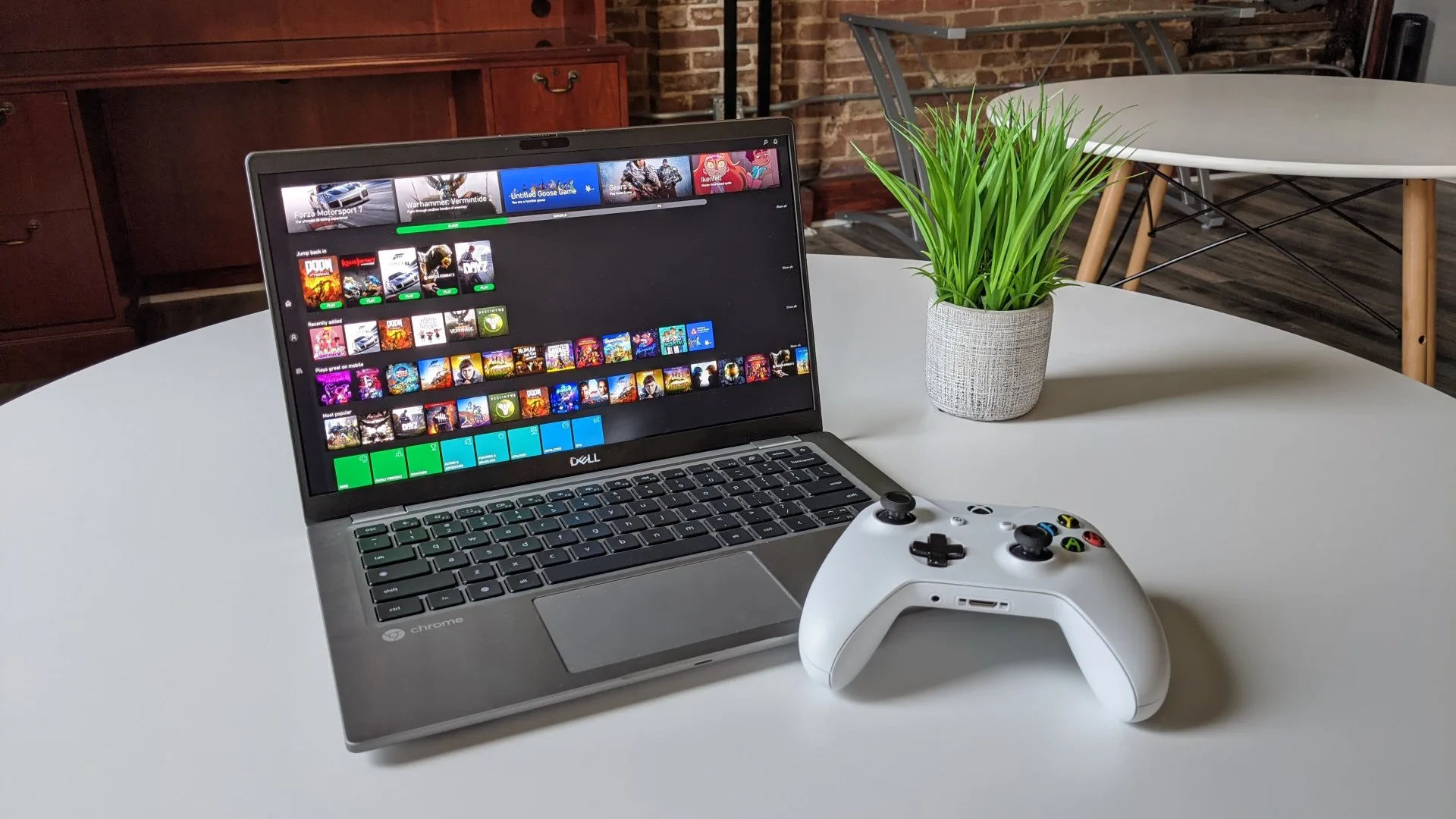
I’ve been using this configuration for about four months. Some days I’m playing through cloud platforms when I want something intensive. Other days I’m killing 20 minutes with browser games between meetings when I need to decompress.
My Chromebook isn’t a gaming machine. Never will be. But it’s become my go-to device for casual gaming sessions because everything runs through the browser without complicated setups or compatibility headaches.
And honestly that’s all I needed. Not every gaming session requires a $1,200 dedicated rig with RGB lighting and liquid cooling. Sometimes you just want something that works right now without the fuss.
