


Ethiopia enters the first AFCON 2027 qualifying window between September 21 and October 6 in Group J with Senegal, Mozambique and Sudan.
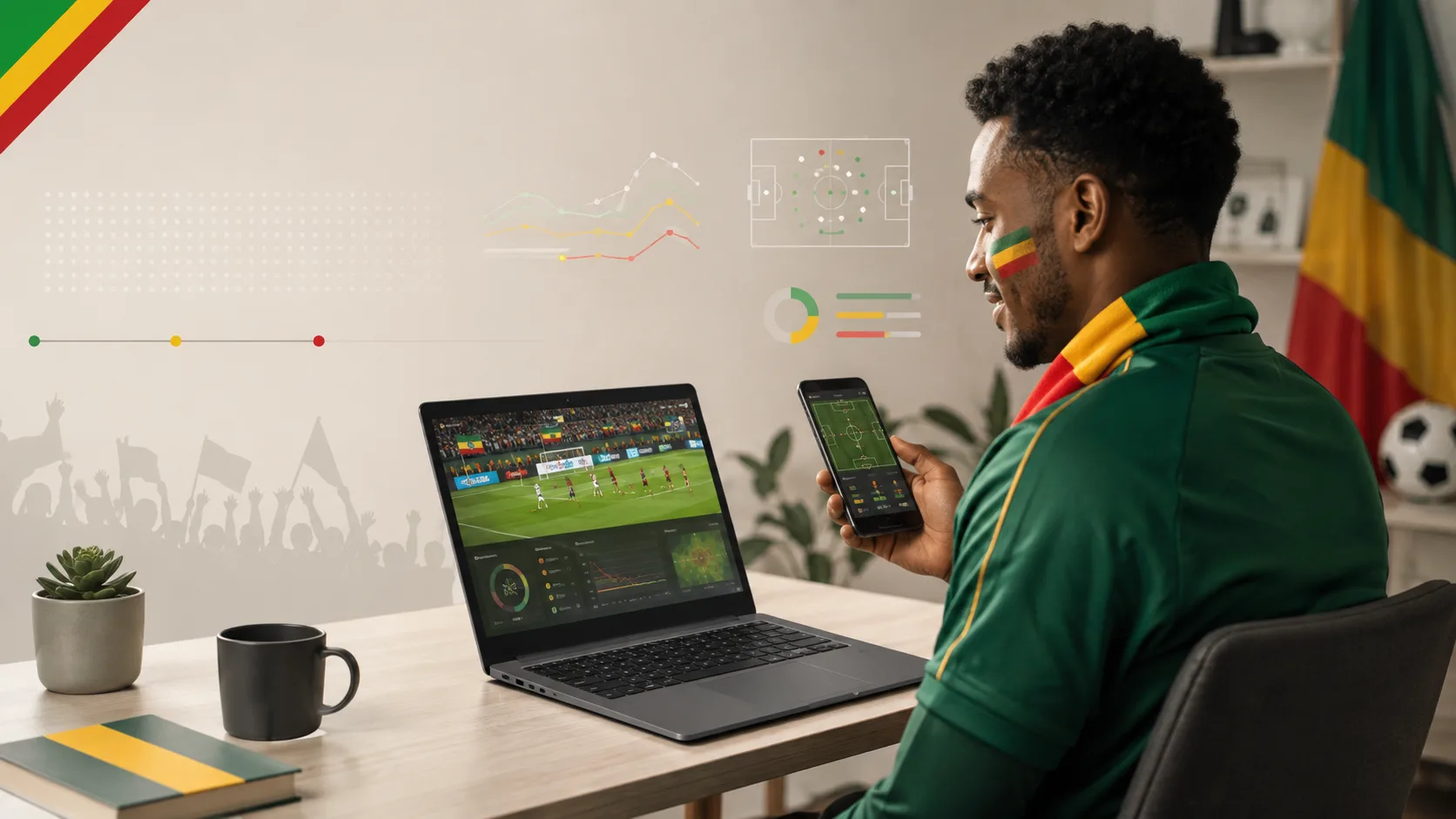
The television can carry the match while a second screen handles scores, federation updates, tactical data and messaging.
Most of those tools already live in the browser, which suits a Chromebook well. It does not need gaming-class hardware to keep a scoreboard, team news and several lightweight web services open beside the broadcast.
The second screen should carry context, not duplicate the TV
The easiest mistake is streaming the same match twice. If the television already handles video, the Chromebook should do lighter work: official team news, a live score, match statistics and one social or messaging feed.
Ethiopia’s digital numbers make bandwidth worth considering. DataReportal’s Digital 2026 report counted 93.2 million cellular connections in the country at the end of 2025, while internet users stood at 29.5 million. It also reported that 97.6% of mobile connections were capable of 3G, 4G or 5G access.
A second screen does not need to turn every available connection into another HD stream.
Build a four-tab matchday stack
A Chromebook does not need twenty tabs open on matchday. A tighter browser setup is easier to read and lighter on memory.
A practical stack looks like this:
- Tab 1: CAF or federation updates for competition information and confirmed lineups.
- Tab 2: live score and event timeline.
- Tab 3: deeper statistics, shot data or possession information where available.
- Tab 4: one social, messaging or market page.
Chrome’s Memory Saver can deactivate inactive tabs so active pages run more smoothly. Users can also keep selected sites active if they do not want an important score or data page suspended.
Browser tools are enough for most of the workflow
ChromeOS lets websites request notifications, and those permissions can be allowed, blocked or changed later. That works well for one score service or federation alert, but it becomes distracting if every football page gets permission to interrupt the match.
A browser-based bet page can remain one tab in the same workflow for adults checking odds while official score and lineup sources stay separate. A betting tab does not need to dominate memory, notifications or screen space simply because prices change quickly.
If the page is inactive, resources can stay focused on the statistics or messaging tab currently being viewed. Notifications should be limited to information that actually matters.
That browser discipline is more useful than installing another extension for every small matchday task.
Web apps reduce the need for desktop software
Google allows supported websites to be installed as web apps from Chrome, placing them in the launcher and letting them behave more like standalone applications.
Depending on the service, a web app can support notifications, badges or some offline content. Not every function works without an internet connection, so a live score still needs connectivity.
The model suits lower-powered hardware because the user can stay inside the browser. Some Chromebooks also support Android applications, but Google notes that Play Store support is not available on every Chromebook.
Browser-first is therefore the more universal setup.
Battery Saver matters more than benchmark scores
A second-screen device is only useful if it survives the match and the time around it. ChromeOS Battery Saver can reduce display brightness, turn off keyboard backlighting, activate Chrome Energy Saver and throttle the CPU.
Start charged and reduce brightness before kick-off rather than waiting for a warning. Close unused video tabs. If the television provides the match itself, the Chromebook can avoid the heaviest part of the workload and spend its battery on statistics, browsing and communication.
That is a better matchday optimization than chasing processor benchmark numbers.
Cloud sports platforms fit a low-installation setup
Many sports services work entirely in the browser without traditional desktop installation. That browser-first approach matters most on devices with modest storage.
The same applies when online betting is opened in Chrome: the sports platform can function as a web service while the Chromebook remains centered on browser tabs rather than locally installed software.
Faster access does not change the mathematics of the market or increase the probability of a correct selection.
It does reduce friction between team news, live statistics and available odds. Web permissions should still be reviewed because a browser service may request notifications, location access or persistent login data. On a shared Chromebook, signing out after the match remains basic account hygiene.
Data use is mostly a video problem
Text scoreboards, written commentary and static statistics are generally much lighter than continuous video. That is another reason to let the television handle the broadcast when possible.
On a mobile hotspot, simultaneous streams, autoplaying social video and several refresh-heavy pages can consume data without adding much information.
A second-screen setup should assume bandwidth can fluctuate. Essential fixture details can be saved locally, while non-essential tabs can wait until the connection stabilizes.
The screen displaying the most information does not need to consume the most data.
September’s qualifiers are the right test case
CAF has drawn Ethiopia with Senegal, Mozambique and Sudan, with the first two matchdays scheduled inside the September 21–October 6 window. Final venue and kick-off details should still be checked against CAF and federation announcements as matchday approaches.
That uncertainty reinforces the browser-first model. A changed venue, revised kick-off time or squad update can appear instantly in the relevant tab without requiring another application. The ideal second screen stays quiet until there is something worth seeing.
