

Close Menu
    Facebook X (Twitter) Instagram
    • About
    • Privacy Policy
    • Write For Us
    • Newsletter
    • Contact
    Instagram
    About ChromebooksAbout Chromebooks
    • Linux
    • News
      • Stats
      • Reviews
    • AI
    • How to
      • DevOps
      • IP Address
    • Apps
    • Business
    • Q&A
      • Opinion
    • Gaming
      • Google Games
    • Blog
    • Podcast
    • Contact
    About ChromebooksAbout Chromebooks
    News

    Dell Inspiron Chromebook 14 with Core i3 sheds $150 of cost, on sale for $399

    Kevin TofelBy Kevin TofelOctober 13, 2019Updated:September 20, 2025No Comments2 Mins Read

    This week will be all about the Pixelbook Go since that device is expected to launch on Tuesday. I’ll be at the New York City event and will share thoughts, of course.

    But today is all about the Dell Inspiron Chromebook 14 if you’re looking for a 2-in-1 device with a U-Series Intel Core i3 processor. Best Buy has slashed the normal $549 price tag by $150, bringing this solid mid-range Chromebook down to $399.
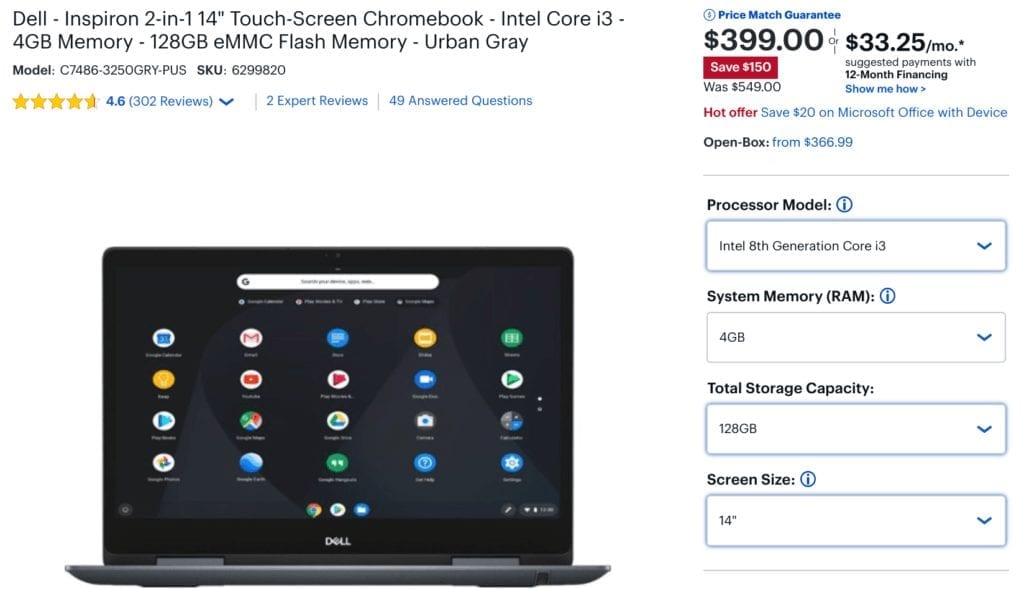
    Occasionally, I’ve seen $100 off on this Dell, although back in June, Best Buy was running the same $150 off promotion as they are today.

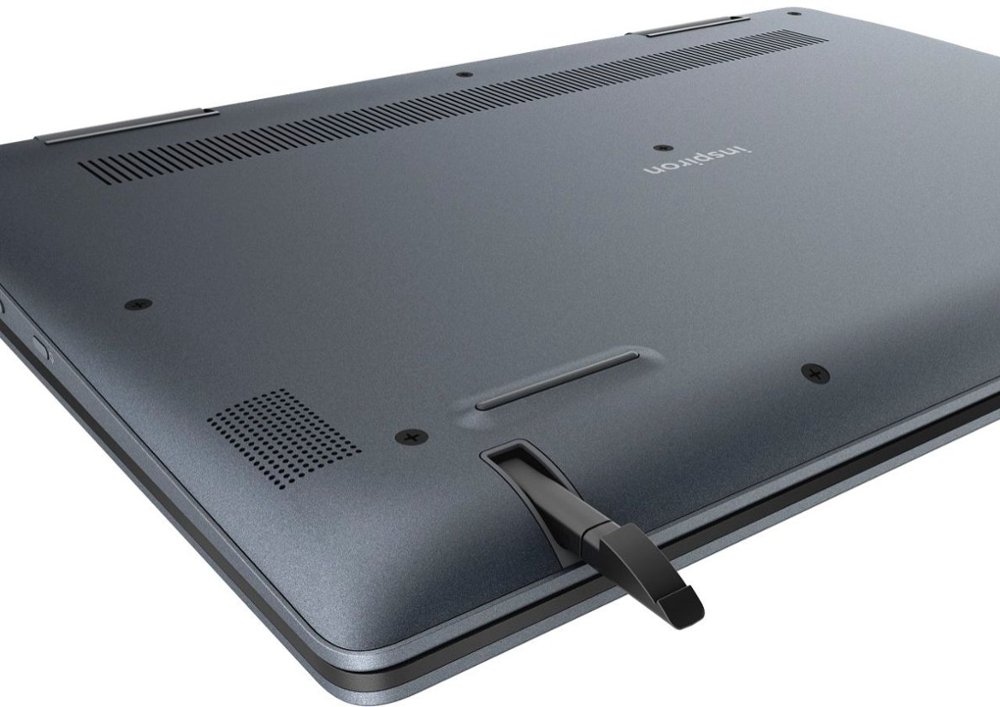
    And what I said back then still holds true: If you don’t mind an internal fan (which really shouldn’t run often), $399 gets you a strong performing Chromebook with 1080p display and pen support, capable of fast browsing, multiple Android apps and even some Linux software if you decide to enable that option.
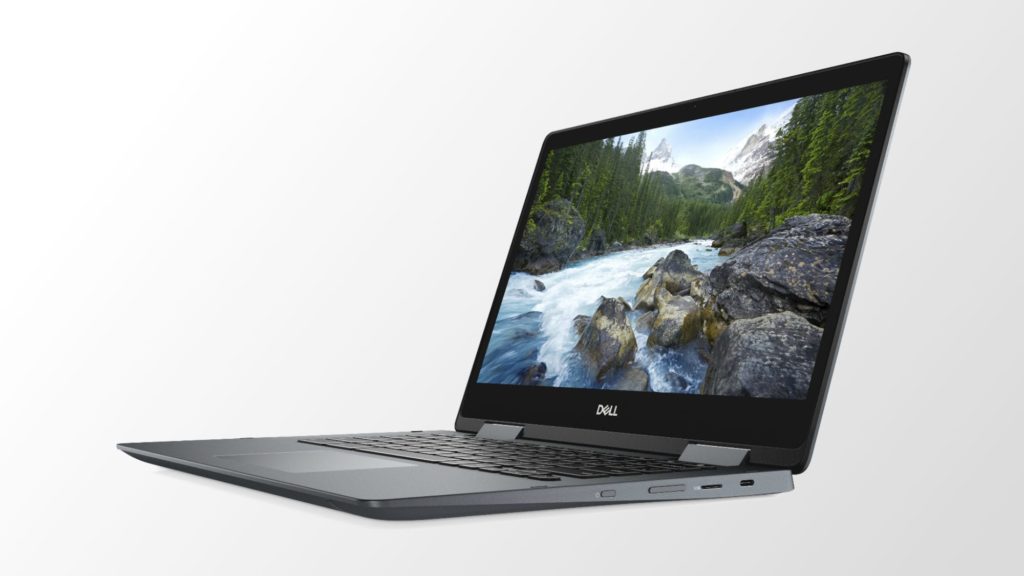
    Here’s a reminder of the hardware configuration:

    • Intel Core i3-8130U processor
    • Intel UHD 620 integrated graphics
    • 4 GB of memory
    • 128 GB of eMMC storage and microSD card slot
    • 14.0-inch FHD (1920 x 1080) TrueLife LED Backlight Touch IPS Display with EMR Pen Support (pen included)
    • 720p webcam
    • Two USB Type-C ports, one USB Type-A port, microphone/headphone jack
    • 802.11ac Wi-Fi and Bluetooth 4.2
    • 56 WHr battery and 45 Watt charger
    • Weight of 3.99 pounds

    About the only concern I’d have with the Dell is the 4 GB of memory, although unless you’re more of a power user, this should be fine. Given that I code on my Chromebooks, I’ve always felt the more RAM the better for my use case.
    Kevin Tofel
    • Website

    After spending 15 years in IT at Fortune 100 companies, Kevin turned a hobby into a career and began covering mobile technology in 2003. He writes daily on the industry and has co-hosted the weekly MobileTechRoundup podcast since 2006. His writing has appeared in print (The New York Times, PC Magazine and PC World) and he has been featured on NBC News in Philadelphia.

    Best of AI

    What Does Adobe Firefly AI Do?

    June 16, 2026

    Is Joyland AI Safe For Kids?

    June 12, 2026

    LMArena AI: Chatbot Ranking Platform 2026

    May 27, 2026

    Will AI Take Over the World

    May 25, 2026

    AI21 Jurassic Statistics 2026: Model Size, Usage and AI Performance Trends

    May 19, 2026
    Trending Stats

    Chromebook Storage Usage Statistics 2026: Device Storage Consumption Trends

    June 18, 2026

    Conversational AI Market Statistics 2026: Chatbot Usage And Enterprise Deployment

    June 17, 2026

    Chromebook Gaming Usage Statistics 2026: Player Engagement And Usage Reports

    June 17, 2026

    Chromebook Battery Degradation Statistics 2026: Lifecycle Performance Testing Data

    June 15, 2026

    Chromebook Touchscreen vs Non-Touchscreen Usage Statistics 2026: Device Interaction and Form Factor Data

    June 11, 2026
    • About
    • Tech Guest Post
    • Contact
    • Privacy Policy
    • Sitemap
    © 2026 About Chrome Books. All rights reserved.

    Type above and press Enter to search. Press Esc to cancel.