

Close Menu
    Facebook X (Twitter) Instagram
    • About
    • Privacy Policy
    • Write For Us
    • Newsletter
    • Contact
    Instagram
    About ChromebooksAbout Chromebooks
    • Linux
    • News
      • Stats
      • Reviews
    • AI
    • How to
      • DevOps
      • IP Address
    • Apps
    • Business
    • Q&A
      • Opinion
    • Gaming
      • Google Games
    • Blog
    • Podcast
    • Contact
    About ChromebooksAbout Chromebooks
    News

    Chrome OS 72 Dev Channel brings HiDPI toggle for Linux apps in Project Crostini

    Kevin TofelBy Kevin TofelJanuary 2, 2019No Comments2 Mins Read

    As nice as it is to have full Linux app support on Chromebooks through Project Crostini, the experience still isn’t perfect. Aside from the lack of audio support, for example, not every Linux app looks good on a high-resolution display such as the 3000 x 2000 screen of the Pixel Slate or the 2400 x 1600 resolution Pixelbook.

    This is partially due to display scaling and older Linux apps but I’ve even seen it on some recent software: Text and menus are nearly impossible to read because they’re so small. A bug was opened for this issue all the way back in May as Project Crostini was just arriving on early Dev Channel builds of Chrome OS. And Chrome OS 72 adds a nifty feature to help resolve the problem: a display density system tray option for Linux apps.

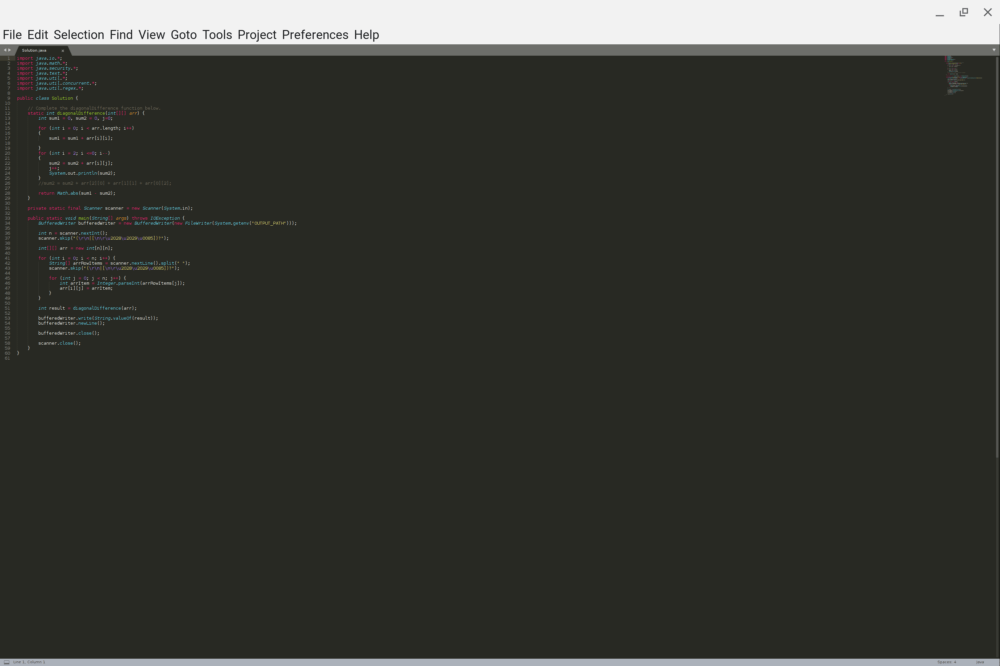
    I’ve tested this option on the Dev Channel and it definitely improves the experience. Take, for example, the Sublime Text editor on the default “high density” setting: The menu options aren’t too bad but my Java code is unreadable. Yes, I could fiddle with the font settings, but again, this is just an example.
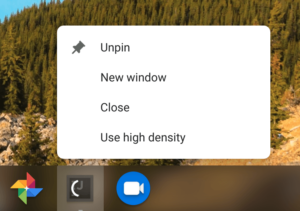
    Right-clicking on the Sublime Text icon shows a “low density” option, which restarts the app in that mode, making everything easily readable.
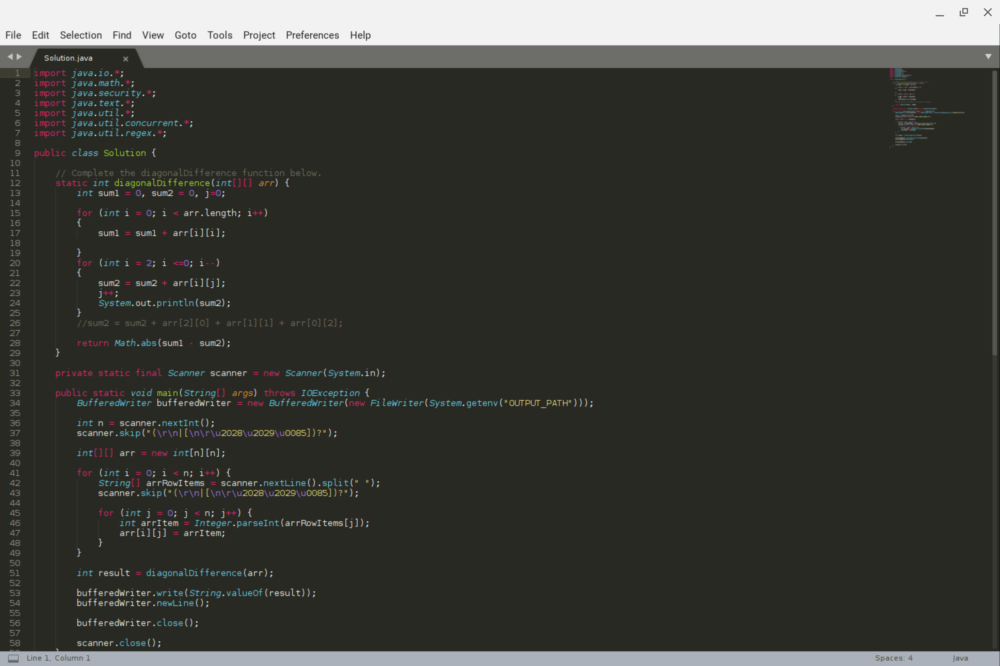
    Sublime Text may not be the best (or maybe worst?) example because I’ve seen some other Linux apps that have incredibly small menus and buttons. I’ll have to go back and retest those with the new density modes but even if they improve the display scaling marginally, I’ll be happy.
    Oh, and it looks like there could be less manual per-app display configuration in the future: There’s a recent code commit regarding testing with this description:

    Add autotest API for setting a Crostini app scaled. To set a Crostini app scaled is to set the property in the Crostini app registry so that when the app launches it’ll use low display density.

    I could be reading into this too much, but sounds like app scaling preferences for Linux might be saved so that once you’ve found the density setting you like, the app will always launch in that default mode.

    Kevin Tofel
    • Website

    After spending 15 years in IT at Fortune 100 companies, Kevin turned a hobby into a career and began covering mobile technology in 2003. He writes daily on the industry and has co-hosted the weekly MobileTechRoundup podcast since 2006. His writing has appeared in print (The New York Times, PC Magazine and PC World) and he has been featured on NBC News in Philadelphia.

    Best of AI

    Enterprise AI Spending Statistics 2026: Budgets, ROI, and Industry Data

    July 17, 2026

    Grok AI Statistics 2026: Users, Revenue, Market Share, and Growth Data

    July 15, 2026

    AI in Healthcare Adoption Statistics 2026

    July 9, 2026

    Deepfake Incident Statistics 2026

    July 7, 2026

    Best AI Music and Vocal Tools for Chromebook Users in 2026 

    June 24, 2026
    Trending Stats

    Firefox Usage Statistics 2026

    July 17, 2026

    Chromebook Global Shipment Statistics By Quarter 2026

    July 16, 2026

    Linux Desktop Market Share Statistics 2026

    July 11, 2026

    Windows 11 Adoption Rate Statistics 2026: Market Share, Enterprise Data & Regional Trends

    July 10, 2026

    Chromebook Peripheral Usage Statistics 2026: Device Connectivity And Usage Data

    June 30, 2026
    • About
    • Tech Guest Post
    • Contact
    • Privacy Policy
    • Sitemap
    © 2026 About Chrome Books. All rights reserved.

    Type above and press Enter to search. Press Esc to cancel.