


Chromebooks and ChromeOS devices have grown from simple web-based laptops into powerful productivity tools used by students, professionals, and developers around the world. Their lightweight operating system, fast boot times, and strong integration with cloud services make them ideal for modern online workflows.
One of the biggest advantages of ChromeOS is its focus on browser-based applications. Most tasks — from writing documents to coding and research — can be performed directly in the browser without installing complex software.
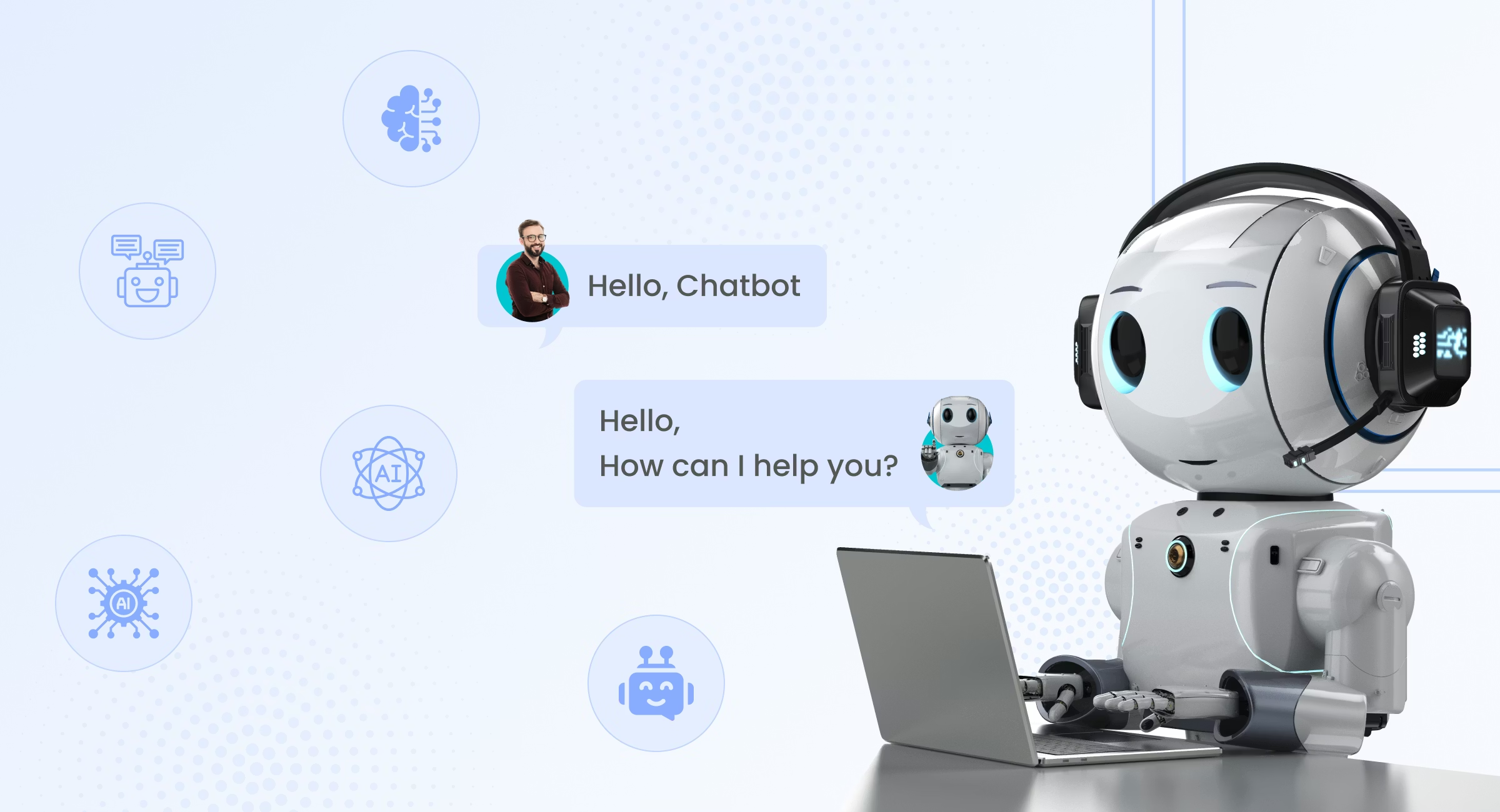
This browser-first ecosystem makes Chromebooks a perfect environment for modern artificial intelligence tools, particularly chat-based AI platforms. These platforms allow users to interact with artificial intelligence through simple conversations, enabling faster research, writing, and problem solving.
One example of such a platform is Use AI, a chat-based AI solution designed to help users access the power of artificial intelligence through an intuitive conversational interface.
Why Chromebooks Are Ideal for AI-Powered Workflows?
ChromeOS was designed around simplicity, speed, and cloud connectivity. These characteristics align perfectly with the growing ecosystem of AI-powered tools.
Key Chromebook Advantages
1. Browser-Centered Environment
Unlike traditional operating systems that rely heavily on installed software, ChromeOS focuses on web-based applications. This means users can instantly access online AI platforms without worrying about compatibility or system resources.
2. Fast and Lightweight Performance
Chromebooks are optimized for efficiency. Because AI platforms run in the cloud, even entry-level devices can handle advanced AI interactions smoothly.
3. Seamless Cloud Integration
ChromeOS integrates naturally with cloud services for storage, collaboration, and productivity. AI tools can easily fit into these workflows by assisting with tasks such as writing, data organization, and research.
4. Security and Simplicity
ChromeOS includes built-in security features such as sandboxing, automatic updates, and verified boot processes. These features make it a safe environment for exploring modern web-based tools.
The Rise of Chat-Based AI Platforms
Artificial intelligence tools are becoming more accessible every year. While early AI systems required specialized software and technical expertise, modern platforms focus on simplicity.
Chat-based AI interfaces represent one of the most significant shifts in how users interact with technology.
Instead of navigating complex menus or running scripts, users simply ask questions or describe tasks. The AI then processes the request and provides helpful responses.
Examples of AI Tasks Users Perform Daily
Chat-based AI platforms are used for many everyday tasks, including:
- Writing articles and reports
- Generating programming code
- Summarizing long documents
- Explaining technical concepts
- Brainstorming ideas for projects
- Translating or editing text
For Chromebook users, these capabilities are especially convenient because they can be accessed directly through the browser.
What Is Use AI?
Use AI is a chat-based artificial intelligence platform that enables users to interact with powerful AI systems through natural conversation.
The platform acts as a digital assistant capable of helping with research, writing, coding, and productivity tasks.
Unlike traditional software tools, chat-based AI systems do not require complicated interfaces or specialized training. Users simply type a question or request, and the AI generates a helpful response.
Core Features of Use AI
Some of the most useful capabilities of the platform include:
Research Assistance
Users can ask the AI to summarize topics, explain concepts, or gather relevant information quickly.
Writing and Editing
AI can help draft articles, edit text, or improve grammar and structure.
Coding Help
Developers and students can request code examples, debugging suggestions, or programming explanations.
Idea Generation
AI can assist with brainstorming for projects, content, or business ideas.
Because of its versatility, the platform is useful for both beginners and advanced users exploring artificial intelligence.
Online discussions in developer communities have highlighted positive experiences with chat-based AI tools, especially when they simplify everyday tasks.

Using AI on ChromeOS: Practical Examples
Chromebook users often rely on web applications for productivity. Integrating AI into this workflow can significantly improve efficiency.
Example Workflow on a Chromebook
- Open the Chrome browser.
- Access a chat-based AI platform.
- Ask the AI for help with a specific task.
- Refine the results through follow-up questions.
- Use the generated content in documents, presentations, or projects.
Because the AI operates through a browser interface, there is no need for installation or configuration.
AI Use Cases for Chromebook Users
Below are some of the most common ways people use AI platforms on ChromeOS devices.
1. Academic Research
Students often use AI tools to:
- summarize study materials
- explain complex topics
- generate study guides
- brainstorm essay ideas
2. Content Creation
Writers and bloggers can use AI to:
- generate article outlines
- edit drafts
- develop new content ideas
3. Programming and Development
Developers working from Chromebooks can ask AI to:
- explain programming languages
- generate code snippets
- debug errors
- learn new frameworks
4. Productivity and Organization
AI tools can also assist with:
- task planning
- project brainstorming
- note summarization
- quick research
Comparing Traditional Software and AI Assistance
The difference between traditional tools and chat-based AI platforms becomes clear when comparing their workflows.
| Feature | Traditional Software | Chat-Based AI Platforms |
| Interface | Multiple menus and settings | Conversational interaction |
| Learning curve | Often requires training | Easy to start immediately |
| Flexibility | Usually single-purpose | Multi-purpose |
| Accessibility | Software installation required | Works directly in the browser |
| Workflow speed | Manual task execution | AI-assisted productivity |
Platforms like Use AI demonstrate how conversational interfaces can simplify complex workflows.
The Future of AI on ChromeOS
Artificial intelligence is becoming an essential part of modern computing. As cloud-based AI services continue to improve, ChromeOS devices will likely play an important role in making these tools accessible to more users.
Future developments may include:
- deeper integration between AI tools and browser environments
- smarter productivity assistants built directly into web workflows
- AI-powered research and learning tools for students
- more automation for everyday tasks
Because ChromeOS is built around web technologies, it is uniquely positioned to benefit from the rapid growth of browser-based AI platforms.
Conclusion
Chromebooks and ChromeOS devices have evolved into powerful tools for modern online productivity. Their browser-first design, cloud integration, and lightweight performance make them an ideal environment for web-based artificial intelligence platforms.
Chat-based AI tools are changing how users interact with technology by turning complex workflows into simple conversations.
Instead of relying on multiple applications, users can ask an AI assistant to generate ideas, explain concepts, or assist with writing and coding tasks.
Platforms like Use AI show how conversational AI can bring advanced technology to everyday users through a simple and accessible interface.
As artificial intelligence continues to evolve, Chromebook users will likely find even more opportunities to integrate AI into their daily workflows and digital productivity.
