


In March, I noticed that Chrome OS 101 added an experimental flag to support variable refresh rates on Chromebook displays. Today I found a continuation of that effort and it may boost your Chromebook battery life. Google is trying to add functionality that adjusts your Chromebook screen’s refresh rate based on power.
Variable display refresh rates
If you’re not familiar with what a variable refresh rate is, this summary from my March report provides a high-level overview:
If your Chromebook has a 30 Hz display, that basically means it can render or show 30 different frames every second. Likewise, a 60 Hz display can show 60 frames per second. The higher the number, the smoother the overall display looks, particularly when watching videos or playing games.
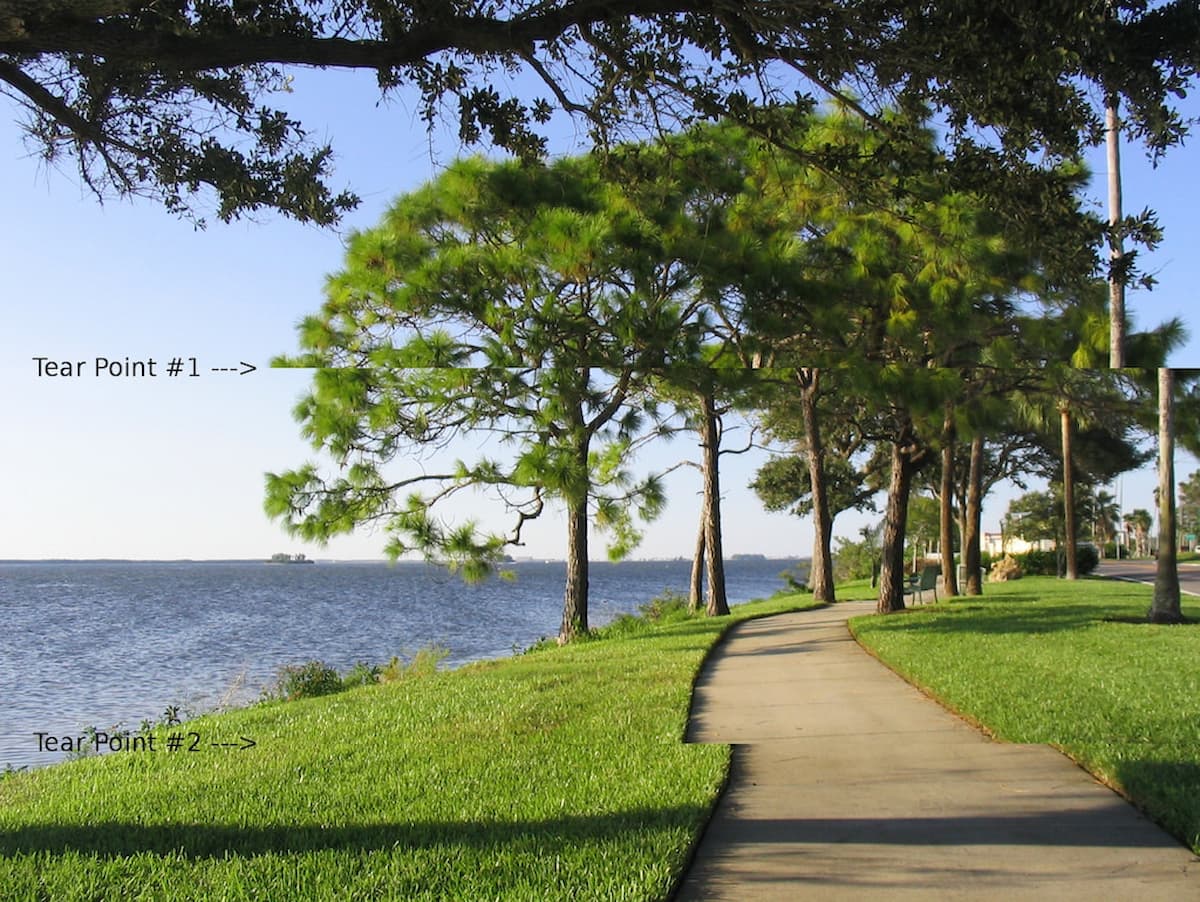
Graphics chips and cards can often output video content faster than a basic display can handle them. This is evident by what’s called “screen tearing”; the display can’t keep up with the video output.
However, higher-end computers and monitors are available to show video frames as fast as a GPU can send them.
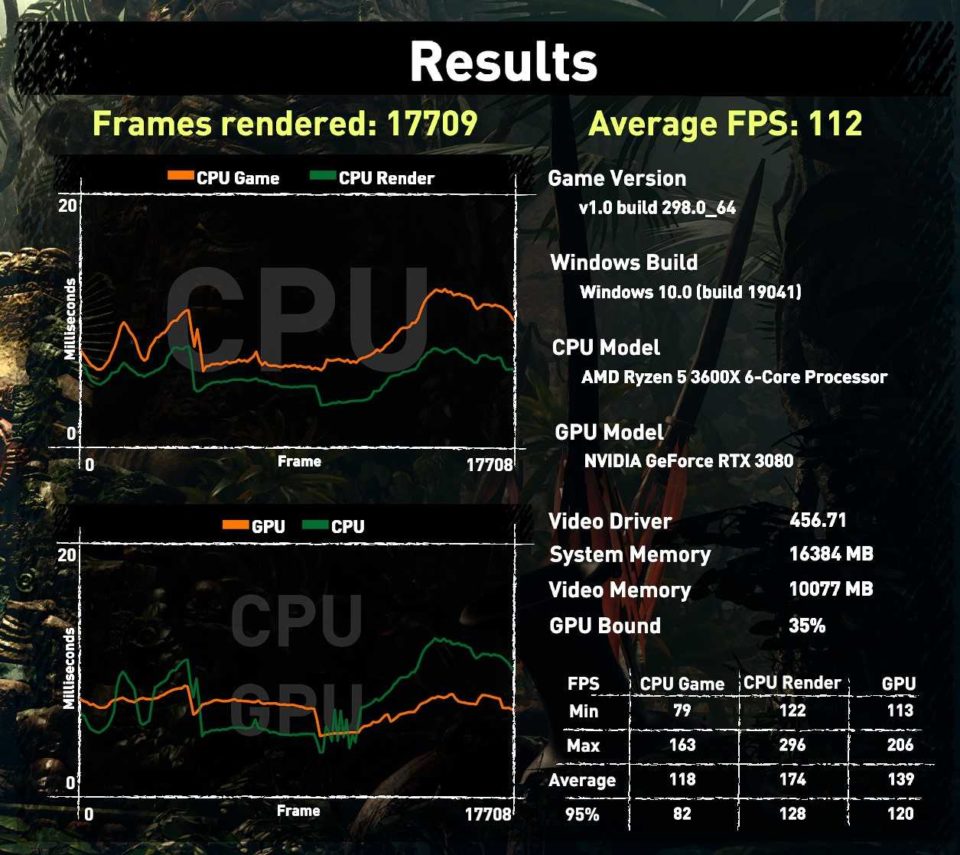
I have an external monitor, for example, that can display up to 144 frames per second. It’s paired with an Nvidia RTX 3080 GPU that, in many cases, can actually send that many video frames every second. The end result is that I see a much smoother picture on that monitor.
The Chromebook battery problem with variable refresh rates
Assuming your Chromebook does support variable refresh rates, this is a good thing, right?
Yes, from a visual standpoint. No, from a Chromebook battery standpoint.
It takes more power to display video at a higher frame rate, which in turn will eat into your Chromebook battery life. So Chrome OS code changes are in the works to address this. The main one explains that a Chromebook will adjust (read: reduce) the display refresh rate when on low power, such as when running on a battery:
RefreshRateThrottleController observers changes to the power state and requests DisplayConfigurator to throttle the internal display’s refresh rate when in low power scenarios.
By reducing the display refresh rate of a Chromebook, less power is consumed. In turn, you’d see Chromebook battery savings and longer run-time on a charge.
Of course, being an experimental, work-in-progress feature, there will be a flag to enable and test this refresh rate throttling. As of now, it will appear at chrome://flags#enable-seamless-refresh-rate-switch.

Even though I’m running the latest Chrome OS 105 Dev Channel on my Chromebook, this flag doesn’t yet appear. So it may not show up on early Chromebook builds for a few weeks yet.
If I can get my hands on a device that does support variable refresh rates, I’ll enable the flag once it lands. Then I can get an idea of how much Chromebook battery life this future feature might save.
