


I’ve been thinking back about this week’s news of new cloud gaming Chromebooks. That’s mainly because the actual activity of cloud gaming on a Chromebook isn’t new. It’s been around officially for at least two years, and not just from Google Stadia, which is now defunct. I’m not sure many Chromebook owners know this though. And I’m even less sure that most Chromebook users are also PC gamers.
Are Chromebook users also PC gamers?
I’m in that weird intersection of being both a Chromebook user and a PC gamer. So I fit the target audience for cloud gaming services such as Stadia and Nvidia’s GeForce Now, as well as Microsoft’s Xbox Cloud Gaming beta and Amazon Luna.
Oddly, after owning Xbox consoles from 2001 through 2015 or so, I haven’t yet tried Microsoft’s cloud gaming service on my Chromebook. Nor have I used Amazon Luna. I migrated over to PC games after building a custom gaming computer a few years ago and I haven’t looked back.
That’s mainly because I buy my games through Steam, often at a discount. I occasionally purchase discounted PC games through other services, most of which I can add to my Steam library.
This way, I have a single repository of my PC games.
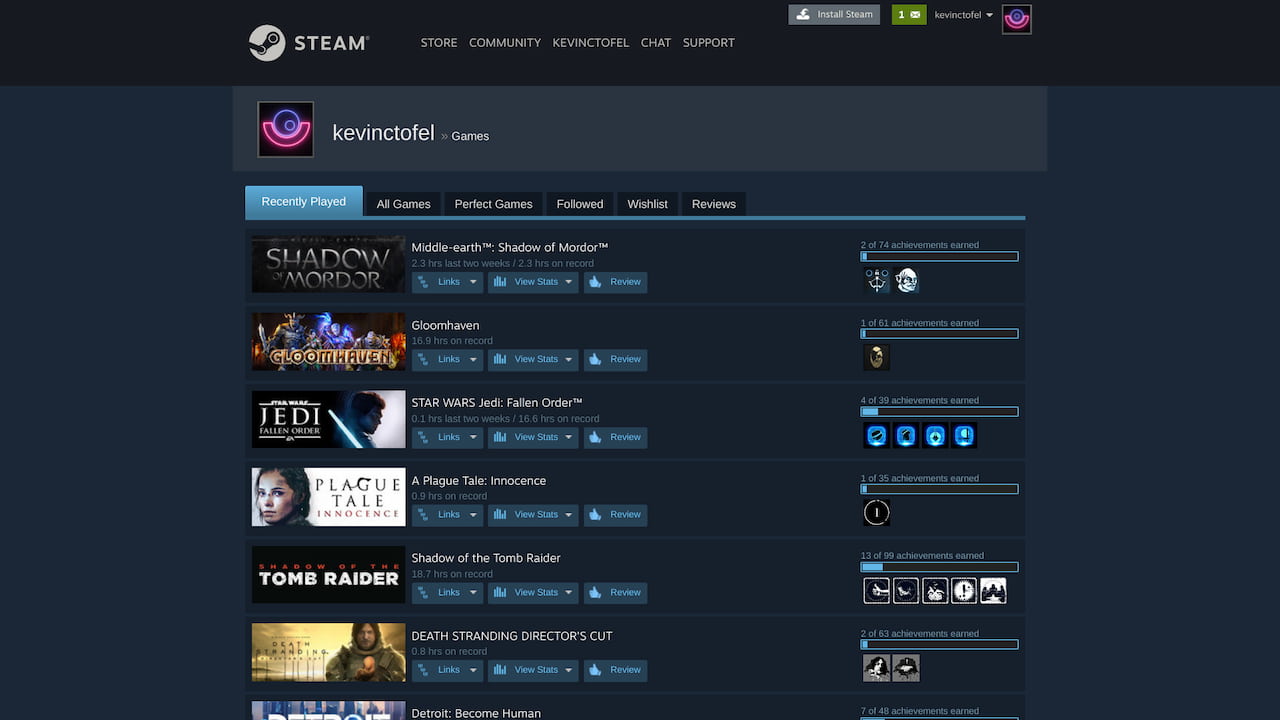
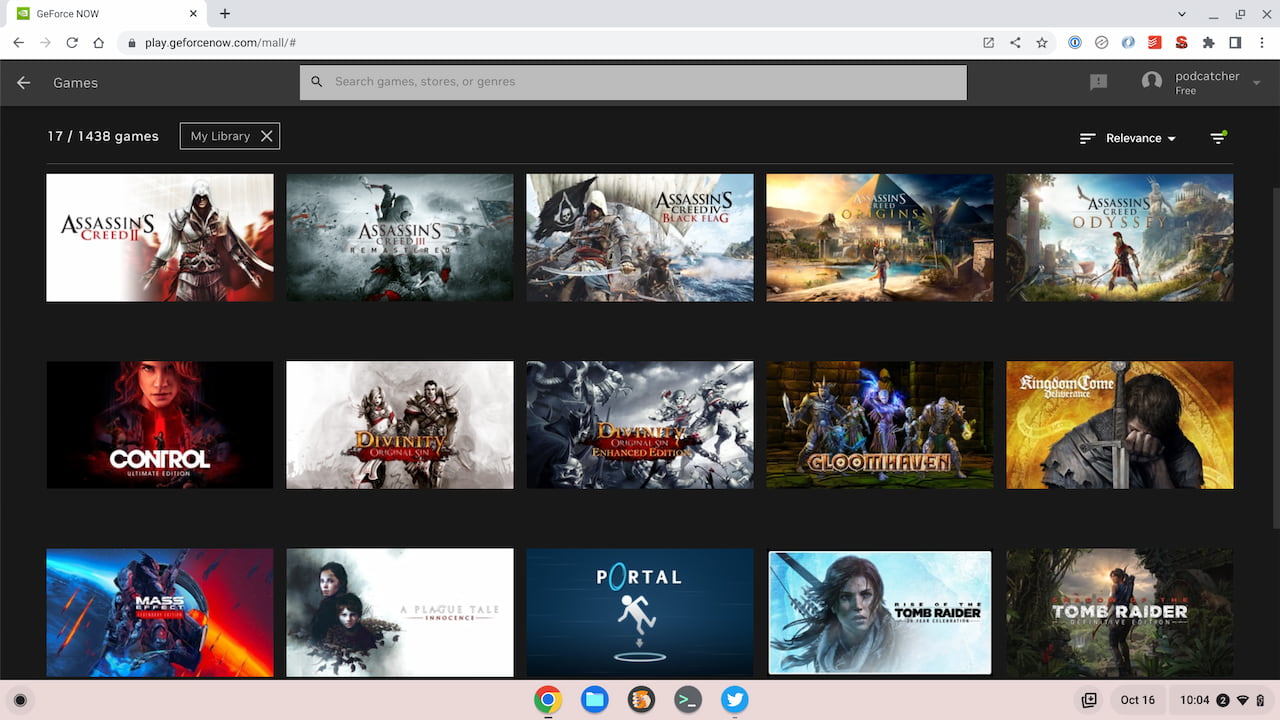
Once Nvidia added Steam library synchronization to its GeForce Now gaming service, I went all in with Nvidia for cloud gaming. Practically any PC game title I purchase can be played on my gaming rig or on any Chromebook.
I say “practically” because Nvidia has to support the Steam title and not all of my Steam purchases are supported. Most, however, are.
What does this have to do with the new cloud gaming Chromebooks?
Cloud gaming on a Chromebook isn’t new
Well, while these ChromeOS laptops look fantastic and add some gaming hardware attributes, it’s worth repeating that you don’t need one of these to play PC games over the cloud on a Chromebook. (Note that with their relatively low prices and high-end internals/display panels, these are nice Chromebooks for non-gaming activities too.)
All of these services are running PC games on customized hardware in data centers. The computation and graphical tasks all take place on servers and you’re essentially just remotely interacting with the game. The Chromebook, in this case, is simply a remote desktop window.
Any Chromebook will work well for this type of gameplay because the Chromebook just needs to show the video stream and send your keyboard or controller inputs back to the data center.
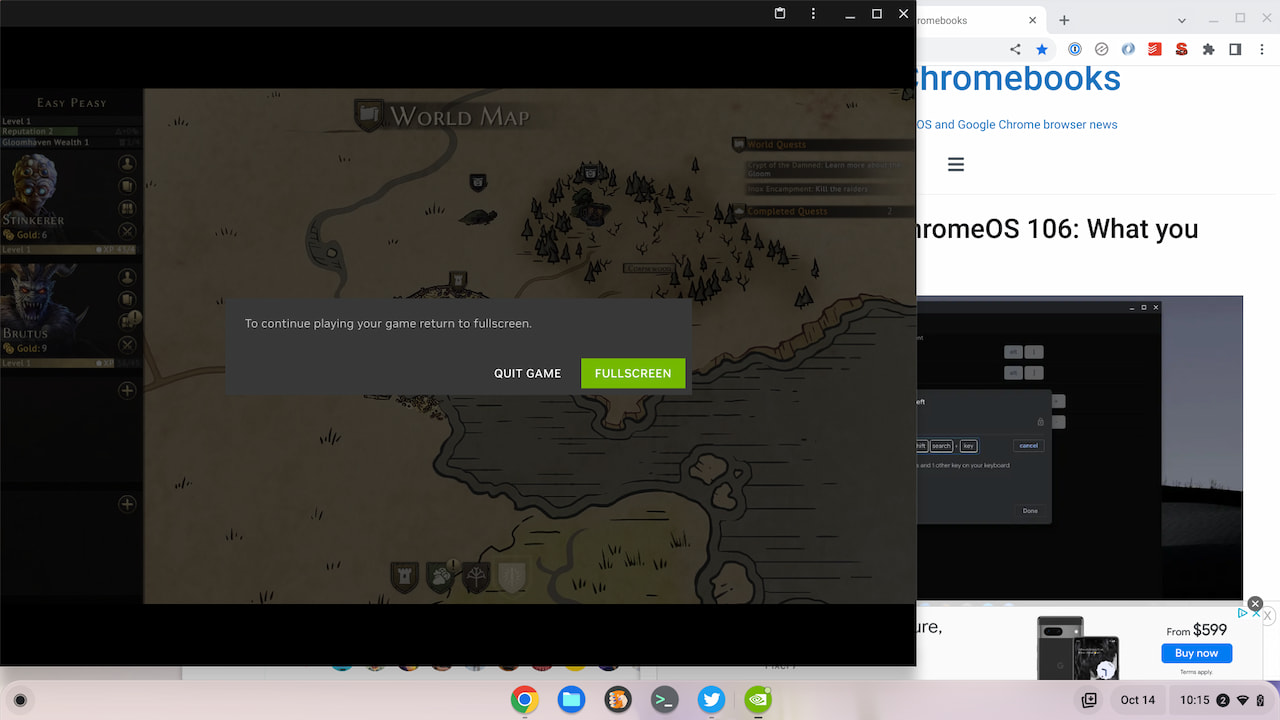
That means you could have an entry-level Chromebook that’s a few years old and you can play PC games through these streaming services. Ideally, you’d want to have a 1080p display on your laptop but even a 1366 x 768 screen will work; you just won’t enjoy the visual clarity of a higher-resolution display.
Are you cloud gaming on a Chromebook?
My point is this: Cloud gaming on Chromebooks is not new. You can do it now with the Chromebook you already have. But are you?
That’s the real question here, both in terms of the cloud gaming Chromebooks and the services that provide these gaming experiences. That gets me back to that intersection of people who play PC games and people who primarily use Chromebooks. I can’t believe it’s a large number.
I’m curious though: Are you like me? Do you fit into that strange Venn diagram intersection of being a PC gamer that uses a Chromebook more often than not?
