


The ChromeOS 109 release is now available with two security updates and follows just a few days after the Chrome browser was updated to version 109. Chromebooks get six key, new features with the software update. The new version is now rolling out to most of the supported ChromeOS devices. If you haven’t received the ChromeOS 109 release, you can check the status of your device here.
Google only updates the “What’s New” release notes every few versions, so you won’t explicitly be told what’s inside the ChromeOS 109 release. Here’s what I found so far, which is a mix of items I’ve previously covered and some new ones.
Android app launch indicator
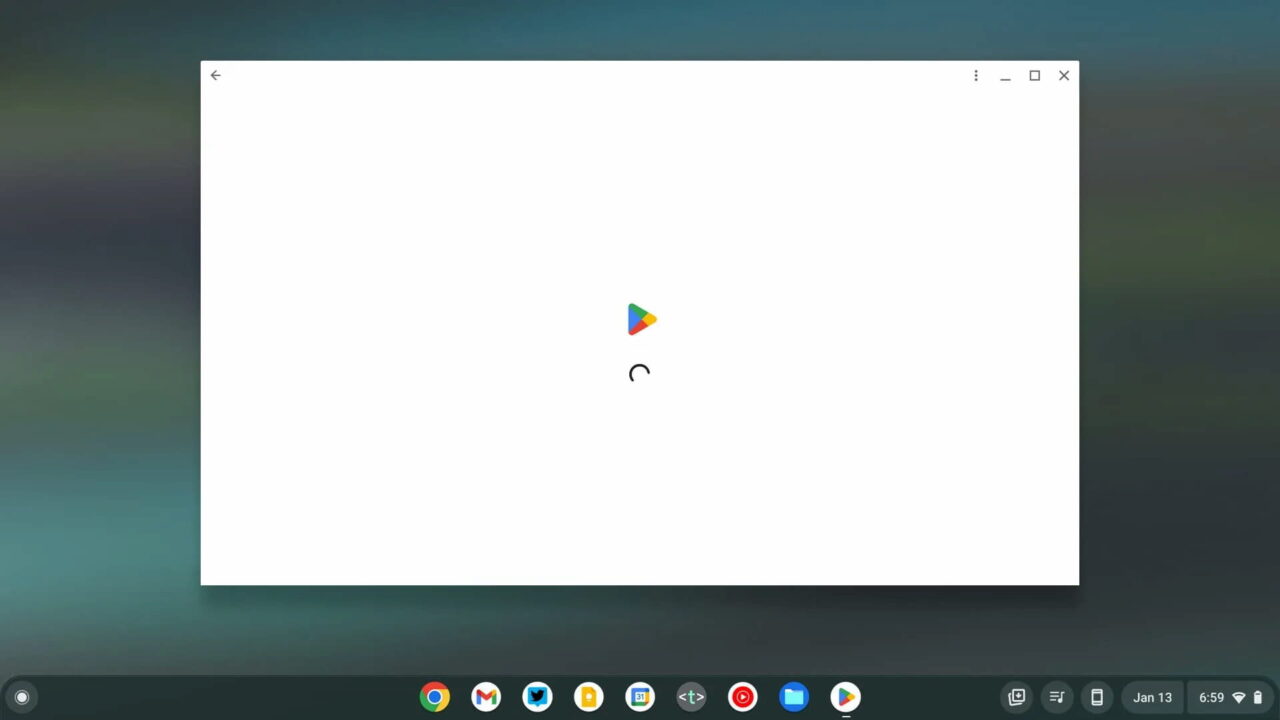
On slower Chromebooks you might see a big lag between when you launch an Android app and when it actually appears. That goes away in ChromeOS 109, although the apps won’t launch any quicker.
Instead, you’ll see visual indicators to show that something’s happening. Above is the new Android app launch experience, as noted by 9to5 Google.
Improved audio device detection
Have you ever switched between audio inputs or outputs on a docked Chromebook only to find that ChromeOS doesn’t want to comply? The ChromeOS 109 release brings a solution for that: The system will remember previously used audio inputs from hubs, docks and monitors.
Google says “This should reduce the need to change the audio input or output device when reconnecting a dock, monitor, hub, and so on.” In theory, your audio should just work when making these types of workspace switches.
About this page information in ChromeOS 109
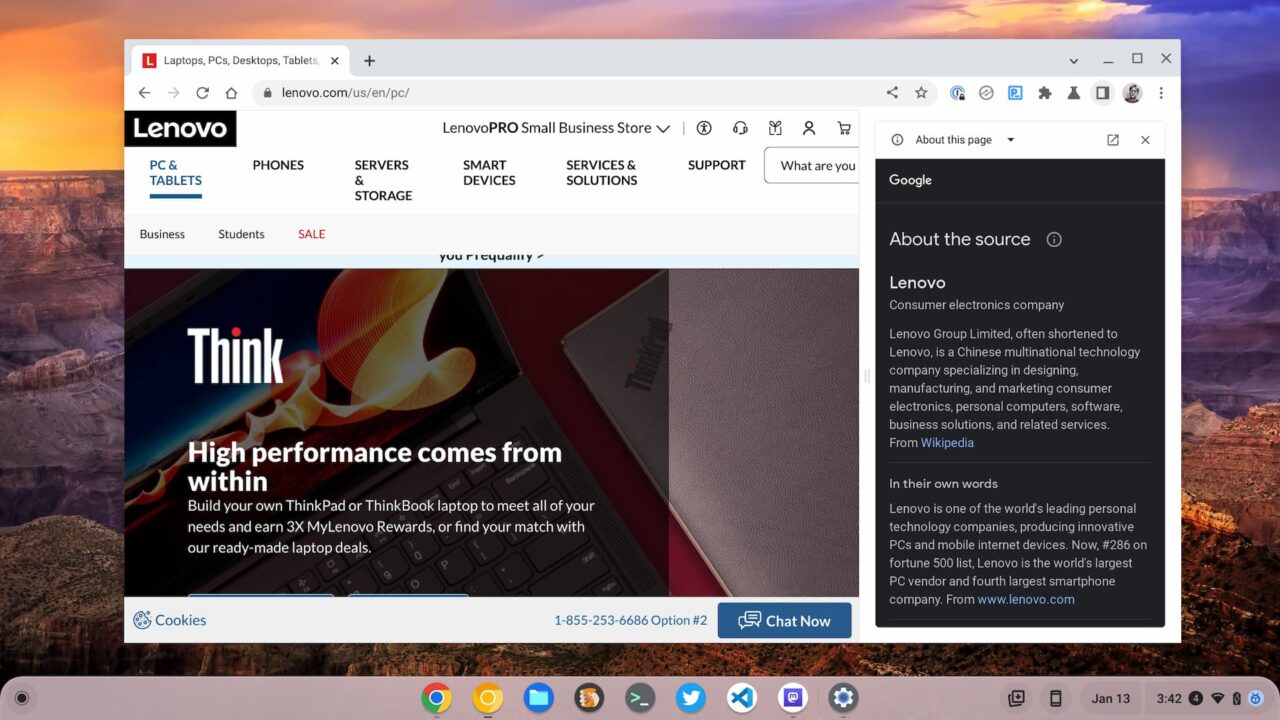
This feature is available for all Chrome browser users but it’s worth highlighting here as well. When using Google search, I’ve noticed an option to show more information about the website results. Now, that information can be found directly in ChromeOS 109.
Look for the new “About this page” option for any open page in Chrome. You’ll find the same results, which include information about the page source.
The Gallery gets color palette with the ChromeOS 109 release
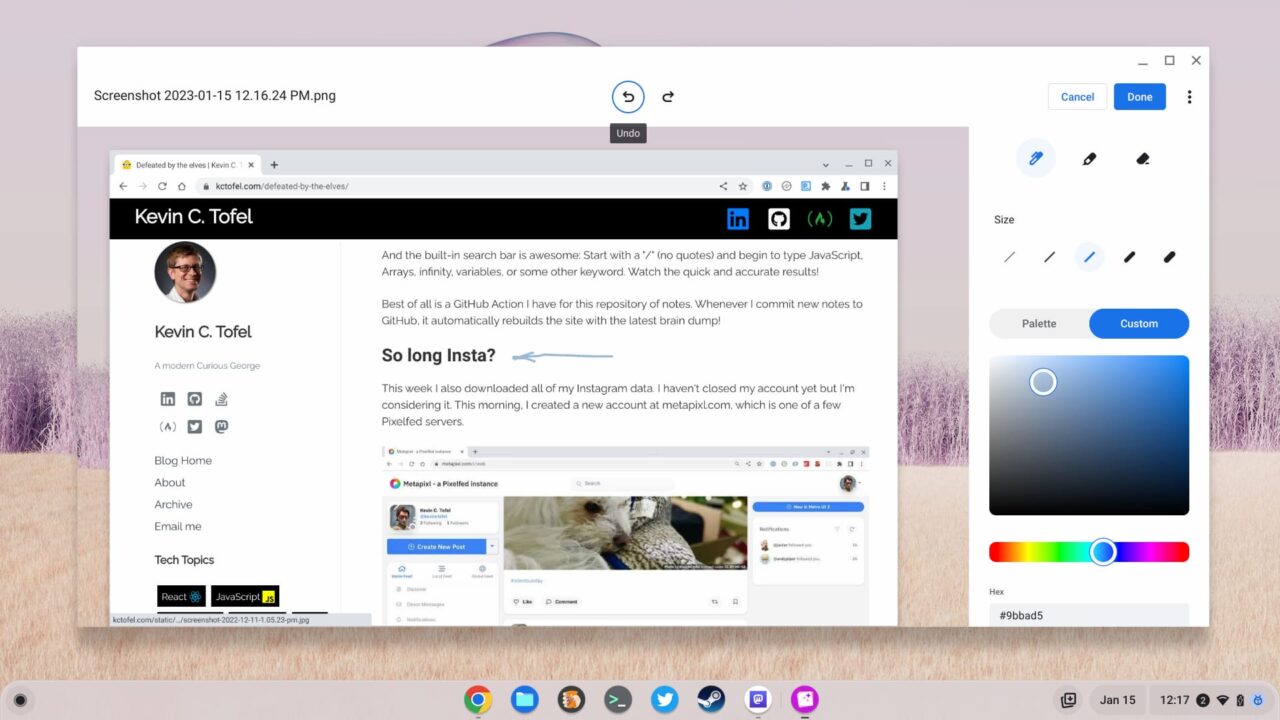
Folks that edit or mark up images using the Gallery app on a Chromebook will appreciate this one. The ChromeOS 109 release removes the limitation of Google’s selected color choices. You can now choose a Custom color through the interface with your trackpad or a specific hex code.
Admins can take out the Trash… can
Remember the new Trash can in the Files app that arrived with the last ChromeOS update? It’s still there, don’t worry. You can still recover any deleted files from the Trash within 30 days. However, not everyone wants to take out the Trash. You can disable the Trash feature.
Well, technically you can’t. This appears to be limited to managed Chromebooks. So you’ll need to ask your ChromeOS admin to set the TrashEnabled policy to ‘false’.
New SFTP options in the ChromeOS 109 release
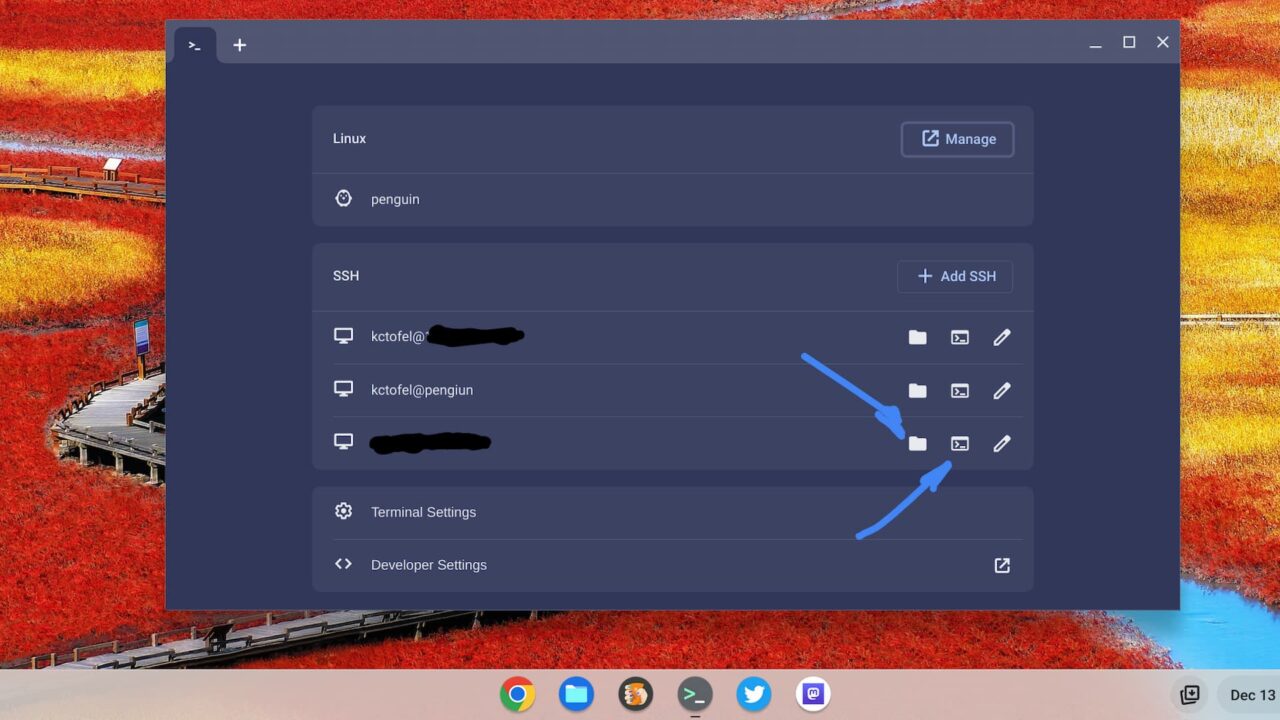
I surfaced this feature last month although I know most Chromebook users won’t likely use it. This is for the developers and system administrators who need secure access to a remote server. ChromeOS 109 makes this a simpler process right in the Linux Terminal app.
It’s still experimental so you’ll need to enable the flag at chrome://flags#terminal-sftp. I’ve found it quite useful and stable so I’m not hesitating to try it if you need it.
