

Close Menu
    Facebook X (Twitter) Instagram
    • About
    • Privacy Policy
    • Write For Us
    • Newsletter
    • Contact
    Instagram
    About ChromebooksAbout Chromebooks
    • Linux
    • News
      • Stats
      • Reviews
    • AI
    • How to
      • DevOps
      • IP Address
    • Apps
    • Business
    • Q&A
      • Opinion
    • Gaming
      • Google Games
    • Blog
    • Podcast
    • Contact
    About ChromebooksAbout Chromebooks
    News

    Incoming tech: OCR text from PDFs on Chrome, Chromebooks

    Kevin TofelBy Kevin TofelJanuary 20, 2023Updated:September 10, 2025No Comments2 Mins Read

    While you can already digitize physical documents with Chrome and ChromeOS, you can’t natively get at the digital text of such scans. A new feature that will work both in Chrome and on Chromebooks will do just that. Google is adding OCR text from PDFs, whether you save them, receive them in an email, or scan them.
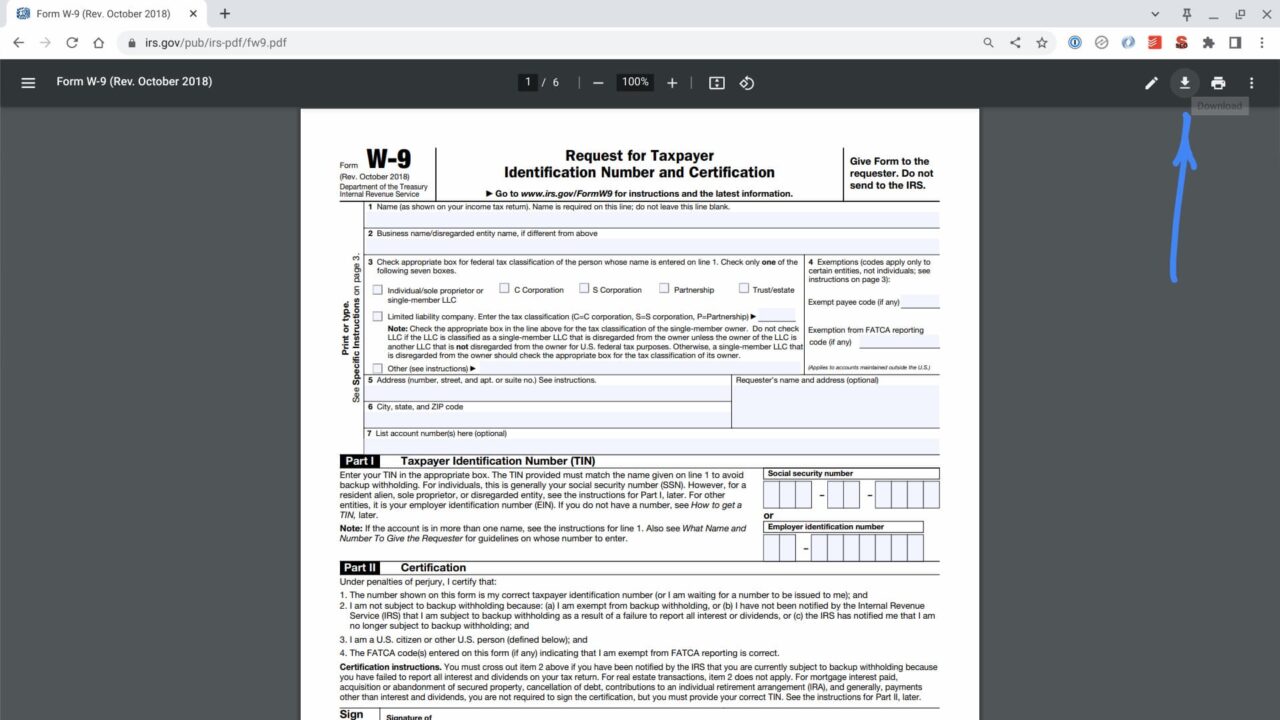
    OCR text from PDFs coming to Chrome and Chromebooks
    A digital PDF on a Chromebook

    I found in-progress code for this feature in the Chromium code logs today. So you can’t yet get use OCR, or optical character regonition, from a PDF scan just yet in the browser or a Chromebook. At least you can’t on the current Stable Channel of ChromeOS, which is at version 109 since last week. I don’t yet see the feature on the Dev Channel either.

    The first change I found is for a new menu option when viewing a PDF, whether it’s scanned or saved:

    Add a toggle button for PDF OCR to the more action menu on PDF Viewer.
    This toggle button is synced with the pref for PDF OCR and sets the
    pref whenever it's toggled on or off.
    

    That code led me to another change describing the user interface for PDF OCR feature although the screenshots and design documents are internal.
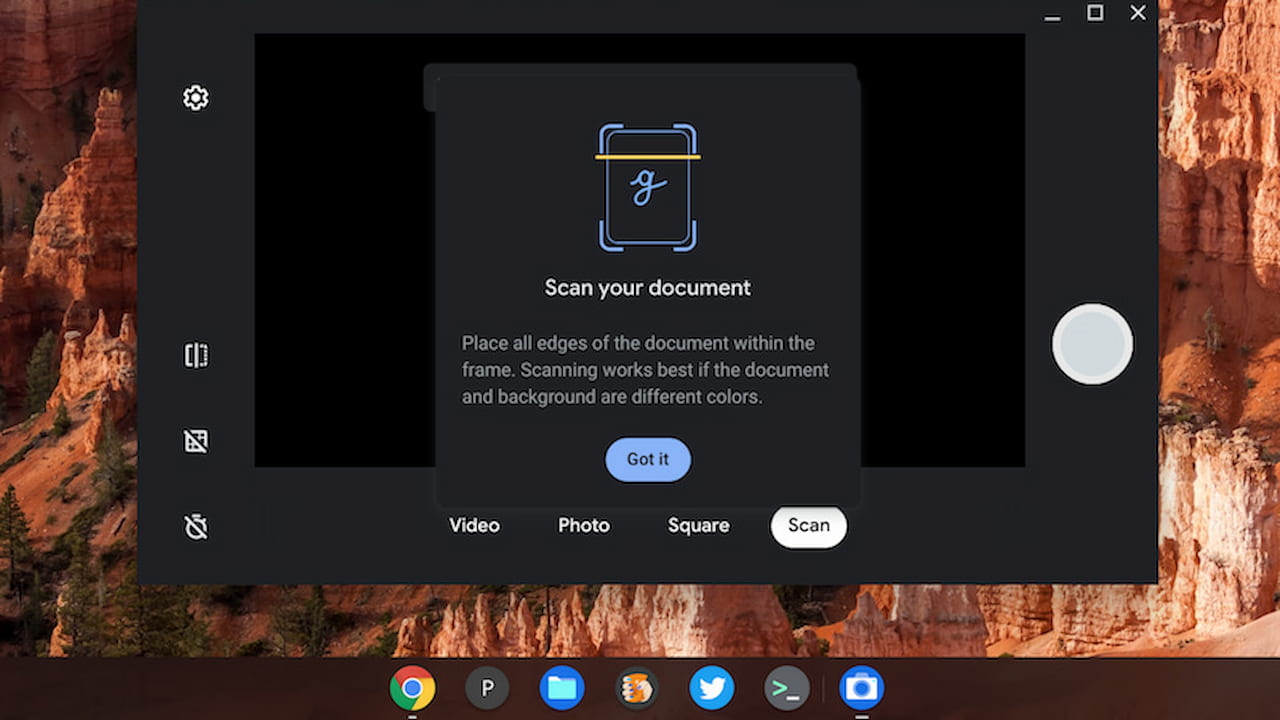
    OCR text from PDFs using the ChromeOS scanner on Chromebooks is on the way

    Google has quickly been beefing up digital documentation on Chromebooks of late and this is simply another step in that march forward. Last month, ChromeOS 108 added a feature that consolidates multiple document pages into a single PDF, for example. And work on the new OCR feature began a few short months ago, back in November.

    I also appreciate that OCR text from PDFs is coming not just to Chromebooks but also to any device running the Google Chrome browser.

    Initially, I thought this was a ChromeO-specific feature addition. However, the change log specifically references Linux, Mac and Windows systems as well. Are there good third-party options for scanning digital text from a PDF on those platforms? Sure, there are plenty. Having such a feature baked in is always nice to have, however.

    Kevin Tofel
    • Website

    After spending 15 years in IT at Fortune 100 companies, Kevin turned a hobby into a career and began covering mobile technology in 2003. He writes daily on the industry and has co-hosted the weekly MobileTechRoundup podcast since 2006. His writing has appeared in print (The New York Times, PC Magazine and PC World) and he has been featured on NBC News in Philadelphia.

    Best of AI

    Enterprise AI Spending Statistics 2026: Budgets, ROI, and Industry Data

    July 17, 2026

    Grok AI Statistics 2026: Users, Revenue, Market Share, and Growth Data

    July 15, 2026

    AI in Healthcare Adoption Statistics 2026

    July 9, 2026

    Deepfake Incident Statistics 2026

    July 7, 2026

    Best AI Music and Vocal Tools for Chromebook Users in 2026 

    June 24, 2026
    Trending Stats

    Chromebook Plus Adoption Statistics 2026

    July 20, 2026

    Chromebook vs MacBook Sales Statistics 2026: Shipments, Revenue, and Market Share Data

    July 20, 2026

    Chromebook Chipset Market Share (Intel, AMD, MediaTek, Qualcomm) 2026 Statistics

    July 18, 2026

    Firefox Usage Statistics 2026

    July 17, 2026

    Chromebook Global Shipment Statistics By Quarter 2026

    July 16, 2026
    • About
    • Tech Guest Post
    • Contact
    • Privacy Policy
    • Sitemap
    © 2026 About Chrome Books. All rights reserved.

    Type above and press Enter to search. Press Esc to cancel.