


Chromebooks have changed the way many people think about everyday computing. They are lightweight, affordable, fast to start, and built around the browser. For students, remote workers, travelers, and casual users, a Chromebook is often less about heavy software and more about quick access to the web.
That same browser-first approach also shapes how people use Chromebooks for entertainment. Users stream video, read news, use web apps, play casual browser games, and explore cloud-based platforms without needing a traditional gaming PC.
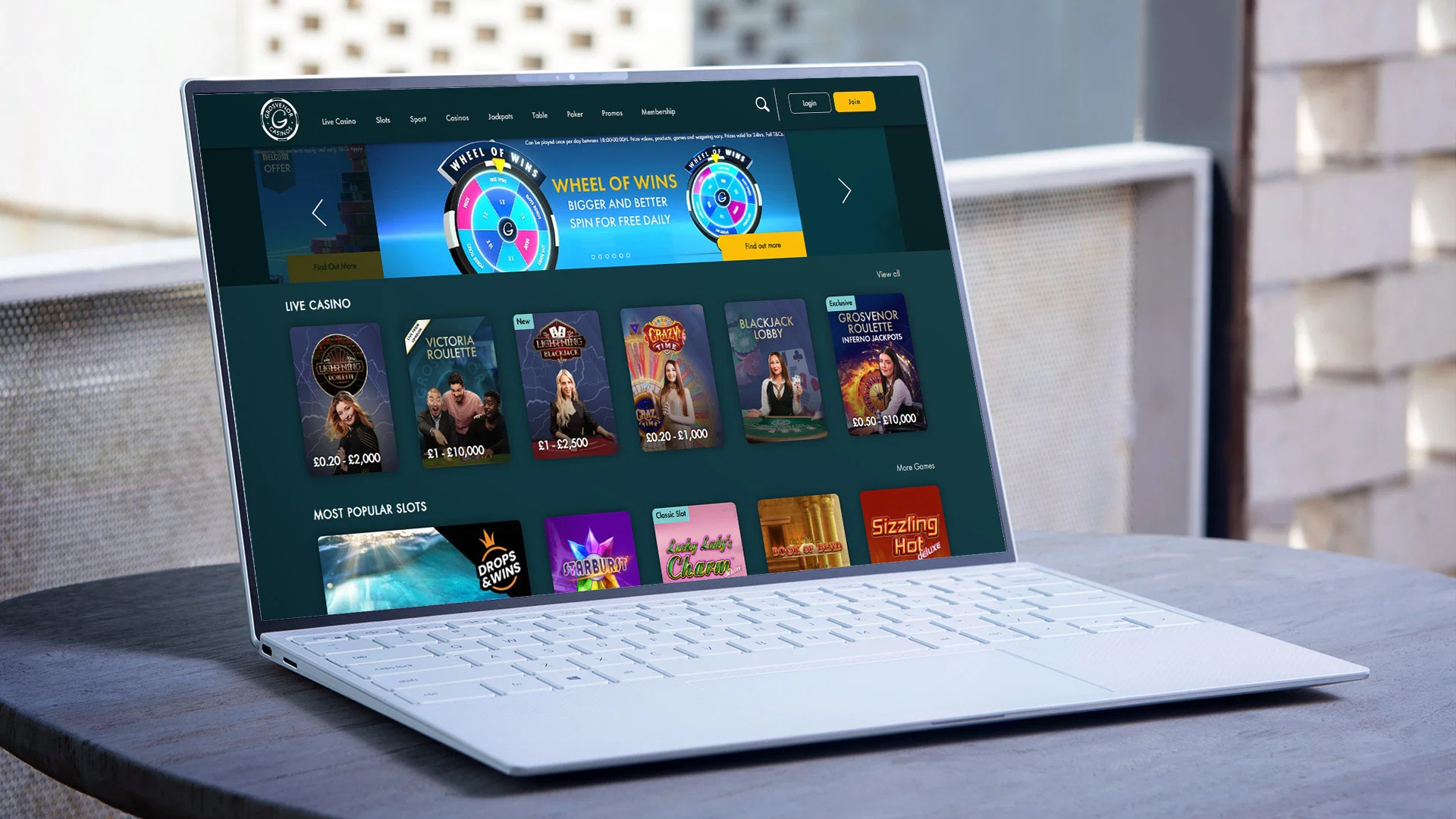
In that environment, a social casino can fit naturally into the wider category of browser-friendly digital entertainment. The format uses casino-style visuals, virtual coins, rewards, events, and short-session play, which can work well for users who want something simple to open and easy to pause.
The appeal is not that a Chromebook becomes a high-end gaming machine. It is that web-based entertainment can feel smooth, accessible, and flexible when the experience is designed for the browser.
Why Chromebooks Are Different From Traditional Gaming Devices?
Chromebooks were not originally designed as gaming laptops. They are usually built for browsing, productivity, education, video calls, cloud storage, and lightweight apps.
That does not mean they cannot support entertainment. It means the best entertainment experiences on Chromebooks tend to be different from what users expect on a dedicated gaming PC.
A Chromebook may not be ideal for large local installs, demanding graphics, or hardware-heavy titles. But it can work well for browser games, Android apps, cloud gaming, casual games, and web-based platforms.
This difference matters because users need to choose entertainment that fits the device. A lightweight platform with simple access will usually feel better on a Chromebook than a resource-heavy game that expects gaming-grade hardware.
Browser-Based Gaming Fits the Chromebook Model
The browser is the center of the Chromebook experience.
That makes browser-based gaming especially relevant. Users can open Chrome, visit a platform, sign in, and start interacting without a long install process.
About Chromebooks has covered this idea in its guide to web apps and browser-based gaming on Chromebooks, explaining how casual browser games, online platforms, and cloud options can expand what Chromebook users can try.
Social casino-style platforms fit into that broader browser-based category because they are often built around quick access, familiar visuals, and short sessions. A user does not need to install a large PC game or configure complex settings.
For Chromebook users, that simplicity can be a major advantage.
Short Sessions Work Well on Lightweight Devices
Many Chromebook users rely on their devices throughout the day.
A student may switch between notes, research, video calls, and a short break. A remote worker may move between browser tabs, email, documents, and downtime. A traveler may use a Chromebook for planning, entertainment, and communication.
In those situations, short-session entertainment makes sense.
A social casino platform can be opened briefly, used for a few minutes, and paused when something else comes up. Users may collect virtual coins, check a reward, play a quick game, or join an event without committing to a long session.
This is one reason casual digital entertainment pairs well with Chromebooks. It fits around the way people actually use the device.
Virtual Coins Add Structure to Casual Play
Virtual coins are one of the core elements of many social casino platforms.
Users may receive coins through daily rewards, sign-up offers, events, missions, promotions, or other platform features. These coins are used inside the platform according to its rules.
For casual users, virtual currency can give the experience structure. It helps organize play, rewards, and progress.
The important point is clarity. Users should understand how coins are earned, how they are used, whether they expire, and whether optional purchases are available.
A platform that explains virtual coins clearly is easier to trust. A platform that leaves users guessing may create confusion.
For Chromebook users who value simple, browser-friendly access, the same expectation applies: the platform should be easy to understand from the first session.
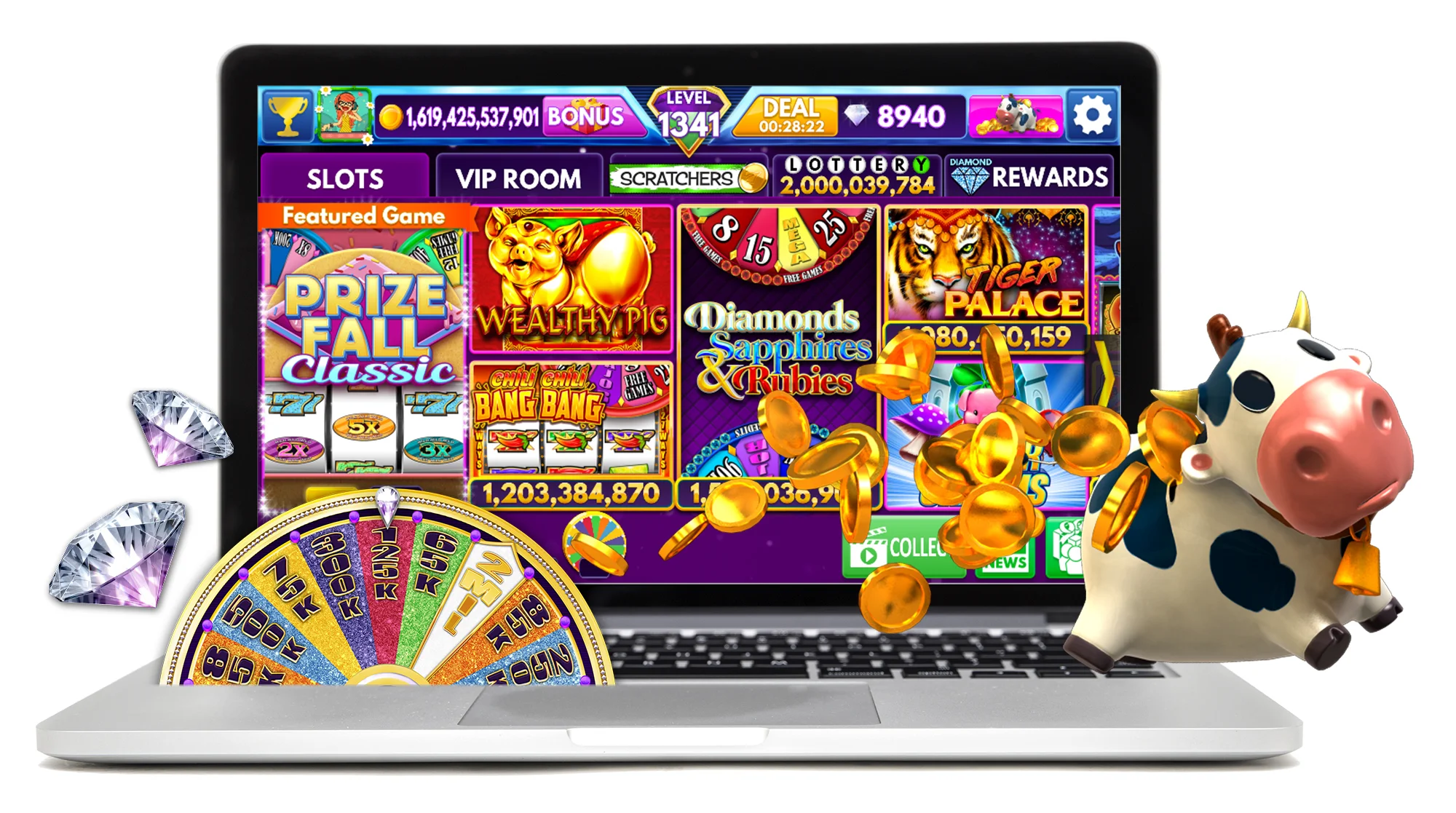
Rewards Make Quick Visits Feel More Complete
Rewards are common across modern digital entertainment.
Mobile apps use streaks. Games use achievements. Shopping apps use points. Learning platforms use progress bars. Social casino platforms often use daily bonuses, missions, event rewards, leaderboard prizes, and virtual coin offers.
These rewards help make short sessions feel more complete.
A user may only have a few minutes, but collecting a reward or completing a small task can create a sense of progress.
This fits the Chromebook lifestyle. The device is often used in bursts: open the lid, handle a task, check something online, then move on.
A good reward system should be simple. Users should know what they received, how it can be used, and whether any conditions apply.
Events Keep the Experience Fresh
Events help online platforms avoid feeling static.
A social casino platform may offer daily missions, weekend tournaments, leaderboard races, seasonal campaigns, timed bonuses, or limited-time challenges. These events give users new reasons to return.
For Chromebook users, events can make casual entertainment more engaging without requiring a major time commitment.
A user might check an event between tasks or return later to see whether a challenge is still active.
The best events are easy to understand. Users should know how to join, when the event ends, what rewards may be connected to it, and whether any terms apply.
A confusing event creates friction. A clear event adds variety.
ChromeOS Users Care About Performance and Simplicity
Chromebook users often choose the device because it is simple.
They expect fast boot times, clean interfaces, automatic updates, and less maintenance than a traditional laptop. That mindset affects entertainment expectations too.
A browser-based entertainment platform should load quickly, run smoothly, and avoid clutter. It should work well with a trackpad, keyboard, touchscreen, or external mouse, depending on the device.
Users should also be able to find account settings, support, privacy information, and reward details without digging through confusing menus.
Performance matters, but simplicity matters just as much.
If a platform is visually exciting but hard to navigate, it may not be a good fit for Chromebook users.
Cloud Gaming and Casual Gaming Share a Similar Lesson
Cloud gaming showed that Chromebooks can do more than many people expected.
Instead of relying on local hardware, cloud gaming streams the experience through the browser. This allows lightweight devices to access games that would otherwise require stronger machines.
Social casino platforms are different from cloud gaming, but the lesson is similar: the browser can deliver more entertainment than the hardware alone might suggest.
For Chromebook users, the best experiences are usually those that respect the device’s strengths. That means fast access, low friction, clear design, and smooth browser performance.
Not every entertainment format needs to be hardware-heavy to be enjoyable.
Game Variety Should Be Organized Clearly
Social casino platforms may include slot-style games, card-inspired formats, roulette-style features, bonus games, tournaments, and themed challenges.
Variety is useful because different users enjoy different styles. Some may prefer quick visual games. Others may like events, leaderboards, or themed experiences.
But variety should be organized well.
Categories, search tools, featured games, recently played sections, and event labels can help users find what they want quickly.
This is especially important on Chromebooks, where users may be navigating from a browser window alongside other tab. A clean structure makes the platform easier to use.
Trust Signals Matter in Browser-Based Entertainment
Any browser-based entertainment platform should make trust signals visible.
Users should be able to find terms, privacy information, account controls, support options, and explanations of virtual currency and rewards.
This is particularly important because browser-based platforms can feel easy to enter. When access is simple, users should still take time to understand the rules.
A trustworthy platform does not hide important information. It explains the experience in plain language.
For social casino entertainment, transparency is part of the user experience.
What Chromebook Users Should Check First?
Before using any social casino platform regularly on a Chromebook, users should check several basics.
They should confirm that the site runs smoothly in Chrome, that games load clearly, that virtual coin rules are understandable, and that support is easy to find.
They should also review account controls, privacy settings, notification options, and reward terms.
If the platform offers events or promotions, users should understand how those work before participating regularly.
A good platform should make these details easy to find. Users should not have to guess how the experience works.
Why This Format Fits Chromebook Habits?
Chromebooks are often used for practical, flexible, browser-first computing.
That makes them a good match for entertainment that is also practical and flexible. Browser-based social casino platforms do not need to behave like large PC games. Their strength is quick access, simple interaction, and casual engagement.
A user can open a Chromebook, launch Chrome, visit a platform, play briefly, and return to other tasks.
That pattern matches how many people use Chromebooks every day.
The Chromebook Gaming Takeaway
Social casino entertainment can fit Chromebook users because it aligns with the strengths of browser-based gaming: easy access, short sessions, familiar visuals, virtual rewards, and low-friction interaction.
The best platforms for Chromebook users are not necessarily the most graphically demanding. They are the ones that run smoothly in the browser, explain their systems clearly, and make account tools easy to manage.
For users who already rely on Chromebooks for work, school, browsing, and streaming, casual web-based entertainment can become another flexible part of the device’s everyday use.
