

Close Menu
    Facebook X (Twitter) Instagram
    • About
    • Privacy Policy
    • Write For Us
    • Newsletter
    • Contact
    Instagram
    About ChromebooksAbout Chromebooks
    • Linux
    • News
      • Stats
      • Reviews
    • AI
    • How to
      • DevOps
      • IP Address
    • Apps
    • Business
    • Q&A
      • Opinion
    • Gaming
      • Google Games
    • Blog
    • Podcast
    • Contact
    About ChromebooksAbout Chromebooks
    News

    Need a basic large-screen 1080p Chromebook? Acer Chromebook Spin 15 discounted to $299

    Kevin TofelBy Kevin TofelDecember 16, 2019Updated:September 5, 2025No Comments2 Mins Read

    I tend to feature deals on higher-end Chromebooks but the current $100 savings on an Acer Chromebook Spin 15 makes it appealing for basic use with a big screen on a budget.

    Normally priced at $399, this 15.6-inch convertible Chromebook is down to $299.
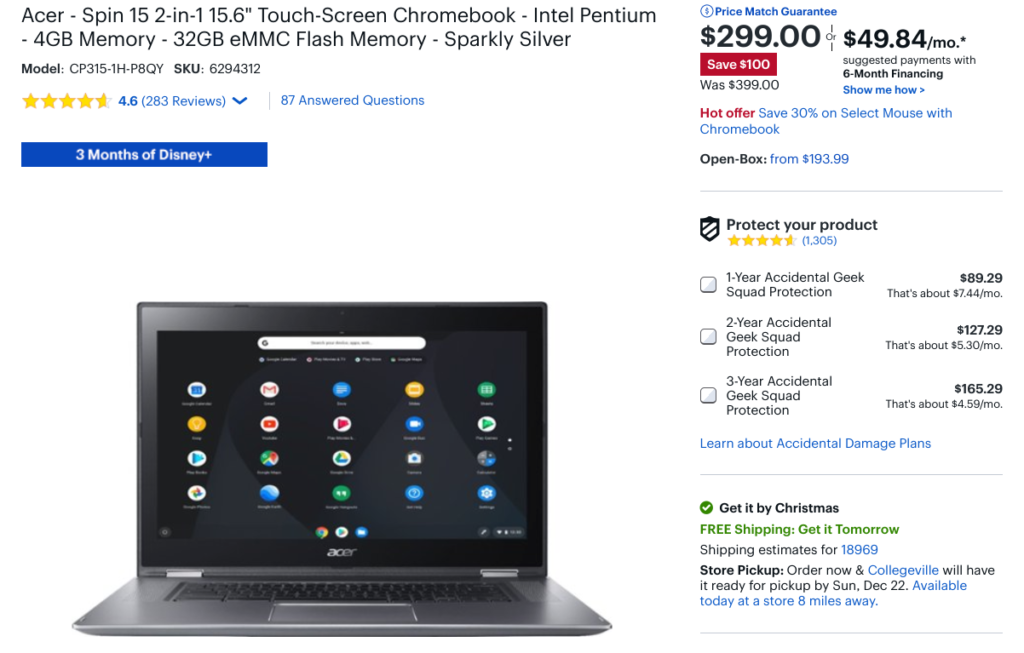
    For under $300, you’re not getting a powerful Intel Core processor, nor do you get more than 4 GB of memory.

    But this combination is perfectly fine for basic browsing as long as you don’t get too “tab happy”: Keep the number of open tabs to 10 or less and you should be fine.

    I’d drop that number by two or three tabs for every Android app you might open at the same time too.
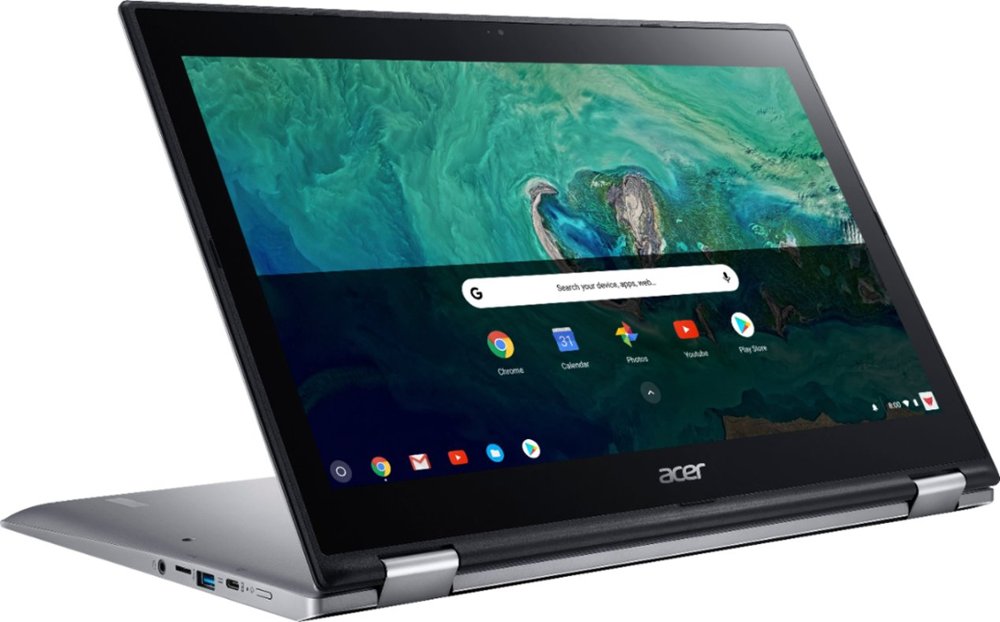
    What you do get is a large, 15.6-inch touchscreen with 1920 x 1080 resolution and backlit keyboard. That combination generally can’t be touched for under $350 to $400.

    Here’s the rest of the specifications:

    ProcessorQuad-core Intel Pentium 4200
    clocked at 1.1 GHz
    GPUIntel HD Graphics 505
    Memory4 GB LPDDR4
    Storage32 GB eMMC, memory card slot
    Display15.6-inch 1080p IPS touchscreen
    Connectivity802.11ac WiFi, Bluetooth 4.2
    InputBacklit keyboard,
    Gorilla Glass trackpad
    Camerawide-view HDR webcam
    SpeakersStereo to the left and right
    of the keyboard
    Ports2 USB Type-C, 2 USB Type-A,
    headphone jack
    Battery4670 mAh, claimed runtime
    of 13 hours

    This laptop was introduced back in May of 2018 and has a Chrome OS automatic update expiration date of June 2024, so you’re covered with software updates for the next four-and-a-half years.
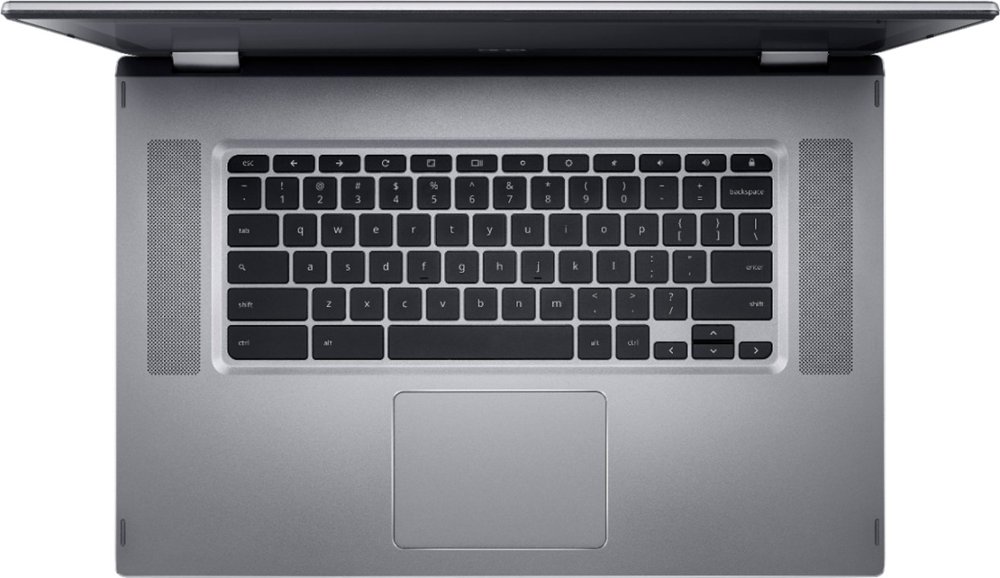
    The bezels are a bit large and at 4.85 pounds this isn’t a Chromebook I’d likely want to carry around too much, so there are some additional tradeoffs.

    For an “at-home” device on the desk or coffee table, however, this is a good deal if you just need the basics on a large screen and you keep your expectations in check.

    Kevin Tofel
    • Website

    After spending 15 years in IT at Fortune 100 companies, Kevin turned a hobby into a career and began covering mobile technology in 2003. He writes daily on the industry and has co-hosted the weekly MobileTechRoundup podcast since 2006. His writing has appeared in print (The New York Times, PC Magazine and PC World) and he has been featured on NBC News in Philadelphia.

    Best of AI

    Chub AI Explained

    May 6, 2026

    Stable Diffusion AI: Free Text To Image AI Generator

    May 5, 2026

    Imagen AI: The Best Photo Editing AI In 2026

    April 21, 2026

    Alphafold AI from Google Deepmind 2026

    April 21, 2026

    Agentic AI Pindrop Anonybit: The Future of Secure Identity Verification

    April 17, 2026
    Trending Stats

    Education Sector Chromebook Adoption Statistics 2026

    May 4, 2026

    ChromeOS Data Usage Patterns And Statistics 2026

    May 2, 2026

    Auto Update Expiration (AUE) In Chromebooks Statistics 2026

    May 2, 2026

    Chromebook Vs IPad Adoption In Schools Statistics 2026

    May 1, 2026

    ChromeOS Accessibility Feature Usage Statistics 2026

    April 28, 2026
    • About
    • Tech Guest Post
    • Contact
    • Privacy Policy
    • Sitemap
    © 2026 About Chrome Books. All rights reserved.

    Type above and press Enter to search. Press Esc to cancel.