


ChromeOS has become a major platform for users who prefer lightweight, browser-first computing. With most applications running directly in Google Chrome, the ecosystem naturally supports a new generation of web-native AI tools.
Among the fastest-growing categories are AI-powered astrology platforms—services that provide natal chart analysis, horoscope interpretation, and compatibility insights entirely through the browser.

These tools require no installation, no heavy system resources, and no native software. They run smoothly on Chromebooks, making them accessible to a wide range of users.
One of the platforms gaining attention in this space is Hint App, a browser-based astrology service focused on AI-assisted natal chart interpretation and relationship compatibility analysis.
Why ChromeOS Is Ideal for AI Astrology Platforms?
ChromeOS is built around simplicity and cloud computing. Instead of relying on local software, it prioritizes web applications and online services.
Key Advantages for Astrology Tools
- Instant access via Chrome browser
- No installation or updates required
- Works on low-end hardware
- Syncs across devices using Google account
- Optimized for web-based AI processing
This makes ChromeOS particularly suitable for astrology platforms that rely on real-time computation and visualization.
How AI Astrology Tools Operate in the Browser?
Modern astrology services are built as cloud-based applications. This allows them to run efficiently inside Chrome without needing desktop software.
Core System Components
1. Birth Data Processing Engine
Users input birth date, time, and location to generate natal charts.
2. AI Interpretation Layer
Machine learning models convert symbolic astrological data into readable insights.
3. Compatibility Algorithm
Two natal charts are compared to analyze emotional and relational alignment.
4. Dynamic Horoscope Generator
Personalized predictions are created based on planetary movements and chart structure.
Why Users Prefer Browser-Based Astrology on Chromebooks?
Chromebook users typically prioritize efficiency and accessibility. AI astrology tools fit naturally into this workflow.
Common Benefits
- Fast loading times
- No storage usage
- Cross-device access
- Easy multitasking in browser tabs
- Compatibility with lightweight systems
This makes astrology platforms part of a broader trend of web-native personal insight tools.
Hint App in the ChromeOS Astrology Ecosystem
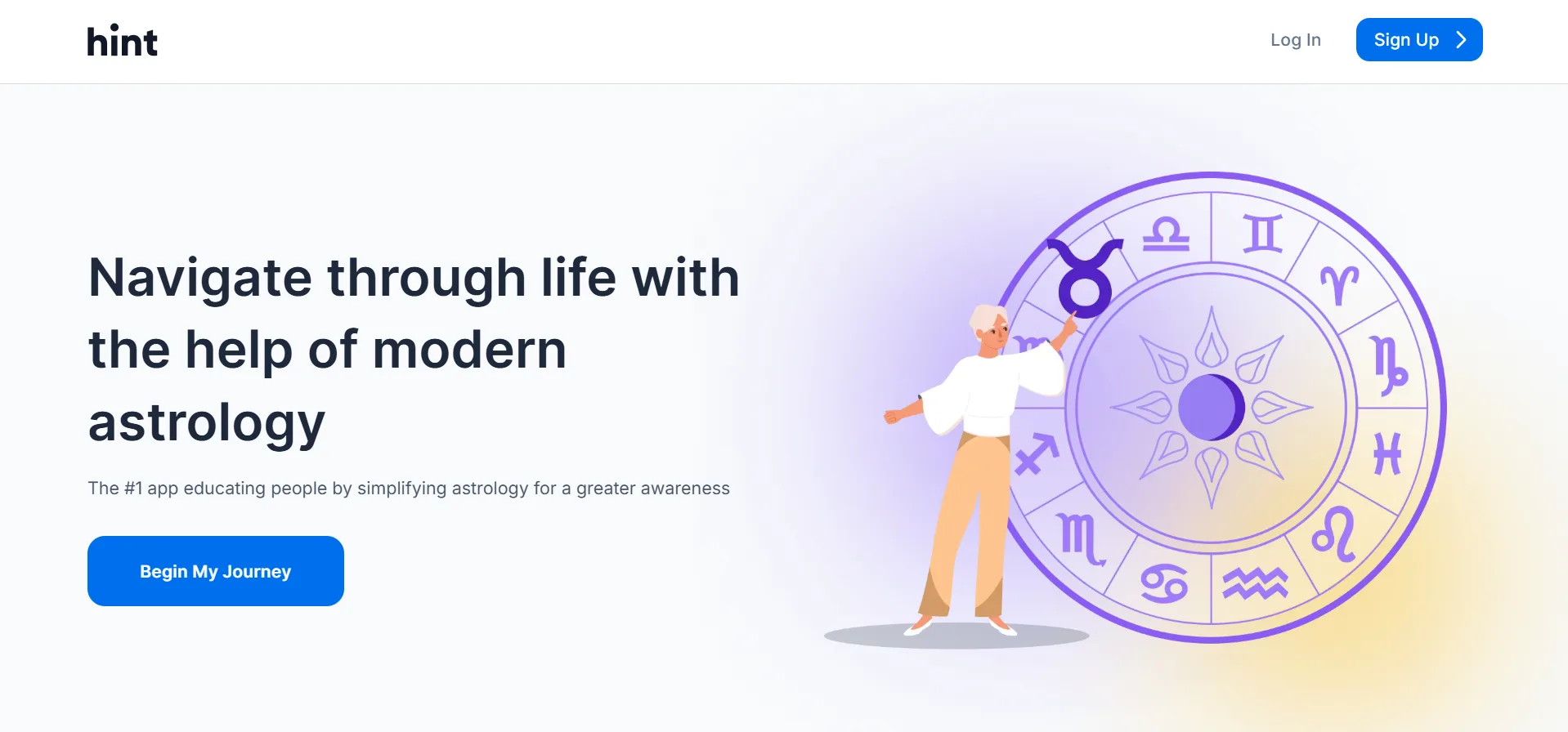
Among modern AI astrology platforms, Hint App is frequently discussed as a browser-friendly solution designed for accessible personal insights.
Instead of focusing on traditional astrology complexity, it emphasizes clarity, usability, and AI-driven interpretation.
Main Functional Areas
AI Natal Chart Breakdown
The platform simplifies complex astrological structures into understandable personality insights.
Relationship Compatibility Insights
Users can compare charts to explore emotional patterns and interpersonal dynamics.
Personalized Horoscope System
Unlike generic zodiac forecasts, insights are tailored to individual chart data.
Fully Web-Based Experience
The entire service runs in-browser, making it ideal for ChromeOS and Chromebook users.
Comparison: ChromeOS vs Traditional Astrology Software
| Feature | Desktop Astrology Software | Web-Based AI Astrology Tools |
| Installation Required | Yes | No |
| Device Dependency | High | Low |
| Updates | Manual | Automatic |
| Accessibility | Limited | Universal (browser-based) |
| AI Integration | Rare | Standard |
How Chrome Enhances AI Astrology Experiences?
Google Chrome plays a central role in enabling smooth performance for astrology applications on ChromeOS.
Key Browser Advantages
Fast Rendering of Visual Charts
Astrological charts and graphs load quickly using web rendering engines.
Secure Cloud Storage
User data can be stored and accessed across devices securely.
Extension Ecosystem
Users can enhance productivity with Chrome extensions alongside astrology tools.
Stable Cross-Platform Performance
The same experience is available on Chromebooks, Windows, and macOS.
The Role of AI in Modern Astrology Interpretation
AI does not replace astrology but reshapes how users interact with it.
Improvements AI Brings
- Faster interpretation of complex charts
- More personalized insights
- Interactive user experiences
- Continuous updates based on planetary data
Human Element Still Matters
- Emotional interpretation of insights
- Personal belief systems
- Reflective decision-making
This balance is what makes AI astrology tools engaging rather than purely deterministic.
Why Web-Native Astrology Tools Are Growing?
The combination of ChromeOS adoption and AI advancement is driving growth in browser-based astrology platforms.
Key Growth Factors
1. Cloud-First Computing
Users increasingly rely on browser-based ecosystems.
2. AI Accessibility
Advanced models are now available via APIs, making integration easier.
3. Mobile and Desktop Convergence
Web apps function across all devices seamlessly.
4. Increased Interest in Self-Insight Tools
Users want digital tools for reflection and personal understanding.
Future Outlook for AI Astrology on ChromeOS
The next phase of development is likely to focus on deeper personalization and integration.
Expected Trends
Conversational Astrology Assistants
Users will interact with AI instead of reading static reports.
Behavioral Data Integration
Insights may evolve based on user interaction patterns.
Multi-App Ecosystem Connections
Astrology tools may integrate with calendars, journaling apps, and wellness platforms.
Improved Visualization Systems
Charts and compatibility maps will become more interactive and dynamic.
Final Thoughts
AI-powered astrology platforms are becoming a natural fit for ChromeOS users due to their lightweight, browser-based architecture and strong personalization capabilities. They require no installation, work instantly, and provide increasingly refined insights through AI interpretation.
Within this ecosystem, Hint App represents a growing class of web-native astrology tools that combine accessibility, compatibility analysis, and AI-driven personalization—all optimized for seamless use in Chrome browsers and Chromebook environments.
As ChromeOS continues expanding, browser-first AI tools like these are likely to become a standard part of everyday digital experiences.
