


Chromebooks and ChromeOS have become a popular choice for users who rely heavily on cloud-based applications, lightweight performance, and browser-first workflows.
As more services shift to the web, even traditionally niche categories like astrology and personal insight tools are finding a strong presence in the Chrome ecosystem.
AI-powered astrology platforms are now fully accessible through the Chrome browser, requiring no installation and working seamlessly across devices.
This makes them especially appealing for Chromebook users who prioritize simplicity, speed, and cross-device synchronization.
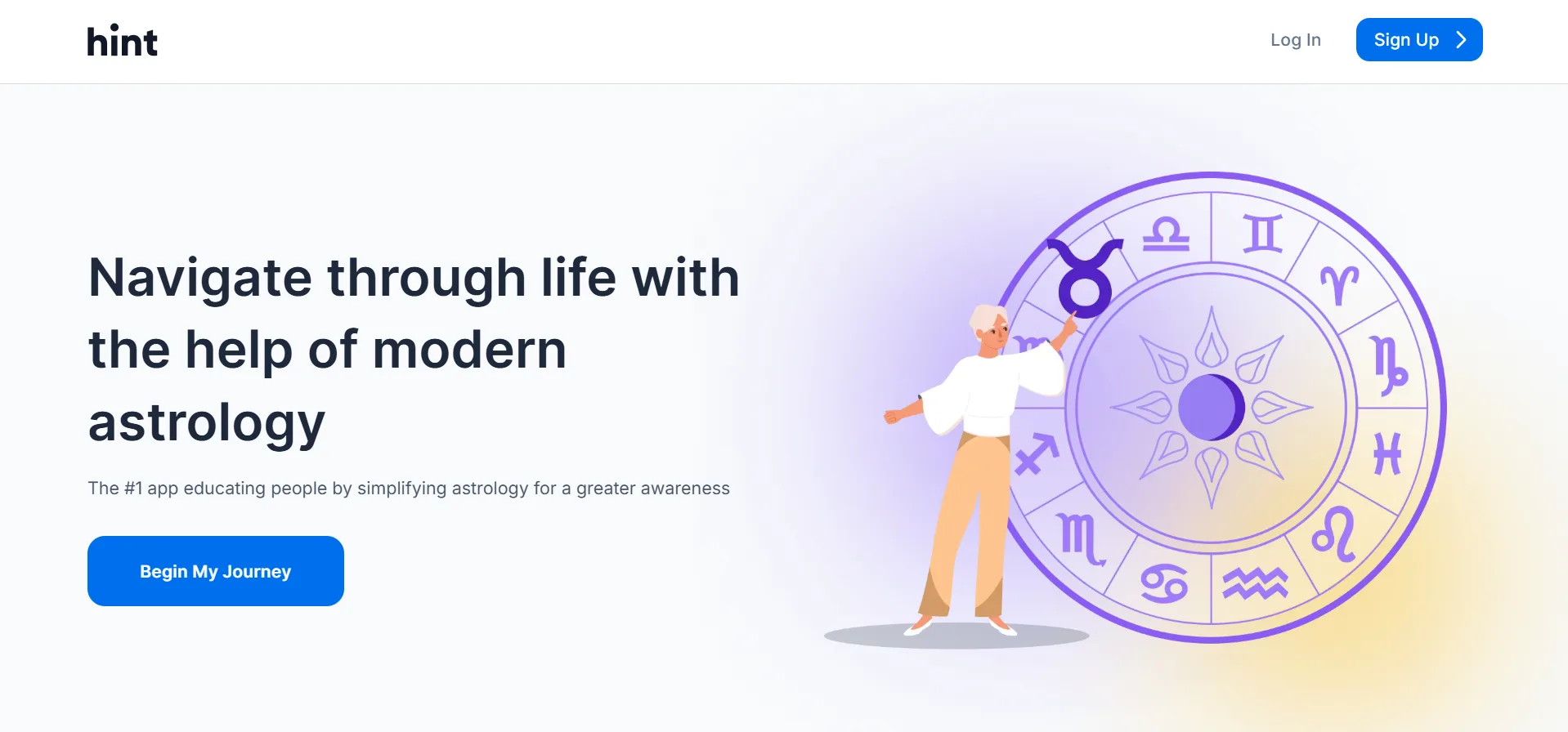
Among these emerging tools is Hint App, a web-based astrology platform that focuses on natal charts, compatibility analysis, and personalized horoscope insights powered by AI.
Why Astrology Apps Fit Perfectly into ChromeOS Ecosystem?
ChromeOS is designed around cloud-first usage. This architecture aligns naturally with modern AI astrology tools, which typically operate entirely in the browser.
Key Advantages for Chromebook Users
- No installation required
- Instant updates via web apps
- Cross-device access via Google account
- Lightweight performance even on entry-level hardware
- Seamless integration with browser-based workflows
Because astrology platforms are often data-driven and visualization-heavy, running them in a browser eliminates compatibility issues while maintaining responsiveness.
How AI Astrology Tools Work in a Browser Environment?
Modern astrology platforms are built using web technologies such as JavaScript frameworks, cloud databases, and AI APIs. This allows them to function smoothly on ChromeOS without native apps.
Core Components of AI Astrology Platforms
1. Natal Chart Engine
Processes birth data to generate astrological charts instantly.
2. AI Interpretation Layer
Transforms symbolic astrological data into readable personality insights.
3. Compatibility System
Compares two natal charts to evaluate emotional and relational alignment.
4. Personalized Horoscope Generator
Creates daily or weekly updates based on individual chart dynamics.
Why ChromeOS Users Are Adopting AI Astrology Tools?
Chromebook users often prefer tools that are:
- Fast-loading
- Web-native
- Subscription-based or freemium
- Accessible without downloads
AI astrology platforms match these expectations perfectly.
Common Use Scenarios on Chromebooks
- Personal reflection during breaks
- Relationship compatibility checks
- Daily horoscope reading
- Mobile and desktop sync usage via Chrome
- Lightweight entertainment and wellness exploration
Hint App as a Web-Based Astrology Experience
One of the platforms gaining attention in online discussions is Hint App. It is designed to run entirely in the browser, making it compatible with Chromebooks and ChromeOS devices without additional setup.
Rather than presenting astrology in a traditional static format, it focuses on interactive and AI-assisted interpretation.
Key Features of Hint App
AI-Driven Natal Chart Analysis
The platform simplifies complex astrological charts into understandable personality insights.
Compatibility Insights
Users can compare charts to explore relationship dynamics and emotional alignment.
Personalized Horoscope Output
Instead of generic zodiac readings, users receive tailored predictions based on their full chart.
Browser-Based Accessibility
No installation is required, making it ideal for Chromebook environments.
Comparison of ChromeOS-Friendly Astrology Tools
| Feature | Standard Astrology Sites | AI-Based Platforms (e.g., Hint App) |
| Performance on ChromeOS | Good | Excellent |
| Personalization Level | Low | High |
| Interaction Style | Static | Interactive |
| AI Integration | Limited | Advanced |
| Compatibility Tools | Basic | Deep analysis |
How Chrome Browser Enhances AI Astrology Experiences?
The Chrome browser plays a central role in enabling these platforms to function smoothly across devices.
Advantages of Chrome-Based Access
1. Fast Rendering of Visual Charts
Astrology charts often include complex visual elements that render efficiently in Chrome.
2. Secure Cloud Synchronization
User data can be synced across devices using Google accounts.
3. Extension Compatibility
Some users enhance their experience with productivity or note-taking extensions.
4. Stable Performance
Chrome’s optimization ensures consistent performance even on low-powered Chromebooks.
The Role of AI in Modern Astrology Interpretation
AI is not replacing astrology but reshaping how it is consumed.
What AI Improves
- Reduces complexity of symbolic interpretation
- Makes insights more accessible to beginners
- Enables real-time personalization
- Supports conversational interfaces
What Remains Human-Centered
- Personal belief systems
- Emotional interpretation
- Reflective meaning-making
This hybrid structure is what makes AI astrology tools popular among digital-native users.
Why Web-First Astrology Tools Are the Future
As ChromeOS continues to grow in education, remote work, and lightweight computing environments, web-based astrology tools are naturally expanding alongside it.
Future Trends
Fully Conversational Astrology Interfaces
Users will interact with AI assistants rather than reading static reports.
Cross-Platform Emotional Tracking
Astrology insights may connect with journaling and wellness apps.
Deeper Personalization Models
AI systems will refine interpretations based on user behavior over time.
Increased Browser Optimization
Tools will become even more lightweight and responsive.
Final Thoughts
AI astrology platforms are becoming a natural fit for ChromeOS users due to their browser-first design, fast performance, and personalization capabilities. Instead of relying on traditional software installations, users can access advanced natal chart analysis and compatibility insights directly through Chrome.
Among these emerging tools, Hint App stands out as an example of how modern astrology services are evolving into AI-powered, fully web-based experiences optimized for simplicity and accessibility.
As ChromeOS adoption continues to grow, so will the ecosystem of intelligent, browser-native personal insight tools designed for everyday users.
