


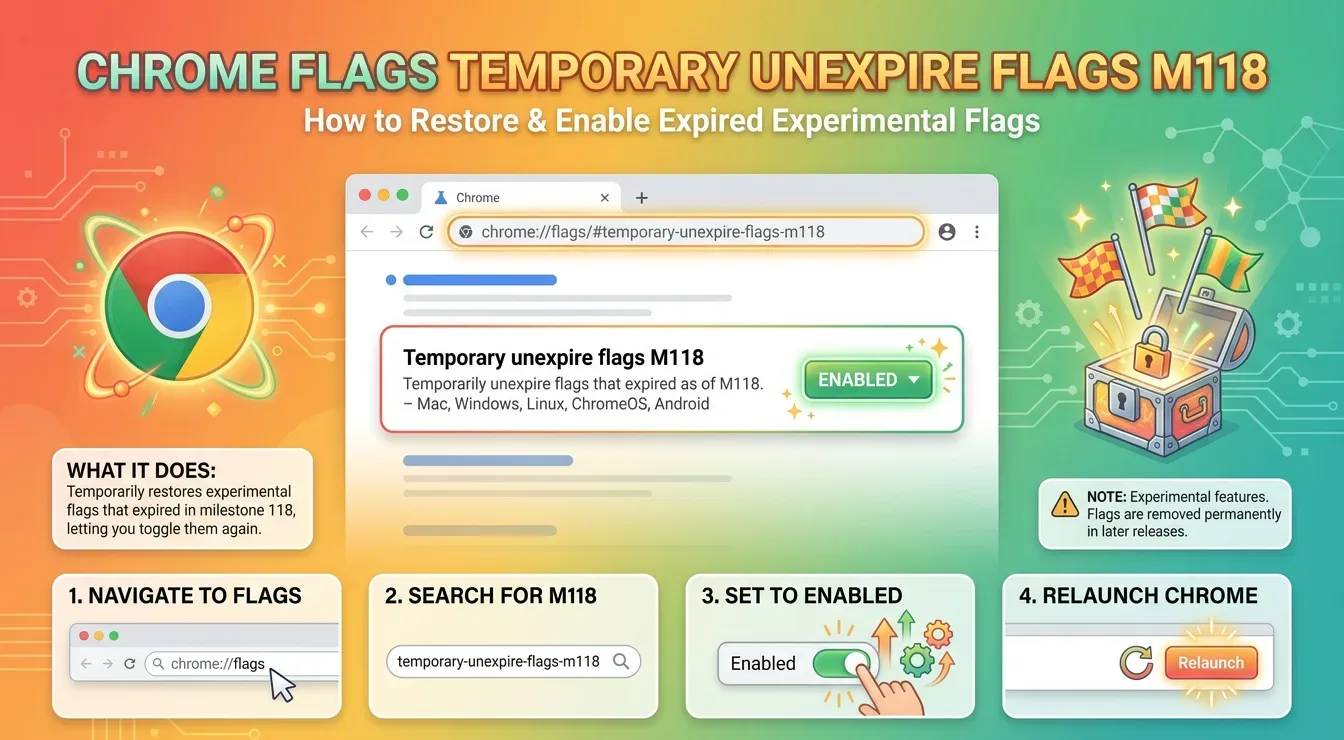
The flag at chrome://flags/#temporary-unexpire-flags-m118 brings back experimental flags that Chrome marked to expire in milestone 118. Chrome retires old flags over time, and this one is a short-term switch that re-exposes the M118 batch so you can toggle them again.
What #temporary-unexpire-flags-m118 actually does
Chrome flags are experimental settings. Each gets an expiry milestone, and once Chrome passes it, the flag is hidden and then removed. The M118 unexpire switch reveals flags scheduled to expire at version 118.
Turning it on makes those hidden flags appear in the list again, so you can enable or disable them. It does not create new features; it only restores access to ones already slated for removal.
Why Chrome expires flags in the first place
Flags are test code. Google stabilizes a feature, ships it to everyone, then clears the flag to keep the list short and avoid broken, unmaintained toggles.
The unexpire flags exist as a stopgap for people who still rely on a specific toggle during a transition. There are versioned siblings too, like the M116 and M117 variants, each tied to its own milestone.
How to use the M118 unexpire flag
Type chrome://flags in the address bar, search for temporary-unexpire-flags-m118, set it to Enabled, and relaunch Chrome. The M118-era flags then reappear in the list.
Use this only if a flag you depend on vanished after an update. Changing experimental flags can cause instability, so note what you switch. On a locked-down device, these pages may be blocked, similar to admin-controlled extensions.
What to do when the flag stops working
Unexpire flags are temporary by design. Once Chrome fully removes the M118 batch in a later release, this switch disappears and the restored flags go with it.
At that point, the feature has usually become a permanent setting or been dropped. If you were using a flag to bypass a managed policy, note that updates often close those routes for good.
FAQs
What is chrome://flags/#temporary-unexpire-flags-m118?
It is a Chrome flag that temporarily restores experimental flags set to expire in milestone 118, making them visible and toggleable again in the chrome://flags list.
How do I enable the M118 unexpire flag?
Open chrome://flags, search temporary-unexpire-flags-m118, set it to Enabled, and relaunch Chrome. The M118-era flags then reappear so you can switch them on or off.
Why did my Chrome flag disappear?
Chrome expires and removes experimental flags once a feature ships or is dropped. The unexpire flags briefly restore a milestone’s batch before Chrome deletes them for good.
Is it safe to change Chrome flags?
Flags are experimental and can cause instability or data issues. Change only what you understand, record your edits, and reset to default if the browser starts misbehaving.
