

Close Menu
    Facebook X (Twitter) Instagram
    • About
    • Privacy Policy
    • Write For Us
    • Newsletter
    • Contact
    Instagram
    About ChromebooksAbout Chromebooks
    • Linux
    • News
      • Stats
      • Reviews
    • AI
    • How to
      • DevOps
      • IP Address
    • Apps
    • Business
    • Q&A
      • Opinion
    • Gaming
      • Google Games
    • Blog
    • Podcast
    • Contact
    About ChromebooksAbout Chromebooks
    News

    Chrome OS 87 may move media playback controls to Quick Settings on Chromebooks

    Kevin TofelBy Kevin TofelSeptember 17, 2020Updated:September 9, 2025No Comments2 Mins Read

    Last month, I pointed out that a new Global Media Controls feature was in the works for Chrome OS 86. I didn’t say it at the time, but my hope was that this would remove the annoying (at least to me) media playback controls in the Notifications stack on my Chromebook. It looks like I may get my wish with Chrome OS 87.

    Work has begun with a target version of 87 on media controls right in the system tray, as spotted by Chrome Story. Code only started appearing earlier this week, so much of what’s planned could be changed, but here’s a video demo of the current progress:

    https://www.aboutchromebooks.com/wp-content/uploads/2020/09/gmc-quick-settings.mp4

    You can see that already the Chromium developers have replicated the media control functionality currently available today on Chromebooks; the difference is that the new controls are in the System Tray.

    I won’t lie: That’s where I think they belong. Having a persistent view of media playback every single time I view notifications drives me nuts, personally.

    This still has me wondering about that media icon to the left of the system tray space seen in early versions of Chrome OS 86.

    Will that be a shortcut to open the tray?

    Nah, that doesn’t make sense. Clicking either that icon or the tray area would open the Quick Settings in that case, basically replicating the same user action.
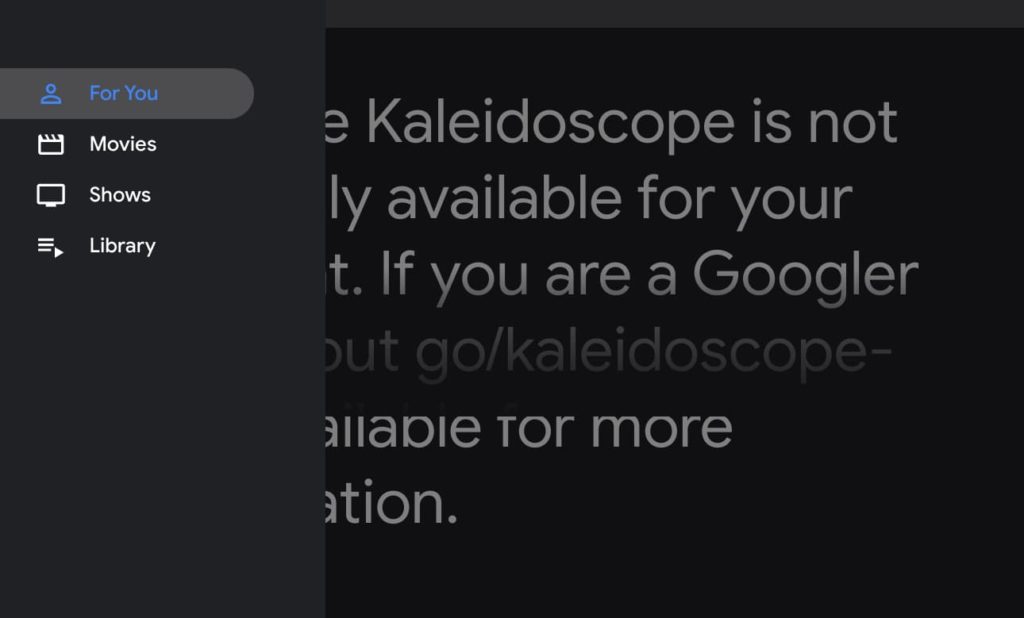
    My bet is still on that icon being a shortcut to Kaleidoscope, the still-in-progress feature that will aggregate movies and television shows from online sources for browser playback. We’ll have to wait and see.

    As always, if you want to follow the status of this code change while it’s in progress, you can sign in and star the change here.

    Kevin Tofel
    • Website

    After spending 15 years in IT at Fortune 100 companies, Kevin turned a hobby into a career and began covering mobile technology in 2003. He writes daily on the industry and has co-hosted the weekly MobileTechRoundup podcast since 2006. His writing has appeared in print (The New York Times, PC Magazine and PC World) and he has been featured on NBC News in Philadelphia.

    Best of AI

    LMArena AI: Chatbot Ranking Platform 2026

    May 27, 2026

    Will AI Take Over the World

    May 25, 2026

    AI21 Jurassic Statistics 2026: Model Size, Usage and AI Performance Trends

    May 19, 2026

    Chub AI Explained

    May 6, 2026

    Stable Diffusion AI: Free Text To Image AI Generator

    May 5, 2026
    Trending Stats

    Chromebook Touchscreen vs Non-Touchscreen Usage Statistics 2026: Device Interaction and Form Factor Data

    June 11, 2026

    Chromebook Performance Across Price Segments Statistics 2026: Benchmark Comparison Data

    June 10, 2026

    Chromebook Daily Usage Hours Statistics 2026: Activity And Engagement Reports

    June 9, 2026

    Chromebook Usage In Developing vs Developed Markets Statistics 2026

    June 8, 2026

    Android App Usage on Chromebooks Statistics 2026: App Adoption And Usage Data

    June 6, 2026
    • About
    • Tech Guest Post
    • Contact
    • Privacy Policy
    • Sitemap
    © 2026 About Chrome Books. All rights reserved.

    Type above and press Enter to search. Press Esc to cancel.