


On Thursday, Google released the Chrome OS 94 Stable Channel update for Chromebooks with a focus on accessibility. News of the software update was made on the Chrome Releases Blog along with some additional information on Google’s Keyword site. Two key additions include natural-sounding voice options for Select-to-speak functionality and updates to the Screen magnifier.
This is the last Chrome OS update to follow the traditional 6-week software cycle. Google is moving to a 4-week cycle starting with the next release, which is actually Chrome OS 96. Version 95 will be skipped in order to get Chrome OS and the Chrome browser versions in sync. And that’s because Google has been decoupling Chrome OS from the browser for improved developer efficiency and to reduce the lag between Chrome features arriving in Chrome OS.
I just noted this earlier in the week because a new browser, codenamed Lacros, will be that standalone browser. Don’t let the name fool you: It’s still the Chrome browser but it’s a Linux version. You shouldn’t notice any differences once everything is fully implemented in Lacros, which I suspect comes with Chrome OS 96.
The updated Select-to-speak function now has enhanced voices that should sound a little more natural. Although it’s meant for folks who face challenges when viewing text, it’s actually pretty handy for everyone.
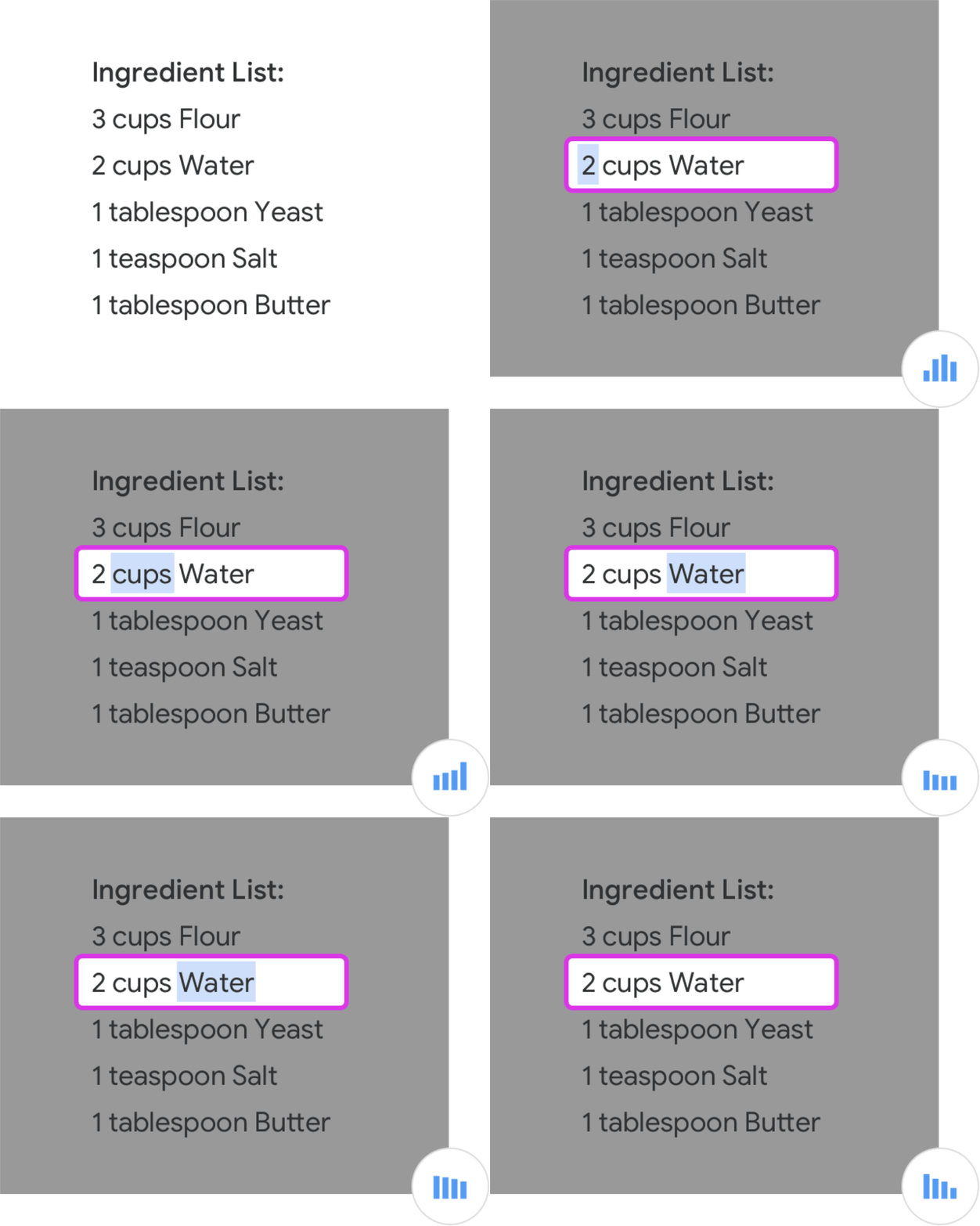
To try or use this, you’ll need to enable the Select-to-speak option in your Chrome OS settings. Then after highlighting some text on a web page, just click either the Everything Button or Launcher Key + S.
Google says that keyboard panning is now part of the Screen Magnification function and it appears easier to zoom in on a page, your entire workspace, or just part of your screen. There are a number of keyboard shortcuts to choose from available on Google’s support page for the feature.
Other fixes and features in the Chrome OS 94 Stable Channel
I was nosing around the bug fixes and saw a few worth highlighting:
- The
pingcommand was broken in Linux due to some upstream changes, but this should be resolved. - Both automatic and manual updates for the Lacros browser weren’t working. Fixed. Remember, you can try the Lacros browser early by enabling the experimental flag at chrome://flags#lacros-support. You’ll then have two browsers to choose from for testing.
- The Alt-Shift+S keyboard command to toggle the status area and notifications wasn’t working. Now it does.
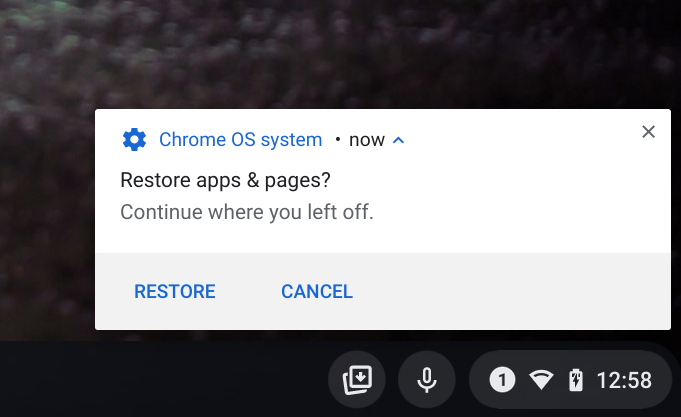
- The restore apps from a previous session feature, which I pointed out in Chrome OS 92, is appearing upon session or Chromebook restarts. If you don’t see this yet, I have the experimental flag information here so you can use it.
Compared to many prior Chrome OS updates, the Chrome OS 94 Stable Channel appears a bit limited in scope. I suspect that has much to do with the transition to Chrome OS 96 where we’ll see a higher volume of changes. Again, I’m thinking that Lacros becomes generally available as a standalone browser application, which is a massive change.
Of course, I’m sure there’s more in the Chrome OS 94 Stable Channel update, so drop a comment if you see things I’ve missed!
