

Close Menu
    Facebook X (Twitter) Instagram
    • About
    • Privacy Policy
    • Write For Us
    • Newsletter
    • Contact
    Instagram
    About ChromebooksAbout Chromebooks
    • Linux
    • News
      • Stats
      • Reviews
    • AI
    • How to
      • DevOps
      • IP Address
    • Apps
    • Business
    • Q&A
      • Opinion
    • Gaming
      • Google Games
    • Blog
    • Podcast
    • Contact
    About ChromebooksAbout Chromebooks
    News

    Chrome OS Sharing Hub has a nice copy to clipboard Chromebook feature

    Kevin TofelBy Kevin TofelNovember 7, 2021Updated:September 19, 2025No Comments2 Mins Read

    I previously wrote about the upcoming Chrome OS Sharing Hub, which is an experimental feature. When I tested it, I was able to tap the sharing icon and shoot a web link to my installed Progressive Web Applications. I noticed another experimental flag that tells me the Chrome OS Sharing Hub is shaping up to be a unified feature with multiple sharing features. In addition to Nearby Share and PWA support, the new flag adds a nice copy to clipboard Chromebook feature.
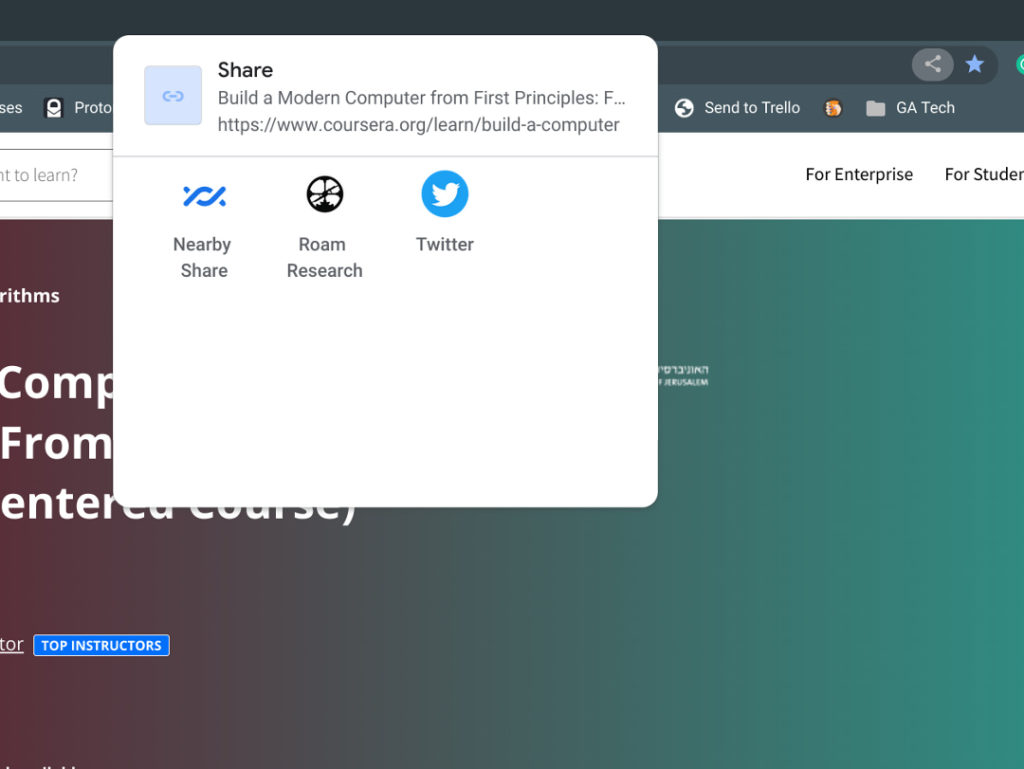
    share web content to PWAs

    I’m using it on the Chrome OS 97 Dev Channel, so it may not yet appear in the Beta Channel; that’s currently version 96. And the Stable Channel has only been version 94 for the last few weeks, so it’s not there yet either. Remember that Chrome OS is skipping version 95 to get in sync with the four-week Chrome browser release cycle.

    To enable this new copy to clipboard Chromebook feature in the Chrome OS Sharing Hub, you’ll obviously need to have the Sharing Hub enabled first. Here’s how to do that.

    Then, go to chrome://flags#enable-sharesheet-copy-to-clipboard and choose “Enabled” from the drop-down menu.

    You’ll be prompted to restart your browser, which only takes a few seconds. Upon restarting, you can tap the Sharing icon on the right side of the Omnibox and you’ll see the additional function. Click it and you’ll have the web page link copied to your Chromebook’s clipboard.
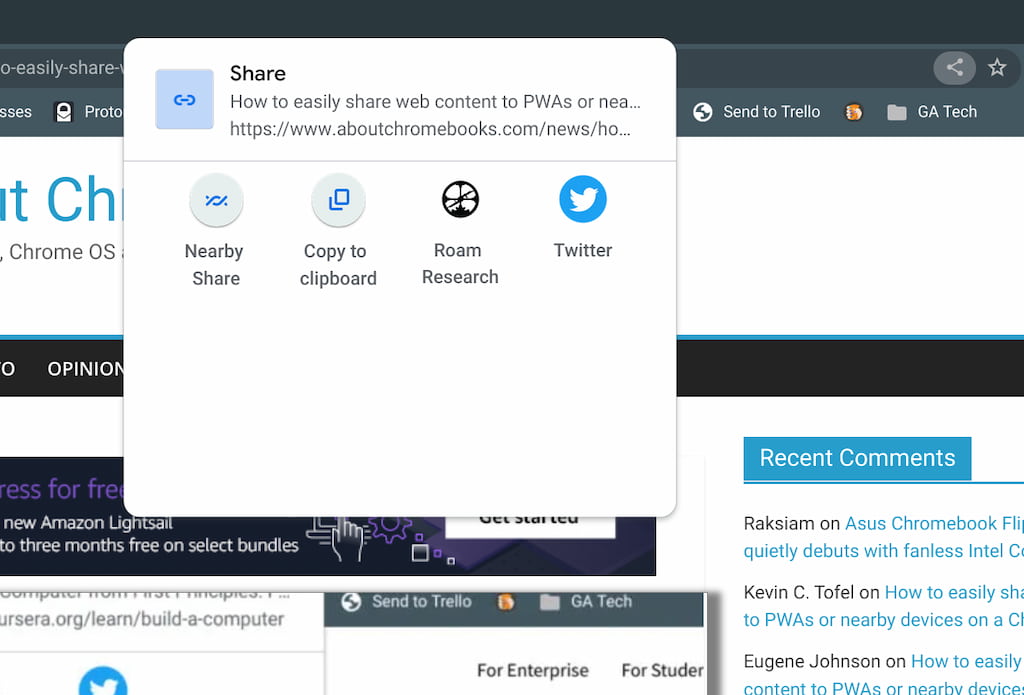
    Chrome OS Sharing Hub

    Obviously, this isn’t the only way to copy a web link to the clipboard on a Chromebook.

    You can certainly highlight the link and use the CTRL + C hardware keyboard shortcut to do this. Or you could right-click any web page and choose the contextual menu option to save any link from a web page.

    This is still an experimental feature, so it may change before implementation, likely in Chrome OS 97. In the meantime, I’m appreciating the ability to quickly tap two icons to use the Chrome OS Sharing hub to capture or share page links

    Kevin Tofel
    • Website

    After spending 15 years in IT at Fortune 100 companies, Kevin turned a hobby into a career and began covering mobile technology in 2003. He writes daily on the industry and has co-hosted the weekly MobileTechRoundup podcast since 2006. His writing has appeared in print (The New York Times, PC Magazine and PC World) and he has been featured on NBC News in Philadelphia.

    Best of AI

    AI in Healthcare Adoption Statistics 2026

    July 9, 2026

    Deepfake Incident Statistics 2026

    July 7, 2026

    Best AI Music and Vocal Tools for Chromebook Users in 2026 

    June 24, 2026

    What Does Adobe Firefly AI Do?

    June 16, 2026

    Is Joyland AI Safe For Kids?

    June 12, 2026
    Trending Stats

    Chromebook Peripheral Usage Statistics 2026: Device Connectivity And Usage Data

    June 30, 2026

    ChromeOS Update Size and Installation Statistics 2026: System Performance Reports

    June 27, 2026

    Chromebook vs MacBook and Windows Boot Time Statistics 2026: Performance Benchmark Data

    June 25, 2026

    Chromebook Brand Reliability Scores Statistics 2026: Quality Ratings And User Reports

    June 24, 2026

    Chromebook Performance Degradation Statistics 2026: Long-Term Usage And Reliability Data

    June 23, 2026
    • About
    • Tech Guest Post
    • Contact
    • Privacy Policy
    • Sitemap
    © 2026 About Chrome Books. All rights reserved.

    Type above and press Enter to search. Press Esc to cancel.