


Now that I’m back from a long hiking vacation in Utah, I’m consolidating my Chromebooks. I’ve whittled the pile down to three: one for each ChromeOS channel. And the one running the ChromeOS 116 Dev Channel finally adds functionality to a placeholder I’ve been watching. I now have a working Virtual Desks button on my Chromebook Shelf with ChromeOS 116.
While technically this is a new feature, it only adds another option for an existing feature. Meaning: it’s another way to navigate the Virtual Desks on a Chromebook.
You can still use a three-finger up swipe on the trackpad to view your Virtual Desks. However, there is a benefit to using the Virtual Desks button on a Chromebook Shelf. I’ll show you why in a bit.
Once I updated to the ChromeOS 116 Dev Channel, I enabled this flag: chrome://flags#enable-desk-button and restarted my browser. What used to be an empty button on the Shelf now shows the name of the currently in-use Virtual Desk.
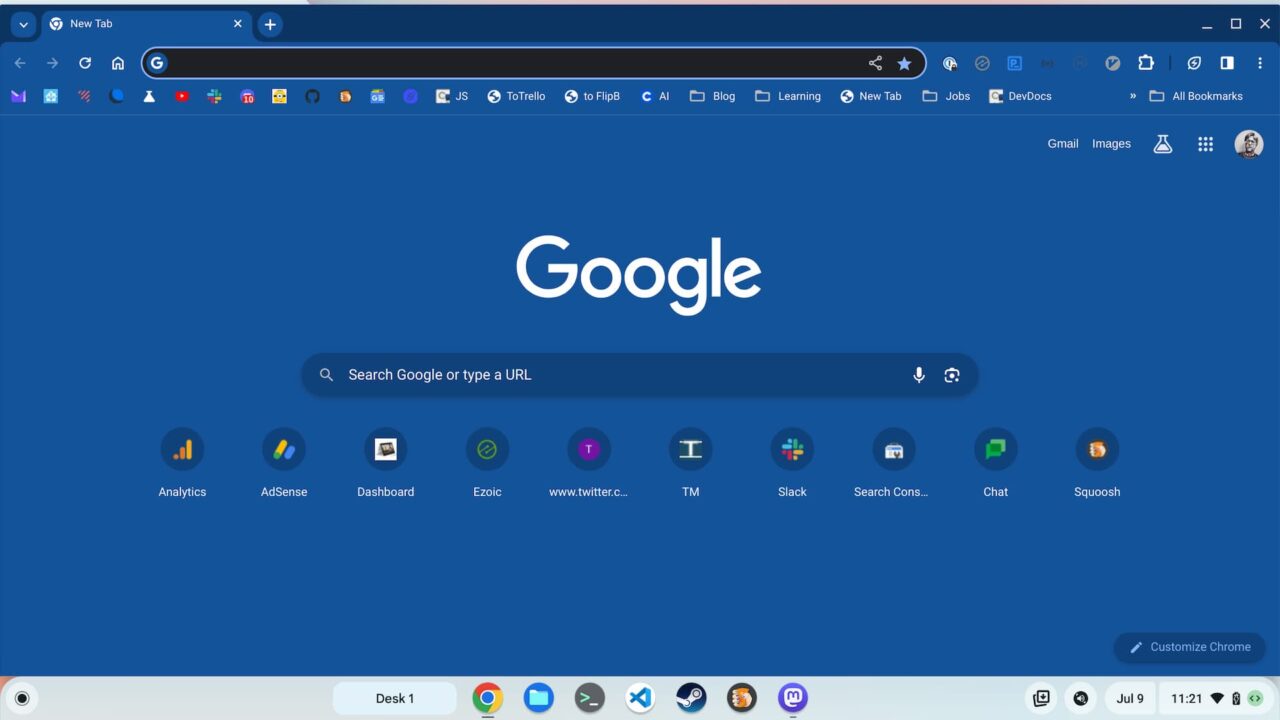
For this example, I didn’t get too creative, so you see above that I’m on Desk 1 and I only have the browser open.
When hovering over the Virtual Desks button on ChromeOS 116, one or more arrows appear. These indicate there are desks to either side, or both sides, of the current Desk. Clicking an arrow immediately takes you to that Virtual Desk.
Even better though is what happens when you simply task the Virtual Desk button. You get a small preview of all Virtual Desks on your Chromebook so you can see what apps are where.
Of course, you can tap any of the Desk previews to navigate as well. And you can add a Virtual Desk, simply by clicking on the “plus” button. And hovering over a preview shows options to close the Desk or merge the current Desk with another one.
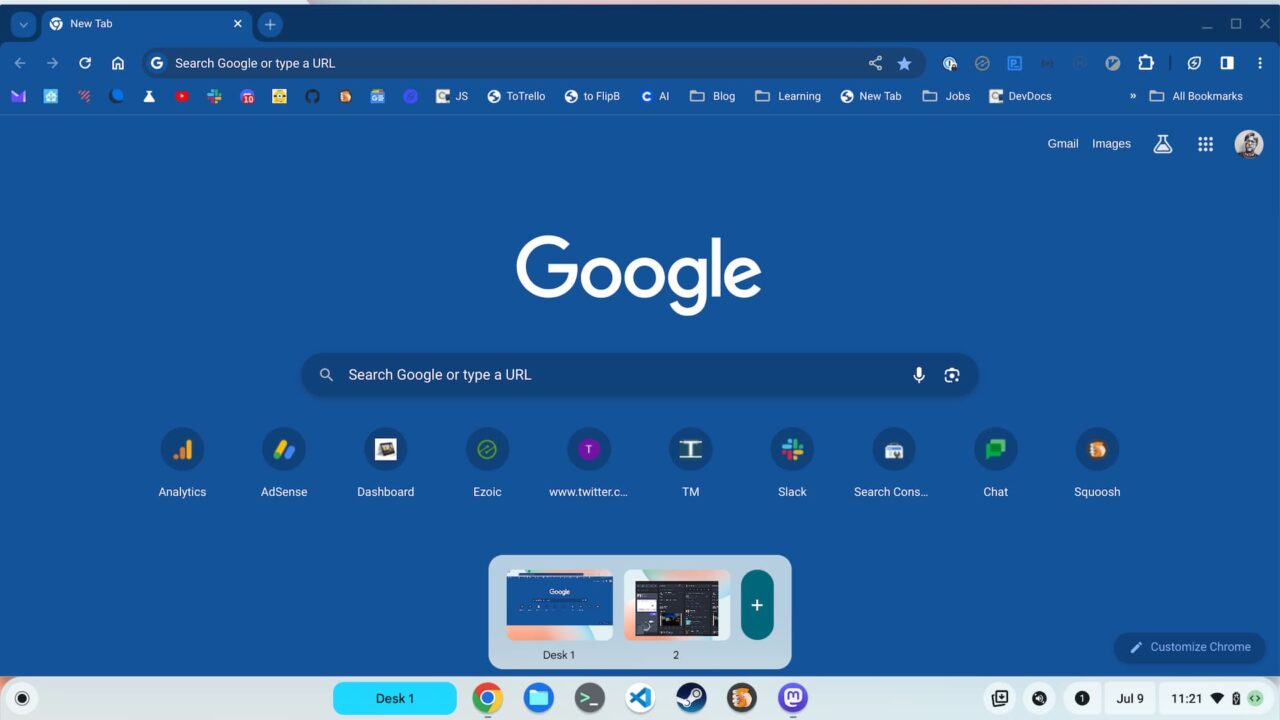
After screen capturing the above view, I tapped on the Desk labeled “2”, and ChromeOS 116 swiftly brought me to that Virtual Desk.
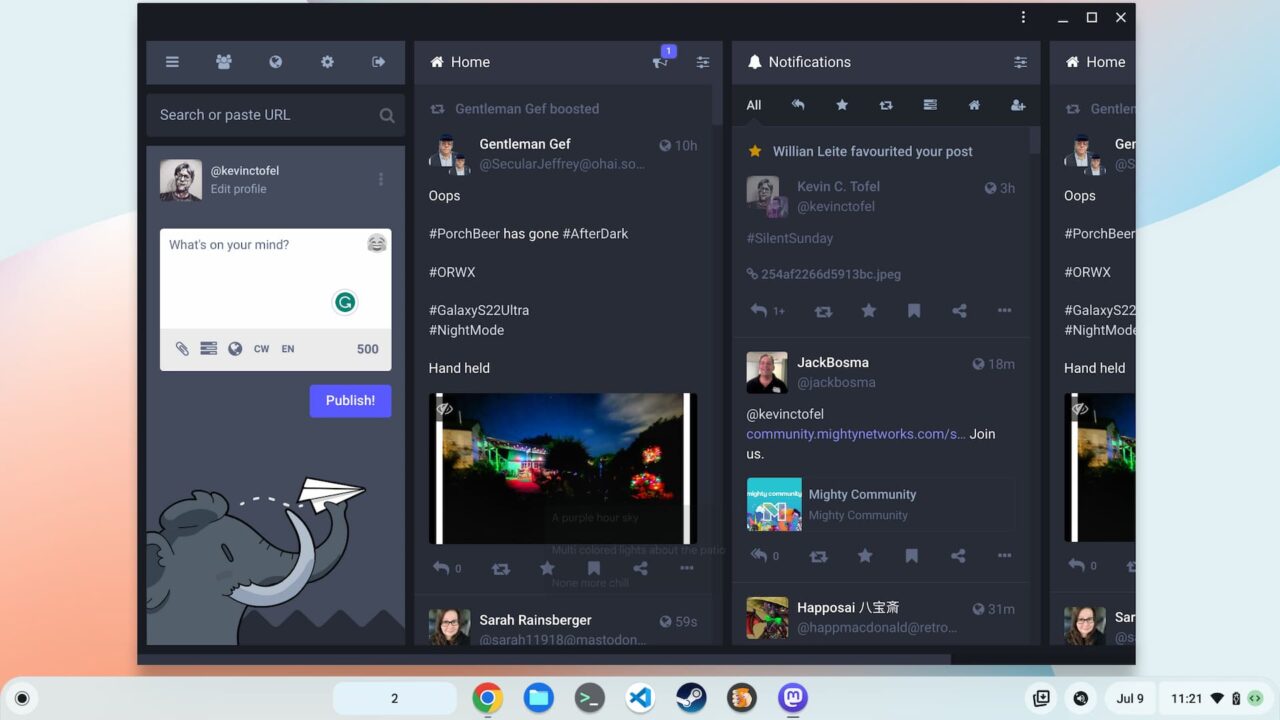
Personally, I like this method of navigating Virtual Desks on my Chromebook much better. I can always see which Desk I’m on, even while working. The current navigation method breaks up my workflow because it essentially takes over the entire Chromebook screen.
Being someone who’s migrating away from the trackpad, I was hoping to see a new Chromebook keyboard shortcut to get the Virtual Desks preview with the new Desks button. Unfortunately, I don’t yet see that in ChromeOS 116. That could change, of course. This is an experimental feature. For now, I’ll take it!
