


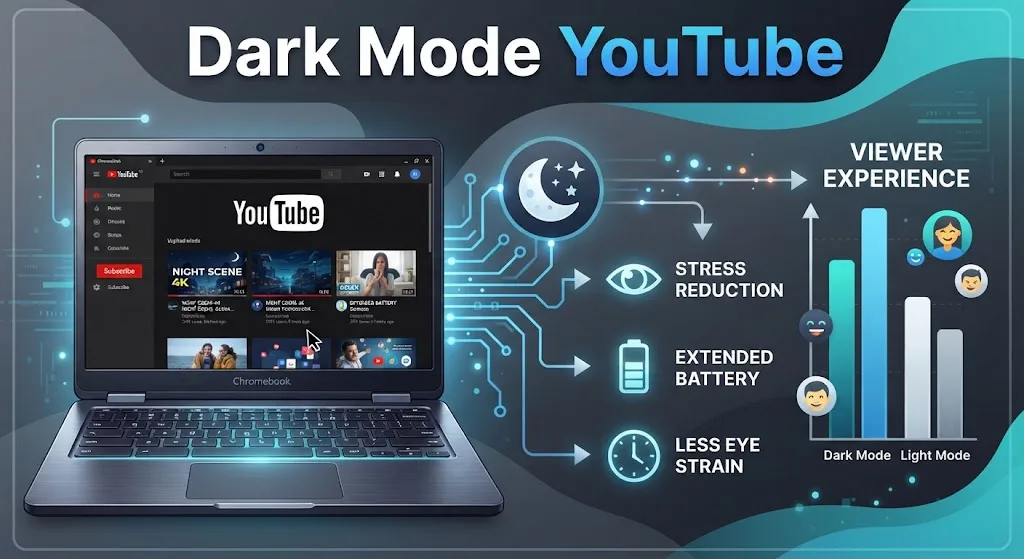
Late-night viewing on a bright white page gets uncomfortable fast. YouTube ships with a dark theme that swaps the white background for near-black, and on a Chromebook the switch takes about ten seconds.
The same option sits inside the Android and iOS apps. Below are the exact menu paths, plus fixes for when the theme refuses to stick.
What Dark Mode YouTube Actually Changes
The theme repaints the page background, sidebar, and menus in charcoal. Video playback stays untouched, so colours inside the player look identical.
In a dim room the drop in glare is obvious. On phones with OLED panels there is a measurable power saving too.
Most Chromebooks use LCD screens, so battery gains there are close to zero. Comfort is the real reason to switch on a laptop.
How to Turn On Dark Mode YouTube in Chrome on a Chromebook
The browser route works the same on ChromeOS, Windows, and macOS. Sign in first, or the setting will not save between sessions.
- Open youtube.com in Chrome.
- Click your account picture in the top right corner.
- Select Appearance from the menu.
- Choose Dark theme.
The page redraws immediately. No reload, no restart.
Match YouTube to Your ChromeOS Theme
Pick Use device theme instead of Dark theme, and the site follows whatever ChromeOS is set to. That pairs well with the system-wide dark theme on ChromeOS, since both flip together.
Still squinting at other sites? Dropping the backlight helps, and this walkthrough on adjusting Chromebook screen brightness covers the keys and the slider. Writers can also darken the Google Docs interface the same evening.
Dark Mode YouTube on Android Phones and Tablets
The app buries the option one layer deeper than the website does.
- Open the YouTube app.
- Tap the You tab in the bottom right.
- Tap the gear icon, then open General.
- Tap Appearance and pick Dark theme.
Use device theme is here too, and it tracks your phone’s own schedule.
Dark Mode YouTube on iPhone and iPad
Apple’s route is nearly identical, minus the gear icon placement.
- Launch the app.
- Tap your profile photo in the bottom right.
- Go to Settings, then General, then Appearance.
- Select Dark theme.
Since iOS 13, Use device theme respects the system-level schedule you set in iPhone settings.
Dark Mode YouTube Not Working? Fixes That Usually Help
Start with the cheapest fix and work down. Close the app fully from the recent apps screen, then reopen it. A stale session accounts for most cases.
Next, wipe stored data. On a Chromebook that means you clear cached files and cookies in Chrome; on Android, open the app entry in system settings and clear its cache.
Still stuck on white? The build is likely old. Uninstalling the app and reinstalling a fresh copy restores the Appearance menu.
Managed school hardware is a separate problem. If the site itself will not load, this guide on getting past YouTube restrictions on school Chromebooks explains what admins block and why.
FAQs
Why is Appearance missing from my YouTube menu?
You are running an outdated build of the app. Update it through the Play Store or App Store, or reinstall it. The Appearance option appears under Settings, then General.
Does dark mode YouTube change video colours?
No. The theme only affects the background, sidebar, and menus. Footage inside the player keeps its original colours, brightness, and contrast on every device.
Can dark mode YouTube switch on automatically at night?
YouTube has no built-in timer. Selecting Use device theme achieves the same result, because the app then follows your Chromebook or phone schedule.
Does dark mode YouTube save battery on a Chromebook?
Barely. Most Chromebooks use LCD panels, which draw similar power regardless of the colour shown. OLED phones and tablets see a real reduction.
Does the dark theme apply to downloaded videos?
Yes, the surrounding interface stays dark. The clips themselves are unaffected, whether streamed or saved for offline viewing on a Chromebook.
