


If you’re unable to access your Google services like Gmail, Google Photos, or Google Play, don’t worry.
The Google account recovery process allows you to regain access by answering a few verification questions.
Here’s a simplified, user-friendly version of how to proceed if you can’t log in.
What to Do If You Forgot Your Password
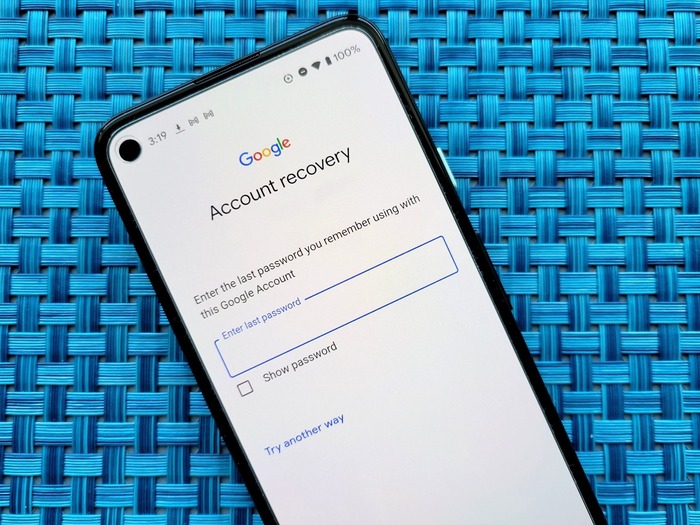
Follow these steps if you’ve forgotten your password:
- Begin the recovery process by visiting the Google account help page.
- You will be required to respond to a few questions that help confirm your identity.
- Try to answer as accurately as possible. Even if unsure, attempt all questions.
- Once your identity is confirmed, you will be able to reset your password.
- Make sure the new password is unique and secure.
Password Reset Checklist
| Step | Description |
| Visit Recovery Page | Go to Google’s recovery site |
| Answer Security Questions | Prove the account belongs to you |
| Create New Password | Use a fresh and strong password |
If You Can’t Remember the Username
Don’t worry if your email ID slips your mind. You can still recover your account with:
- The recovery email or phone number connected to the account
- Your full name is linked to the account
Once you provide this information, Google will show a list of email addresses that match.
If Your Account Was Compromised
In case you suspect unauthorized use of your Google Account:
- Use the account recovery tool immediately.
- Carefully follow the steps shown on-screen to restore access.
- Change your login details to protect your information.
When Your Account Was Recently Deleted
If the account was deleted not long ago:
- You might still be able to bring it back.
- Head to the recovery tool and enter your deleted email.
- Follow the prompts to restore access.
If None of These Work
If you’re facing a different issue that doesn’t fall into the above categories:
- Use the “get help signing in” option on the recovery page.
- Select the option that best describes your problem and continue.
Signing In to a Different Account
If you are currently logged in to one account and need help accessing another:
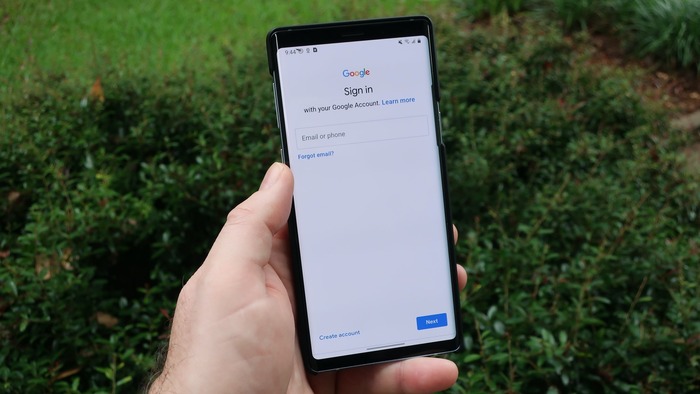
- Use the “Need help with another account?” option on the sign-in page.
- This allows you to attempt recovery for a different Google ID.
Important Reminders
- You’re not locked out for making errors while trying. Keep trying if you didn’t succeed the first time.
- These steps won’t apply to accounts handled by an organization (e.g., a school or a company). Contact your administrator instead.
- For underage users, parents can assist in resetting passwords.
If Recovery Fails
If the Google account recovery process doesn’t work:
- You can always make a new Google Account.
- To avoid this situation in the future, use recovery options like phone and email.
Be Aware of Scams
- Google does not provide phone support for password or login help.
- Never share your password or security codes with third-party services. These are not authorized and can put your account at risk.
By following these simplified steps, you can deal with the Google account recovery process easily and safely, even if you face login trouble today.
