


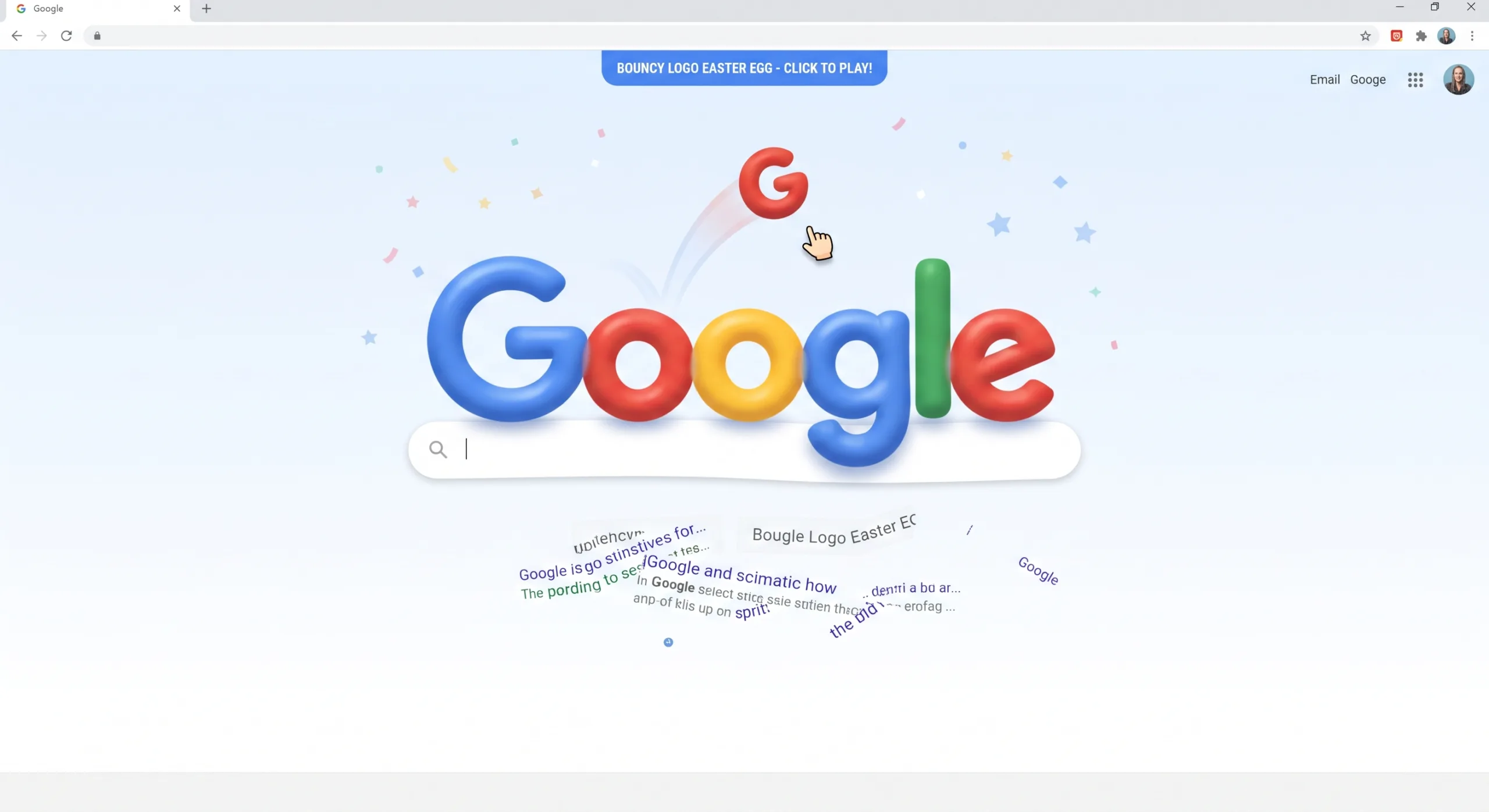
The bouncy Google logo sends the Google letters pinging around the screen like a screensaver ball. It is one of the oldest visual gags tied to the search page, and the fun detail is that it always finds a corner when you look away and come back.
What the bouncy Google logo does
The logo detaches, drifts across the page, and ricochets off each edge. There is no game and no score. It just bounces, which is the entire appeal of a bouncy Google.
Each letter can split and move on its own in some versions, so the clean wordmark scatters into drifting pieces that keep colliding with the window edges.
How to make Google bounce
Search for the bouncy logo trick, usually through elgooG, the fan archive that keeps Google’s visual eggs alive. The page loads the normal layout, then lets physics take over.
Click out of the tab and back in. The bouncing logo resets so it strikes a corner perfectly, a quirk documented in lists of Google easter eggs.
It pairs well with other physics tricks. The underwater fish gag uses the same drag-and-float behavior on a flooded page.
Is the bouncy Google logo an official feature?
Google rarely runs joke features on live search, since it guards the usability of its main results. Most people reach the bouncy version through elgooG rather than google.com.
elgooG mirrors these tricks whether Google still hosts them or not, which is why older eggs keep working there long after they vanish from search.
Other Google tricks to try next
If the bouncing logo lands, the gravity trick drops the whole page, and “zerg rush” chews up the results while you click. The Among Us crewmate runs on a different mechanic worth a look.
None of these change your actual search history. They load a one-off scene, you play, and you close the tab.
FAQs
How do you make the Google logo bounce?
Open the bouncy logo trick, usually via the elgooG archive. The Google letters detach and ricochet off the window edges. Click away and back to reset it into a corner.
Is the bouncy Google logo real on google.com?
Not on live search. Google keeps joke features off main results, so the bouncing logo runs on elgooG and similar fan mirrors rather than google.com itself.
Why does the bouncing logo always hit the corner?
It is a built-in quirk. Each time you leave and return to the tab, the animation repositions the logo so it strikes a corner cleanly, like a classic screensaver.
Does the bouncy Google trick work on a Chromebook?
Yes. It runs in Chrome like any web page, so a standard Chromebook handles it fine, as long as the elgooG site is not blocked by a network filter.
