


Late last week, I took delivery of a Lenovo IdeaPad Chromebook Duet 3. The company sent me a review unit of this successor to the popular Lenovo Duet Chromebook from 2020, and I’ll be taking it for a spin over the next few weeks. I’ve only been able to look at the device this morning for a bit, so here are my first impressions.
What’s new from the old Lenovo Chromebook Duet
For baseline information, this newer model doesn’t change much from the original. And that’s not necessarily a bad thing. Instead of the Octa-core Mediatek Helio P60T powering the 2020 edition, Lenovo chose the second-generation Qualcomm Snapdragon 7c chipset.
The old 10.1-inch, 1920 x 1200 resolution panel is replaced by a new 11-inch, 2000 x 1200 IPS touch display. And the Lenovo IdeaPad Duet 3 Chromebook keeps the same 400 nits of brightness as the old model. That comes in handy when outdoors.
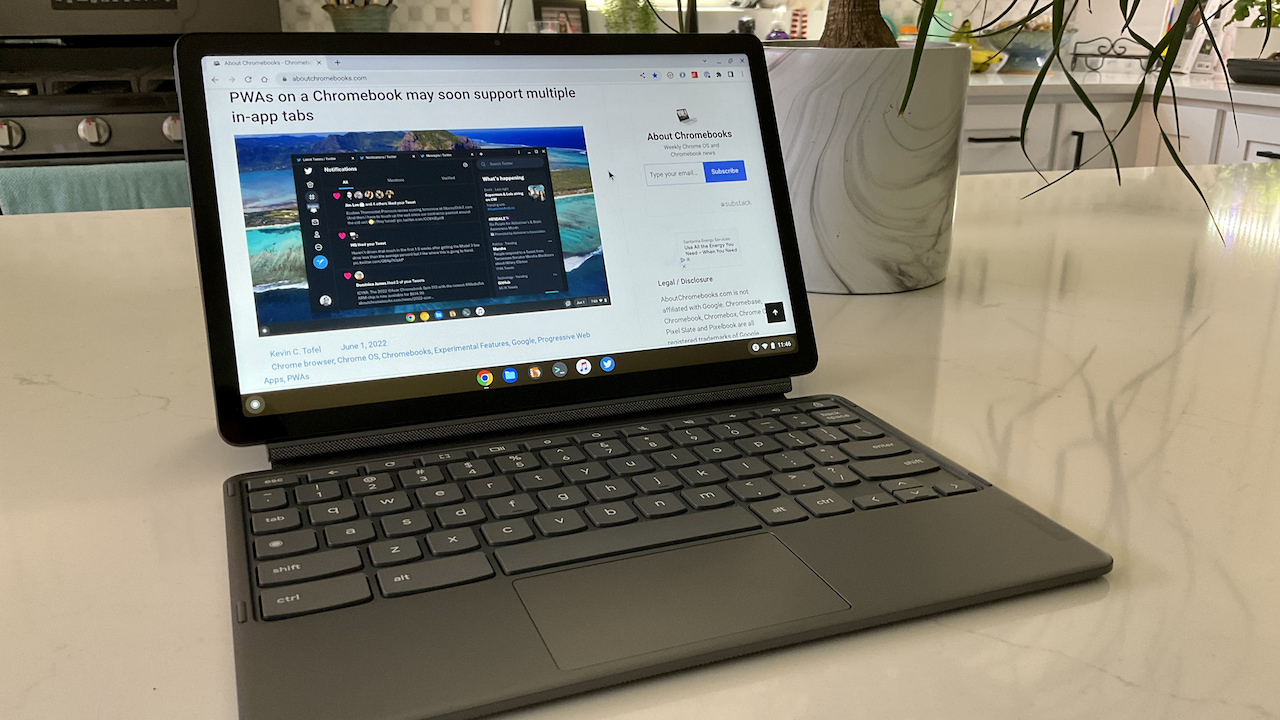
Currently, Lenovo is selling this Chrome OS tablet for $299.99, a discount from the $369.99 MSRP. It comes with 4 GB of RAM and 64 GB of non-expandable eMMC local storage. Personally, I wish it had double of both, but that’s just me.
Having said that, my initial impressions are positive. Lenovo appears to have moved the device forward in terms of hardware and design. I’ll test performance in the full review, however.
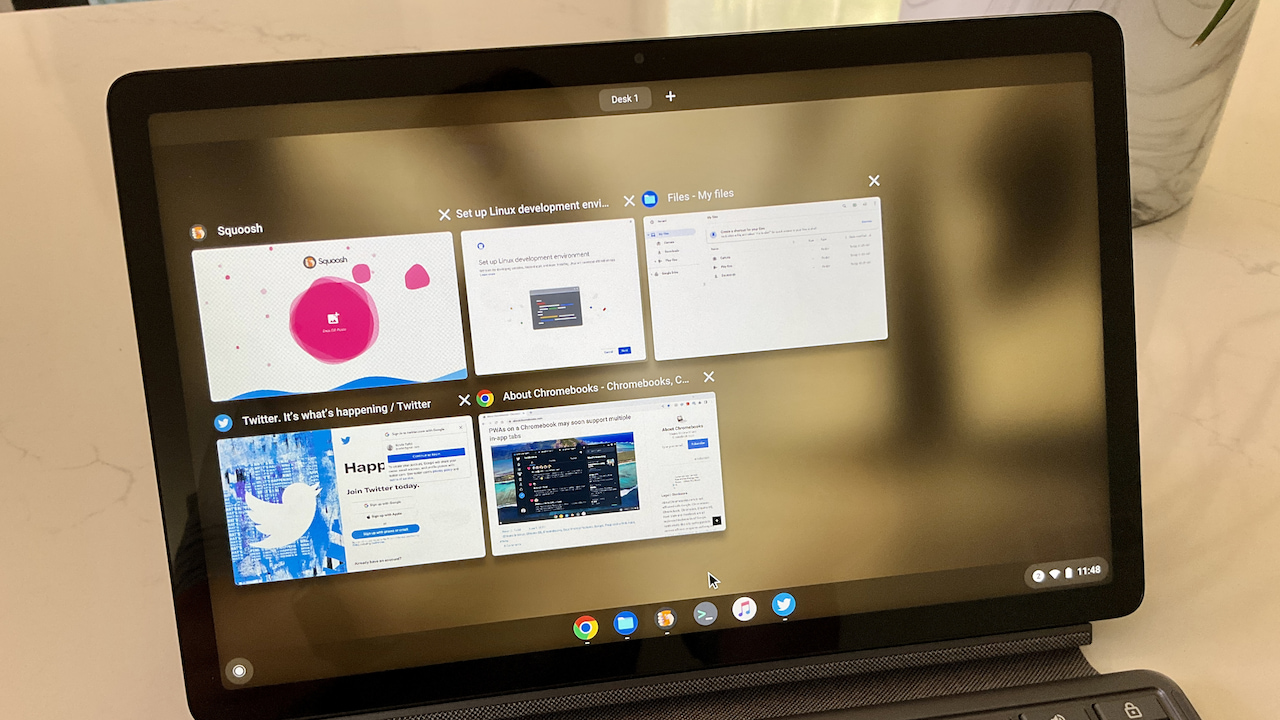
Display, accessories and hardware
The bright, slightly higher resolution and the slightly larger display look superb. The bigger screen does make for a slightly bigger device than the original. But I still wouldn’t consider this a bulky tablet at 1.14 pounds. I would happily take this with me when leaving the house, either with or without a bag.
I’d also take the included magnetic kickstand and keyboard attachments, even though they add weight.
The former looks largely the same as the 2020 edition, which is good. And so far, the keyboard experience is a step up too. Yes, some of the modifier keys are a bit smaller – shift, enter, etc… – but that’s standard fare on devices smaller than traditional laptops. The rest of the keys are a joy to use, with plenty of travel.
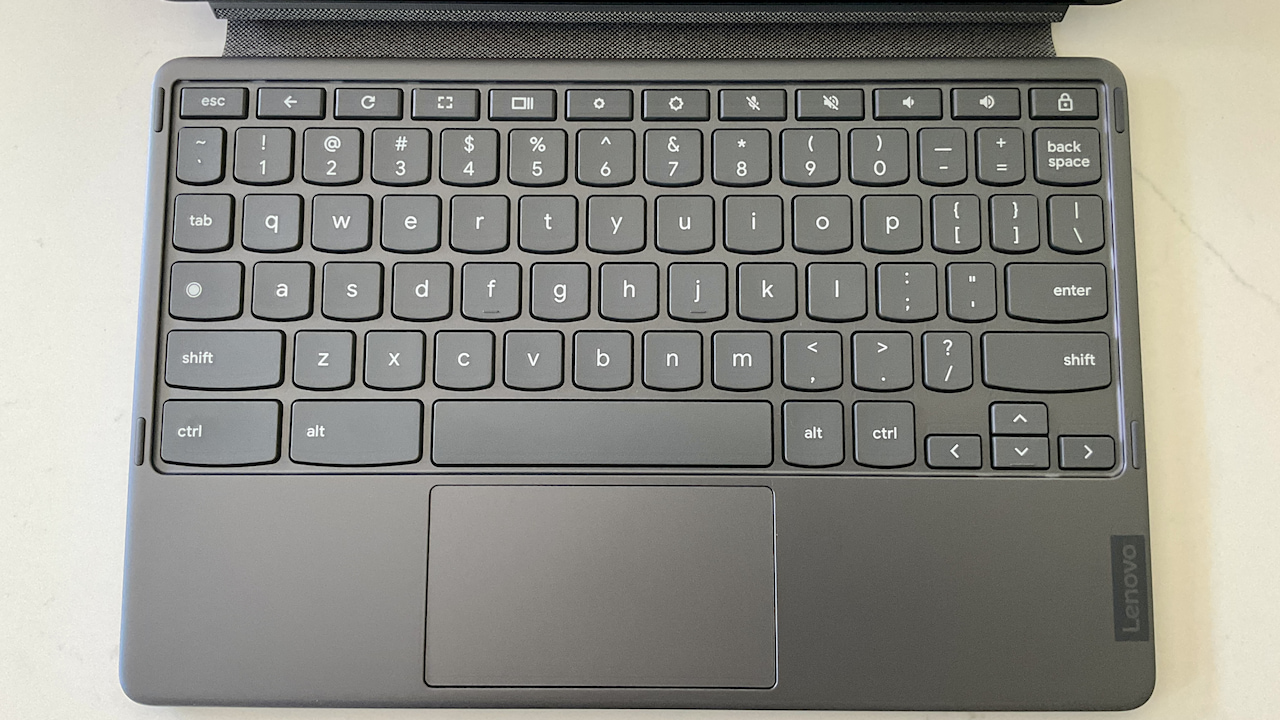
Nope, they’re still not backlit but that’s a tradeoff I can handle at this price point. However, unlike the larger Lenovo Duet 5 Chromebook, the keys are designed with the Lenovo “scallop” at the bottom.
For me, that just adds to the typing experience on the Lenovo IdeaPad Chromebook Duet 3. A stiffer fabric hinge helps the keyboard attachment from horizontal shifting on a lap, but it’s not as stable as a fully magnetic solution.
The multi-touch trackpad is adequate so far; I have nothing overly good or bad to say about it with limited use. It works. And it’s on the small side. Again, when you downsize to a device like this, there’s only so much space to work with.
I actually can say something good about the 5-megapixel webcam: Initial tests show it to provide images better than I expected. I’ll provide some sample images in my full review and will also comment on the video chat experience. I’ll be curious how the dual, one-watt speakers work in that case. There’s one on each side and I’m not expecting anything better than average sound quality out of them.
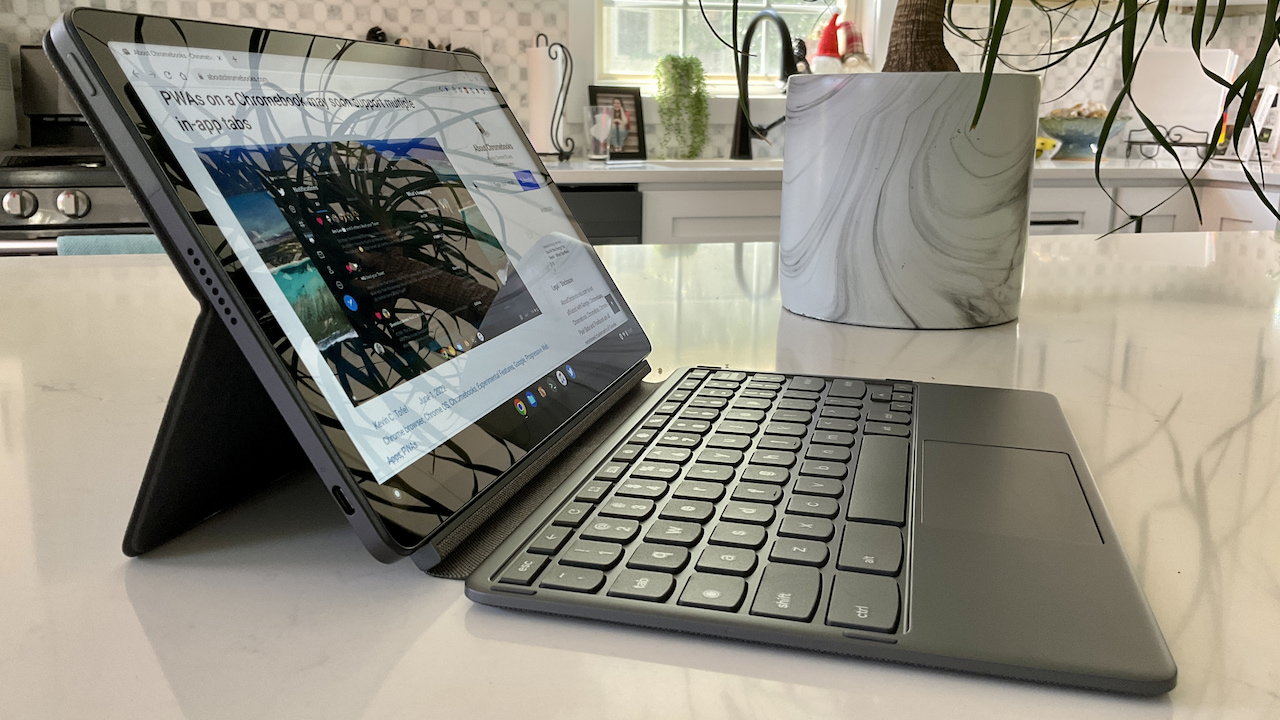
There’s also a step up from the 2020 model in terms of ports. Instead of a single USB Type-C Gen 2 on the right, you get a pair of USB Type-C ports, one on each side. And these are Gen 3.2 for faster transfer speeds. Well done, Lenovo!
I can’t comment yet on battery life other than to say Lenovo quotes up to 12 hours for this tablet. That’s up from the 10 hours quoted on the 2020 edition, which really provided about 8 hours or so of real-world runtime. Obviously, I’ll be checking Lenovo’s claims.
Lenovo IdeaPad Chromebook Duet 3: Overall impressions
Overall, the Lenovo IdeaPad Chromebook Duet 3 provides a sleeker, slightly larger, and, so far, quicker Chrome OS experience. It literally looks like the “Mini Me” of the larger Duet 5 Chromebook I recently reviewed. That larger, more expensive model uses an OLED panel, which would have been nice to see here. Still, I do like this display.
And I suspect it will work better as a pure tablet, even though I didn’t like that experience with the Duet 5. The widescreen aspect ratio doesn’t help on either model, however, it’s easier to manage with an 11-inch screen than it is with one that’s 14-inches.
I’ll use the Lenovo IdeaPad Duet 3 as my main Chromebook over the next week or so, with and without an external monitor. And I’ll share my full review after that. In the meantime, if you have specific questions about this device, let me know.
Updated at 2:53pm ET on June 6 to remove any stylus experience as this device requires a new USI 2.0 stylus, which is not generally available yet.
