


Long-time Chromebook owner? Then you probably know the basics of Chrome OS. If you’re a new Chromebook user though, Google’s desktop operating system might be a bit of a mystery at times. Thankfully, you can learn to use Chrome OS, even without a Chromebook by using this simulator.
Google has long had the Chromebook simulator available, although I don’t see it mentioned often. And it’s not going to cover every single function. Still, you can learn to use Chrome OS and pick up all of the key functionality pretty easily. All you need to do is fire up a web browser and hit this website.
The simulator provides a menu on the left, gathering up topics in specific groups. But it also shows the most popular Google Chrome OS topics front and center. So you can start wherever you want, looking through the groups, hitting the top picks, or even searching for a feature.
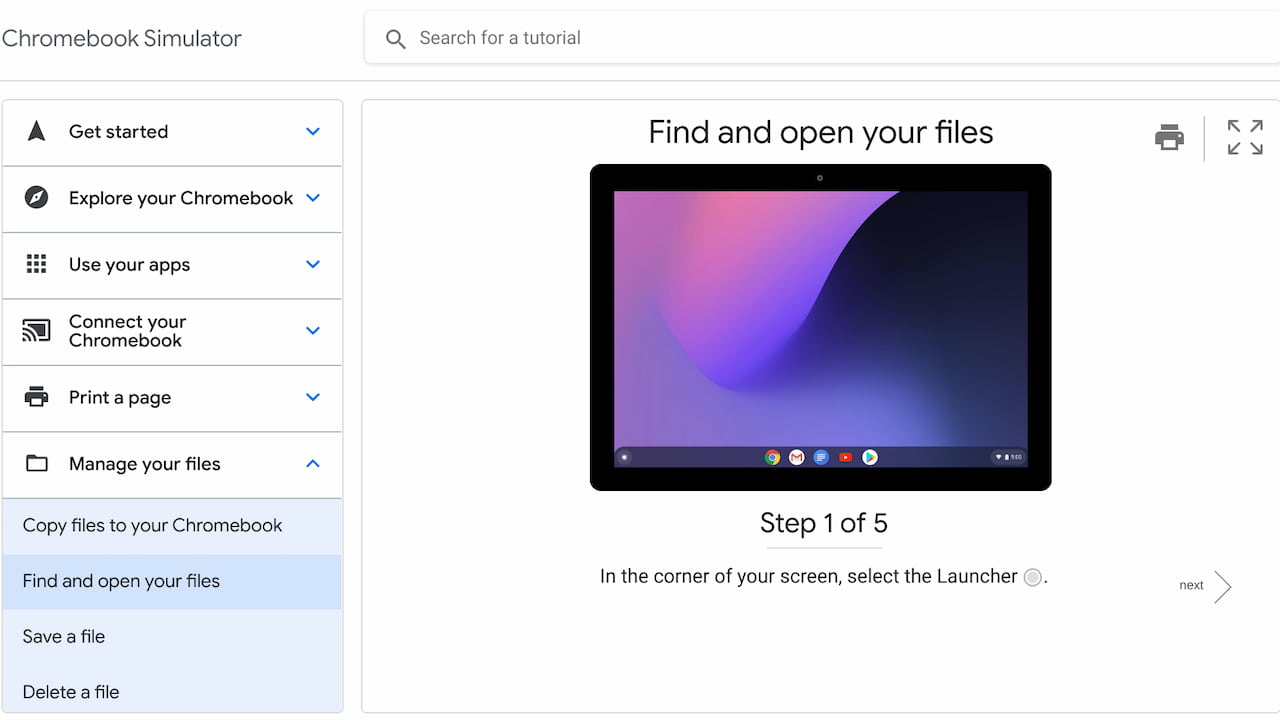
Whichever you decide, I highly recommend clicking the full-screen option before using the simulator to learn about a topic. That’s because there’s a virtual Chromebook that takes you step-by-step for each function in a lesson.
Each walkthrough doesn’t just tell you the steps, though.
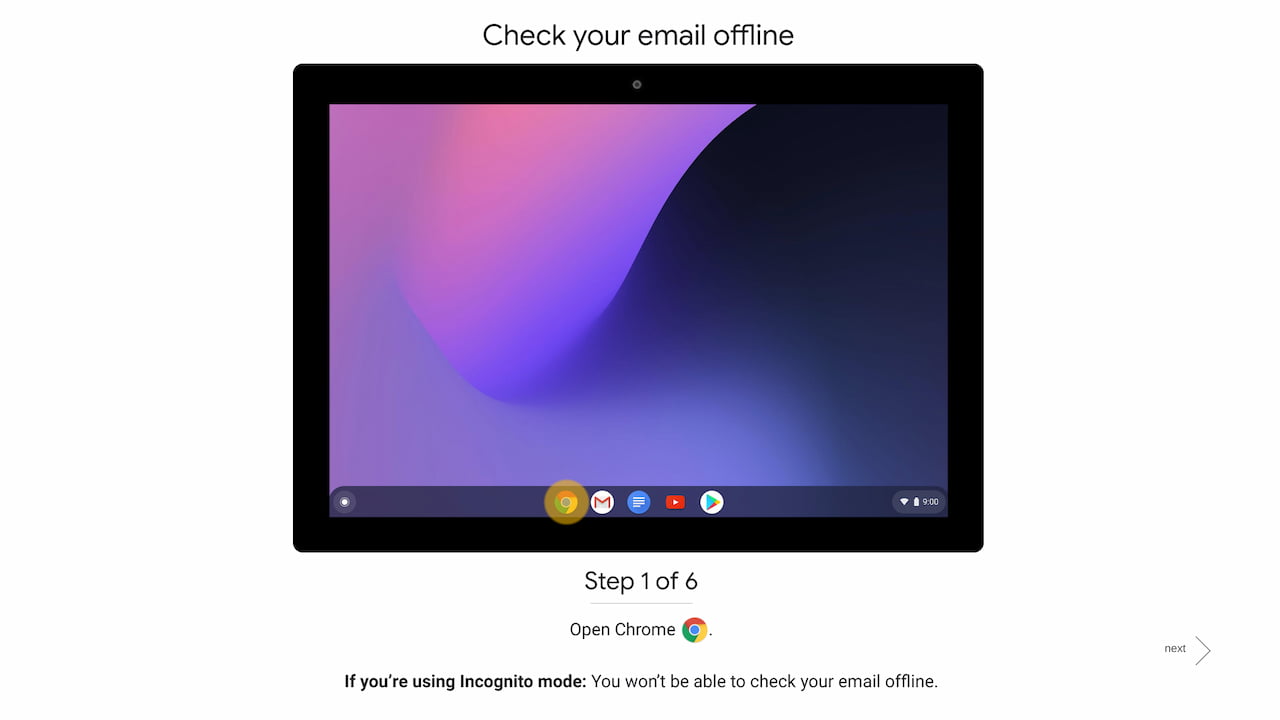
The idea is for you to click the Chrome OS interface on the virtual Chromebook to move through each step. Think of it as a virtual teacher that makes the class actually perform each step on a Chromebook. Technically, you can skip the clicking around by tapping the “Next” button and proceed to the next part of the process for any lesson. But honestly, why would you?
The easiest way to learn any new software is to walk through it step-by-step and actually, or virtually, use it. And the simulator makes it easy by flashing the interface element you need to click:
Overall, I’d say you can learn to use Chrome OS basics in under 30 minutes with this tool. Sure, there are plenty of advanced features and topics that aren’t covered. The simulator doesn’t tackle how or why you’d want to use Linux on your Chromebook, for example.
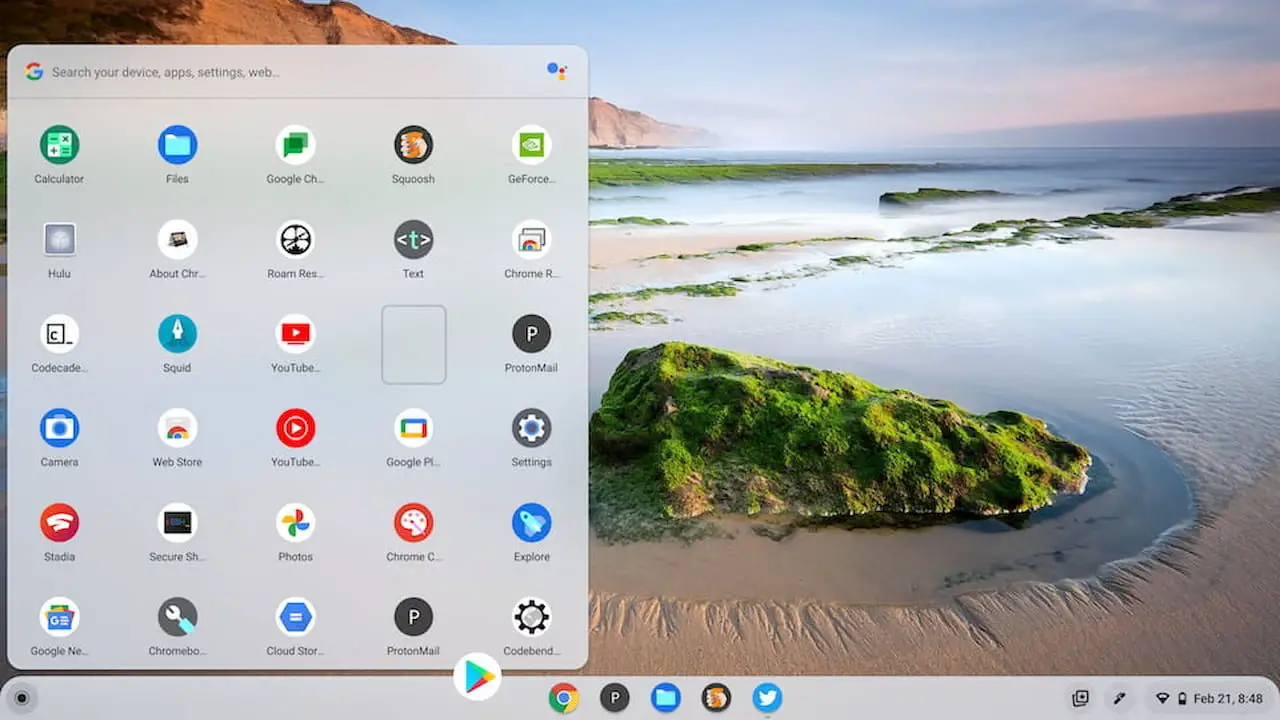
And some of the topics need an update as Chrome OS evolves with every four-week software update. The app Launcher shown in the simulator isn’t the latest version, for example. Then again, the vastly improved Chrome OS Productivity Launcher just arrived in Chrome OS 100 a few weeks ago, so I’d expect to see the simulator updated accordingly in the near future.
Either way, just covering the basics of Chrome OS in this simple, approachable method can be very useful. And since it runs on the web, you can learn to use Chrome OS even if you don’t have a Chromebook.
