


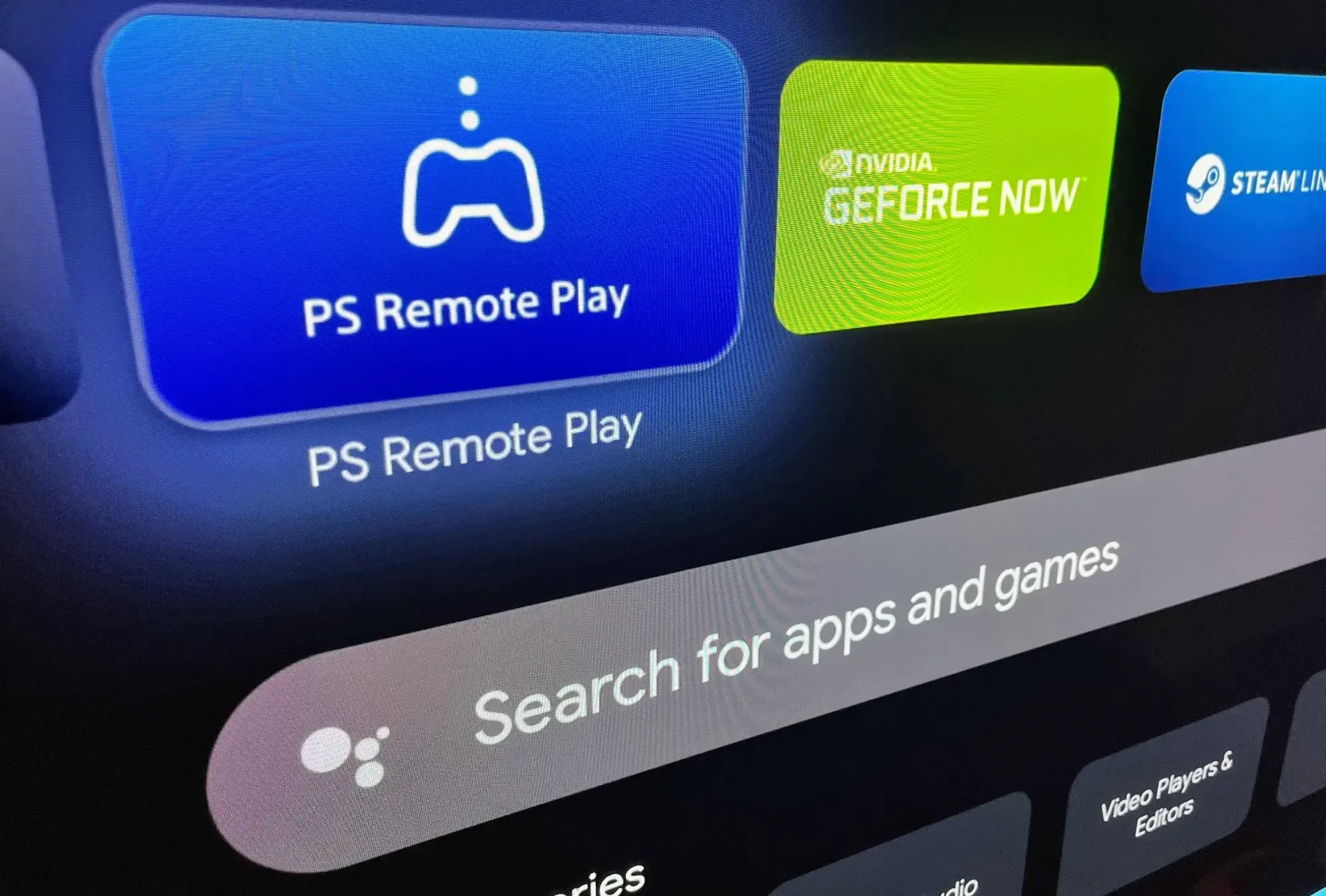
You can run PS Remote Play on a Chromebook two ways: install the Android app from Google Play, or stream through Sony’s browser-based Remote Play in Chrome. Both let you play your PS5 or PS4 on the Chromebook screen over your home network.
Running the PS Remote Play app on a Chromebook
Most modern Chromebooks support Android apps through Google Play. Search for PS Remote Play, install it, and sign in with the PlayStation Network account tied to your console.
The app wakes your PS5 or PS4 from rest mode, then mirrors the game. A wired or strong 5 GHz connection on both the console and the Chromebook keeps the picture stable.
Using PS Remote Play on Chromebook through the browser
If your Chromebook cannot install the app, Sony’s web version runs Remote Play in Chrome. Open the PlayStation Remote Play site, sign in, and link your console.
The browser route skips the Play Store entirely, which helps on older or school-managed devices where Android apps are limited. Linking rules on those devices resemble the limits we cover for admin-installed extensions.
What you need before you start
Pair a DualSense or DualShock 4 controller to the Chromebook over Bluetooth or USB. Keyboard controls work but feel rough for most games.
You also need the console signed in to the same PSN account, rest mode enabled with remote start allowed, and both devices on reliable internet.
Fixing lag and connection drops
Lag usually traces back to Wi-Fi. Move the Chromebook closer to the router, switch to 5 GHz, or wire the console with Ethernet to cut latency.
If the stream keeps dropping, lower the resolution in the Remote Play settings. Closing other tabs and downloads on the Chromebook frees bandwidth and smooths playback.
FAQs
Can you use PS Remote Play on a Chromebook?
Yes. Install the PS Remote Play Android app from Google Play on a supported Chromebook, or stream through Sony’s browser-based Remote Play in Chrome on devices without app support.
Do you need a controller for PS Remote Play on Chromebook?
A DualSense or DualShock 4 is strongly recommended, paired by Bluetooth or USB. Keyboard input works in a pinch but is awkward for most PlayStation games.
Why is PS Remote Play lagging on my Chromebook?
Weak Wi-Fi is the usual cause. Switch to 5 GHz, move closer to the router, wire the console with Ethernet, or lower the stream resolution in settings.
Does PS Remote Play work on school Chromebooks?
Often not. Managed Chromebooks may block Google Play and outside sign-ins. The browser version can help, but network filters and policies may still prevent access.
