


In case you missed the news that was quietly announced, Microsoft 365 and OneDrive will both be integrated better on Chromebooks. Google’s Chromebook Community forum shared this update, saying to expect availability later this year. Regular readers expected this though: Last year, I reported on some interesting experimental ChromeOS flags in regards to this mashup.
Vague Microsoft 365 and OneDrive references in 2022
Back then, it wasn’t quite clear what these flags would test or update in ChromeOS. There was mention of a Web Drive and Office, however. I figured both were related to Microsoft, partially because of the word “Office”. And “Web Drive” certainly didn’t pertain to Google Drive, so it had to be a third-party service. Hence, Microsoft 365 and OneDrive.

Now we know what was in the works for sure.
Here’s the official description from Google:
Today, users of Microsoft 365 and OneDrive software can use the Progressive Web App (Installable here) for their Microsoft Word, PowerPoint or Excel needs. To further help these users, we will have a new integration later this year on ChromeOS, making it easier to install the app and open files.
Users will be offered a guided setup experience that takes them through the process of installing the Microsoft 365 web app and connecting Microsoft OneDrive to their Chromebook Files app. Files will be moved to Microsoft OneDrive when opening in the Microsoft 365 app.
What Microsoft 365 and OneDrive will look like on Chromebooks
Google also shared a preliminary look at the setup process, although that’s subject to change.
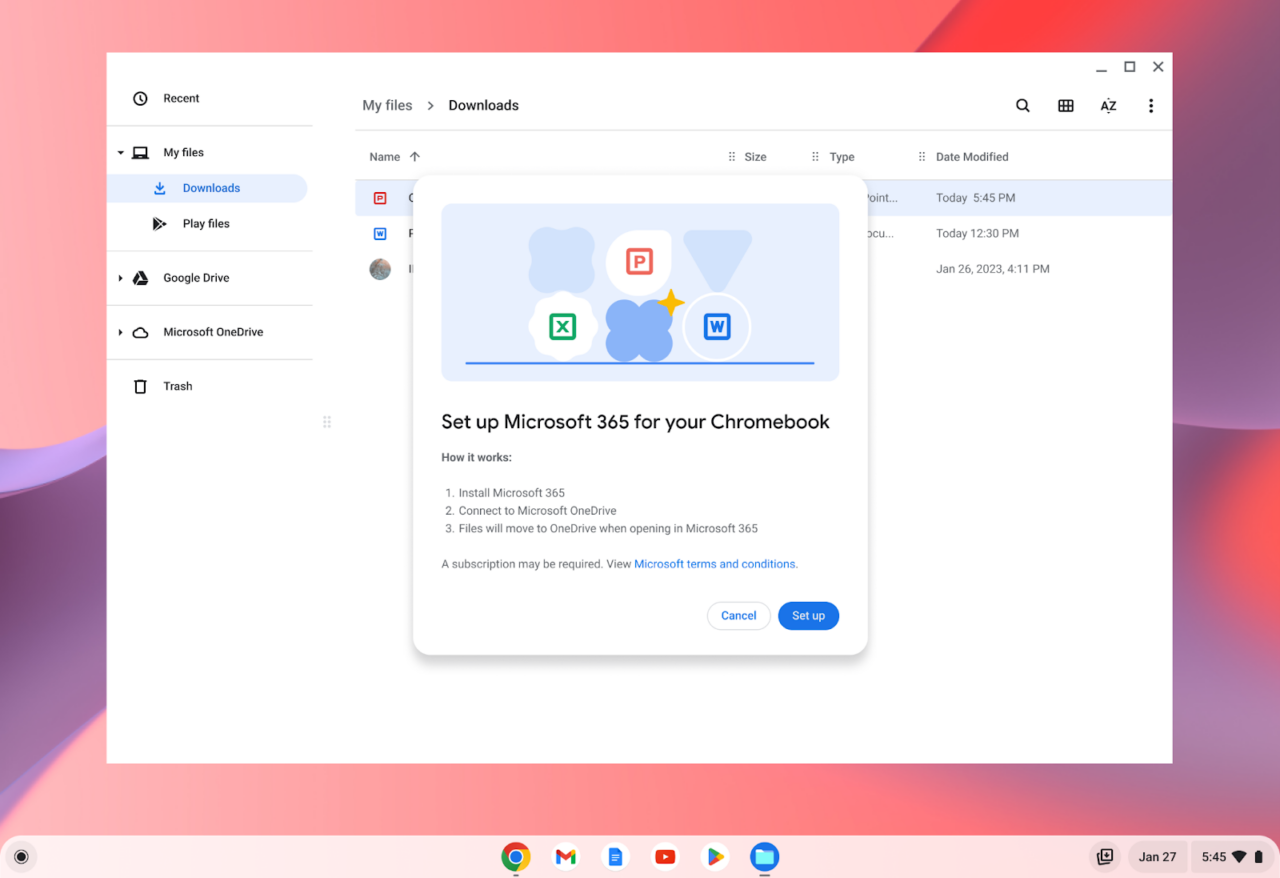
Although I don’t use Microsoft 365 and OneDrive all that much, I’m thrilled to see this integration. If not for me, than for many other Chromebook users who lament the current limitations of Microsoft’s productivity suite on Chromebooks. Not everyone can, or wants to, use Google Drive, so I’m all for well integrated options on Chromebooks.
Excellent Chromebook integration?
And this appears to be well integrated indeed. For example, you can see Microsoft OneDrive mounted as cloud storage right in the ChromeOS Files app. Google also says above that Microsoft 365 files will be stored in OneDrive, likely by default. That’s right where I’d expect them to be. Of course, you can move or copy files to wherever you want in the Files app of a Chromebook. Having a backup of your docs on a second cloud storage provider is certainly possible.
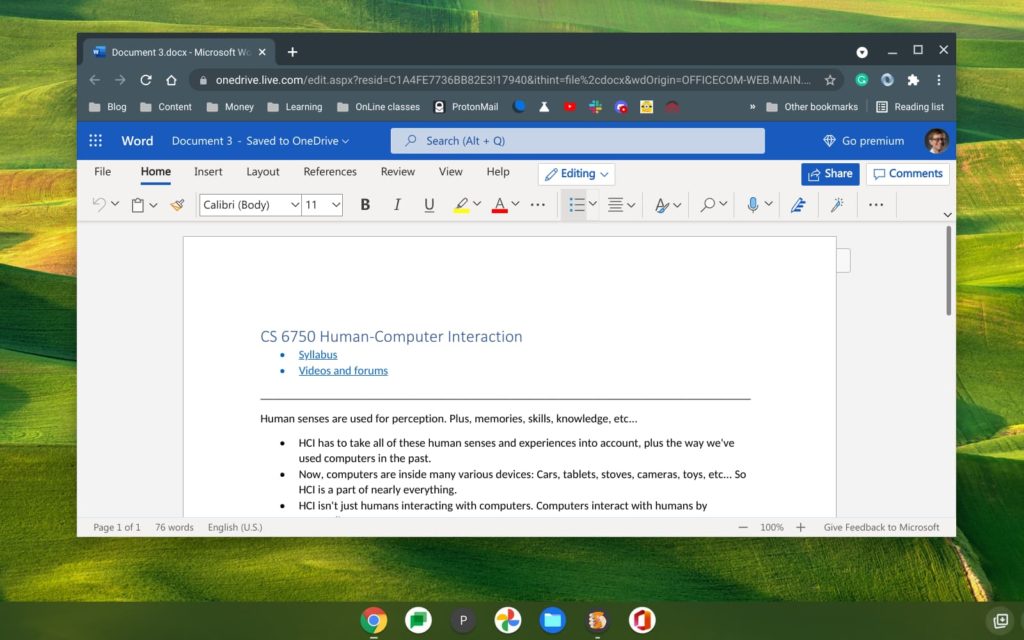
What makes this even better is that it negates the problem caused in August 2021. That’s when Microsoft pulled then-Office 365 support from Android on Chromebooks. Since then, it’s been the web, Google Docs, or perhaps an open-source productivity suite like LibreOffice on Chromebooks.
With improved Microsoft 365 and OneDrive integration on Chromebooks, we get what I expect to be a much better option.
Yes, this is a PWA, or progressive web app, but that doesn’t mean it can’t be fully featured. That’s up to Microsoft. And if they want to add subscriber revenue to their ranks, offering a great PWA experience on Chromebooks is a great way to do so.
