


Chromebooks started as simple machines for browsing the web. Today, they function as multi-platform hubs that run Linux, web apps, and Android applications.
This shift turned the Google Play Store into a core component of the ChromeOS experience, moving it from a mobile-only marketplace to a primary software distribution point for desktop-class hardware.
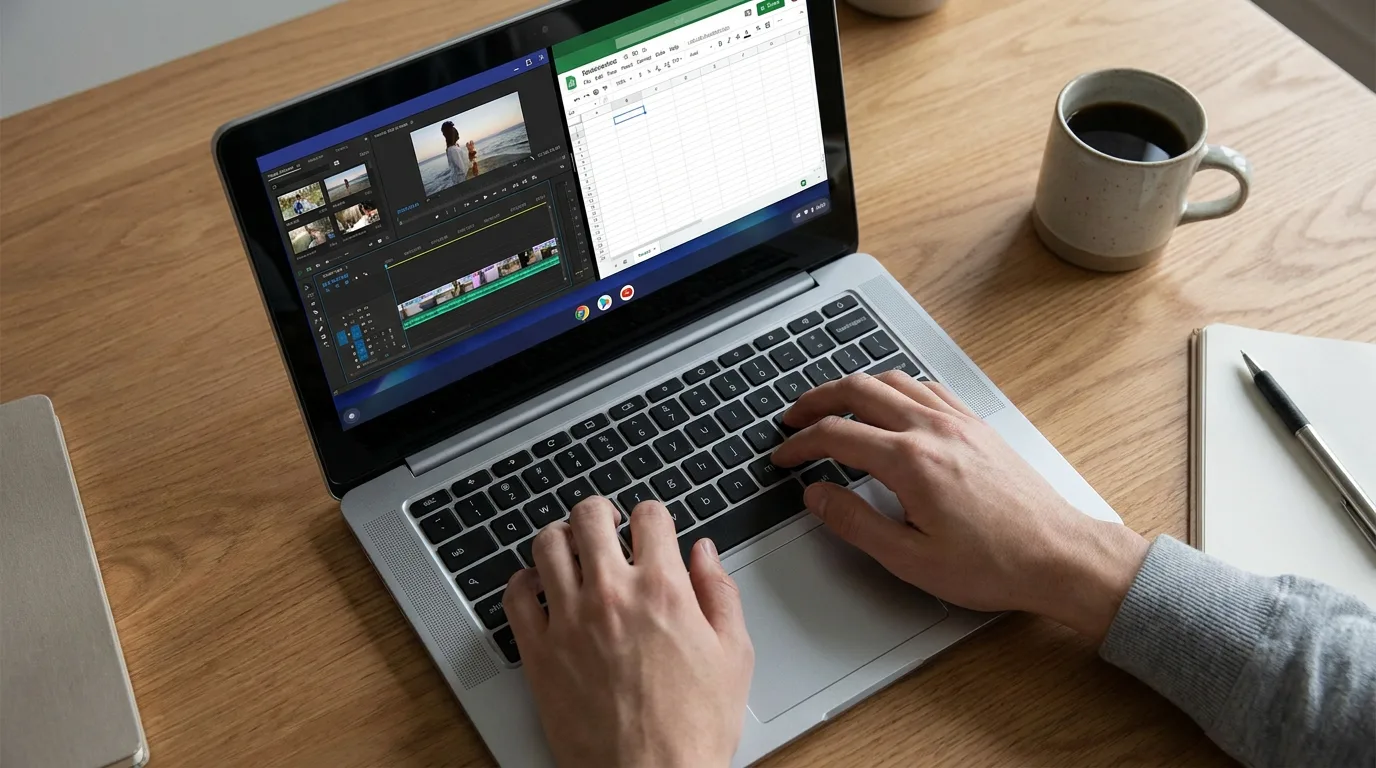
Because ChromeOS integrates the Play Store directly into the system shelf, the line between a mobile app and a desktop tool has blurred. Users now rely on this store for everything from video editors like LumaFusion to advanced sketching tools.
This integration makes Google Play credit a functional currency within the contemporary ChromeOS environment.
How Google Play became part of the Chromebook ecosystem
In the early days of ChromeOS, users were limited to the Chrome Web Store. Google changed this by introducing a containerized version of Android that runs on top of ChromeOS.
This architectural choice allows Chromebooks to access millions of apps originally designed for phones and tablets without compromising the security of the host OS.
Most modern Chromebooks now manage Android apps through the Android Runtime for Chrome (ARC). Recent updates, specifically the transition to ARCVM (a virtual machine-based implementation), have improved the stability and performance of these apps.
This system allows Android windows to be resized, tiled, or snapped alongside browser tabs. Consequently, a user’s Google Play balance is a shared resource across all signed-in hardware, from a tablet to a high-end Chromebook.
What Chromebook users can purchase through Google Play
The utility of a Google Play balance on a Chromebook extends beyond mobile games. Many developers have optimized their Android apps for large screens, stylus input, and physical keyboards.
| Category | Primary Use Case on ChromeOS |
|---|---|
| Creative Tools | High-end drawing apps like Sketchbook or vector editors for design work. |
| Media | Renting or buying 4K movies through the Google TV interface for offline viewing. |
| Storage | Funding Google One subscriptions to increase cloud capacity for Drive and Photos. |
| Productivity | Premium versions of note-taking apps or specialized engineering calculators. |
Managing recurring costs is a significant part of the Play Store. Many Chromebook users utilize Android versions of streaming services or news outlets. These often offer the option to bill the subscription directly through Google Play rather than requiring a separate credit card for every individual service.
Why gift cards remain useful for budgeting and privacy

Digital wallets and saved credit cards are common, but they are not always the most practical tool for every user. Gift cards persist because they act as a functional barrier between a bank account and a store.
Using a voucher provides a layer of privacy. Linking a primary debit card to an app store creates a continuous link that some users prefer to avoid. Furthermore, vouchers serve as a hard budgeting tool. By loading a specific amount onto an account, a user sets a definitive limit on digital spending.
This is particularly useful for professionals who want to separate a software budget from daily living expenses or for students managing a set allowance.
This method also eliminates the risk of subscription creep. If there is no card on file and the gift card balance hits zero, a forgotten service simply pauses instead of triggering an automatic charge. This provides a level of control that automated credit card billing does not offer.
Bridging digital assets and ChromeOS utility
Standard retail stores are the traditional source for these cards, but digital marketplaces have expanded how users fund their accounts. For tech-focused users who prioritize privacy or utilize decentralized finance, gift cards offer a way to bridge different financial ecosystems.
Many privacy-conscious tech users now prefer cryptocurrency as a payment method for digital services to avoid sharing sensitive banking data across multiple platforms. For those who hold digital assets, it is possible to buy Google Play gift card with crypto through specialized platforms like Coinsbee.
This allows a user to convert Bitcoin or other supported tokens into a usable store balance without first moving the funds back into a traditional bank. This process acts as a functional link between the crypto market and the practical need for software or media on a Chromebook.
Country and account-region restrictions
One of the most common roadblocks for Chromebook users is regional locking. Google Play gift cards are almost always region-specific. A card purchased in Euros will generally not work on an account registered in the United Kingdom or the United States.
When a user tries to redeem a card from a different region, the Play Store will typically trigger an error message. To avoid losing funds, the account’s home country must match the currency of the gift card. Changing an account’s region is possible but is usually restricted to once per year, making it essential to verify the card’s origin before finalizing a transaction.
The role of Play Store credit in the 2026 landscape
Looking toward the hardware landscape of 2026, the reliance on Play Store integration is expected to deepen as ChromeOS continues to bridge the gap between cloud computing and local application execution. For the average user looking for a one-time purchase or a way to keep their banking data off the Play Store, the gift card remains a relevant, functional tool.
While gift cards might not fit users who frequently travel and change billing addresses, they remain a logical choice for those who value privacy, need to stick to a strict software budget, or prefer using alternative assets.
The rigid nature of the voucher is its primary strength, offering a predictable and secure way to manage the growing library of software available to Chromebook users.
