


It’s not often I get a chance to look at entry-level Chromebooks or those meant for the education market. So when CTL reached out and asked if I wanted to take their latest product for a spin, I immediately said yes. The company loaned me their CTL Chromebook PX14EX model, which costs $359.00. My initial take? For the money and the target audience, this clamshell Chromebook is certainly worth consideration.
The CTL Chromebook PX14EX uses an Intel Celeron N5100 processor and integrated graphics. That might not wow you, but it’s a capable, low-cost chipset.
This Jasper Lake chip that debuted last year has four cores, each capable of running a single thread. The base clock speed is 1.1 GHz but each core can boost up to 2.8 GHz as needed. With a TDP of up to 6W, the focus here is on lower power consumption, not massive performance. And that’s ideal for use all day in a classroom.
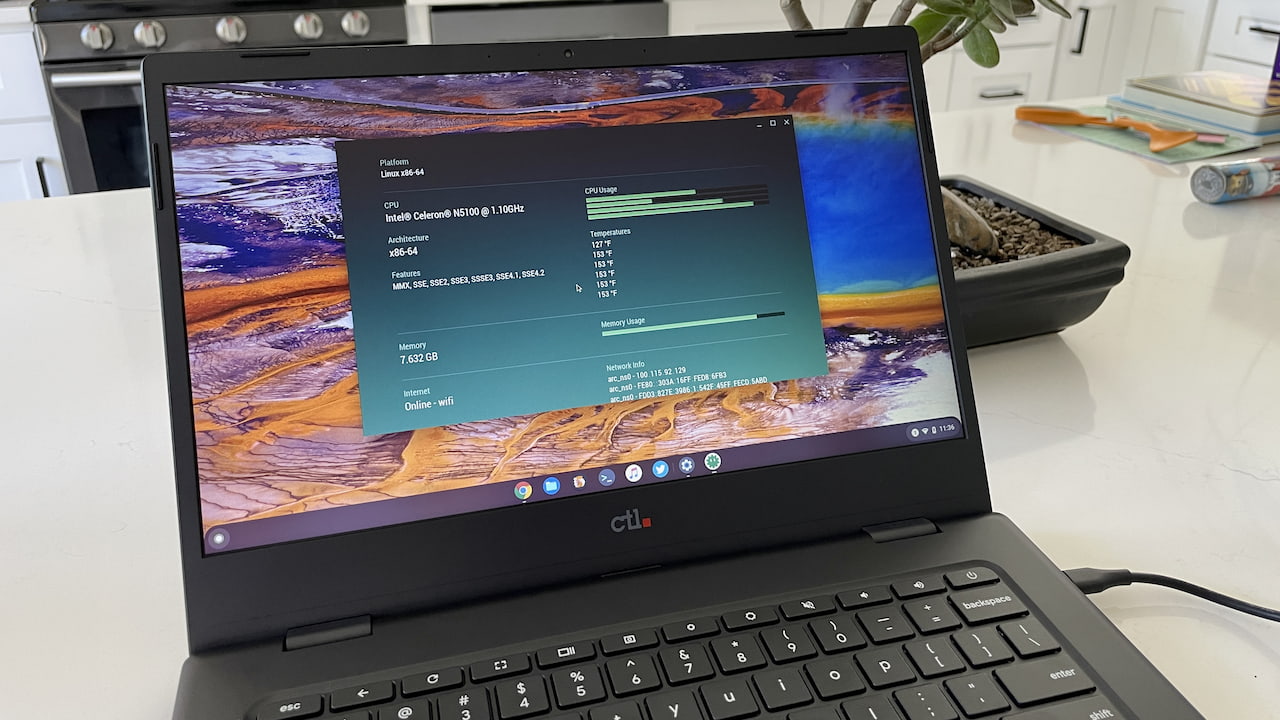
In fact, I’m happy so far in some basic browsing usage settings.
I wrote this post on the CTL Chromebook PX14EX, for example, and have had no issues or lag. And that’s with a half-dozen browser tabs open for mail, social media, and other everyday activities. This experience is likely helped by the 8 GB of memory in the PX14EX, which is great to see.
The design is another area that won’t wow anyone. It’s your basic clamshell without any frills.
But again, the target audience isn’t one that pays for frills, so I get it. This is mostly a plastic affair with some chassis flex although the laptop does meet the MIL-STD 810H testing spec for durability. It weighs 3.64 pounds, which isn’t that heavy for a Chromebook of this size.
You get a standard ChromeOS keyboard layout and no backlighting. While the typing experience isn’t as comfortable as what I’m used to, it’s certainly adequate. The multi-touch trackpad is a little small and there’s room for a larger one. But, it’s competent enough so far, if not a little loud when clicking.
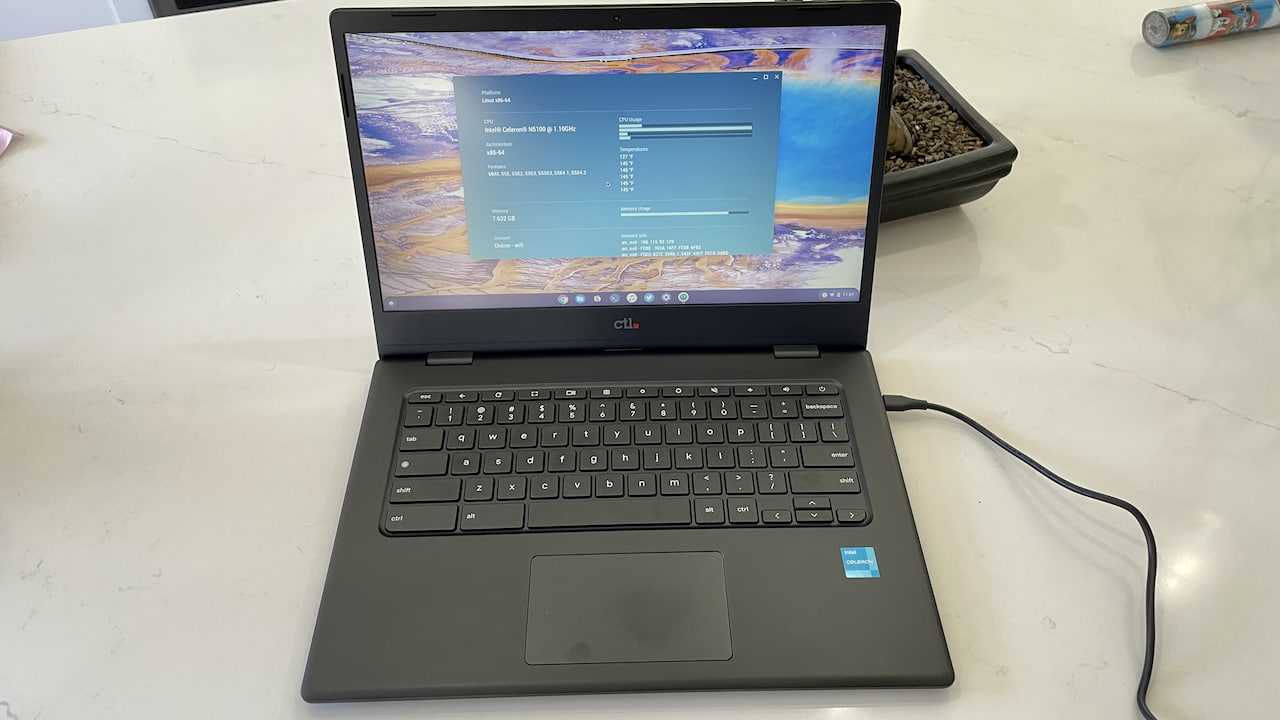
The CTL Chromebook PX14EX uses a 14-inch, 1920 x 1080 non-touch display. A model with a touchscreen is available for around $50 more.
I’m fairly certain CTL uses a TN panel here because I do notice color shifting and a bit of a washed-out look, depending on the viewing angle. If I were a young student though, I wouldn’t be changing my viewing angles much. Nor do I think this experience would bother me.
I like the pair of USB Type-C ports split on the chassis. There’s one on the left and one on the right, which is useful for charging on either side. There’s also a microSD card slot to supplement the 64 GB eMMC storage and headphone/microphone jack on the left. A USB Type-A port adorns the right.
I might want an HDMI port on my personal Chromebook but for the classroom? It’s mainly an extra expense that’s not likely worth it for most.
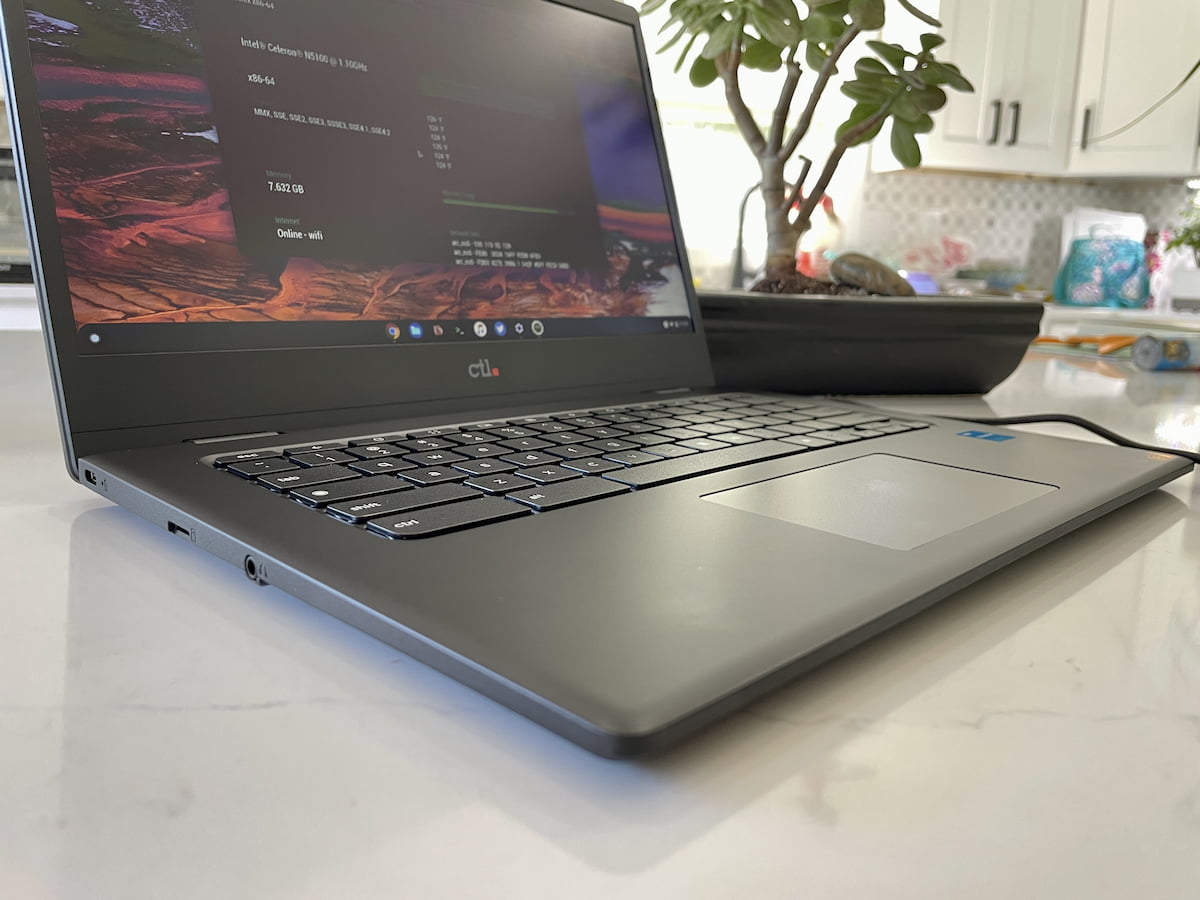
I mentioned room for a larger trackpad earlier and I think there’s room for top-firing speakers as well. However, the 2W stereo speakers are down-firing, under the Chromebook. I suspect this would bother folks like me more than students as they’d probably opt for headphones.
I haven’t yet tested the speakers or the webcam. I believe the latter is 720p resolution. So I’ll do that while using the CTL Chromebook PX14EX over the next several days as my daily laptop. I’m also interested to see how long the 45Whr battery lasts on a charge with the power-sipping Intel Celeron N5100.
I know most readers here aren’t students, but I’m betting that some of you are parents that have students. If you have any specific questions you’d like addressed in the full review, let me know.
