


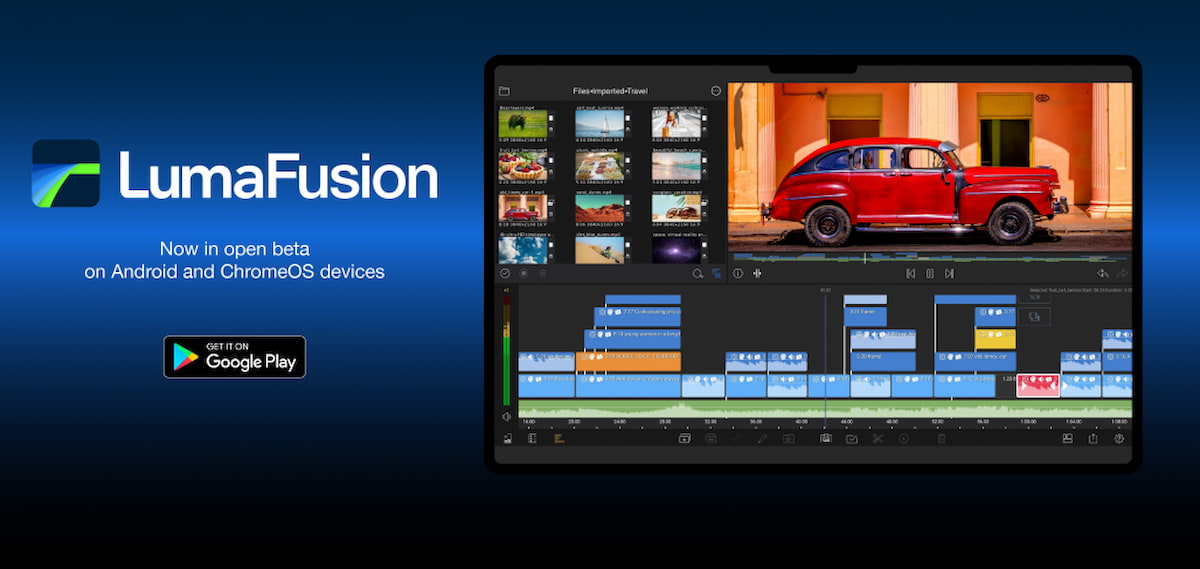
There’s a new fully-featured video editor for ChromeOS available and it’s not the one Google announced in July. It’s actually a popular software title for iOS devices that’s been on the way for Android and ChromeOS devices. The LumaFusion for Chromebook video editor is now available in a discounted beta through the Google Play Store, as reported by Android Police.
Right off the bat, I know what some of you are thinking. “It’s an Android app, so how good can it be on a Chromebook?”
That’s a fair question.
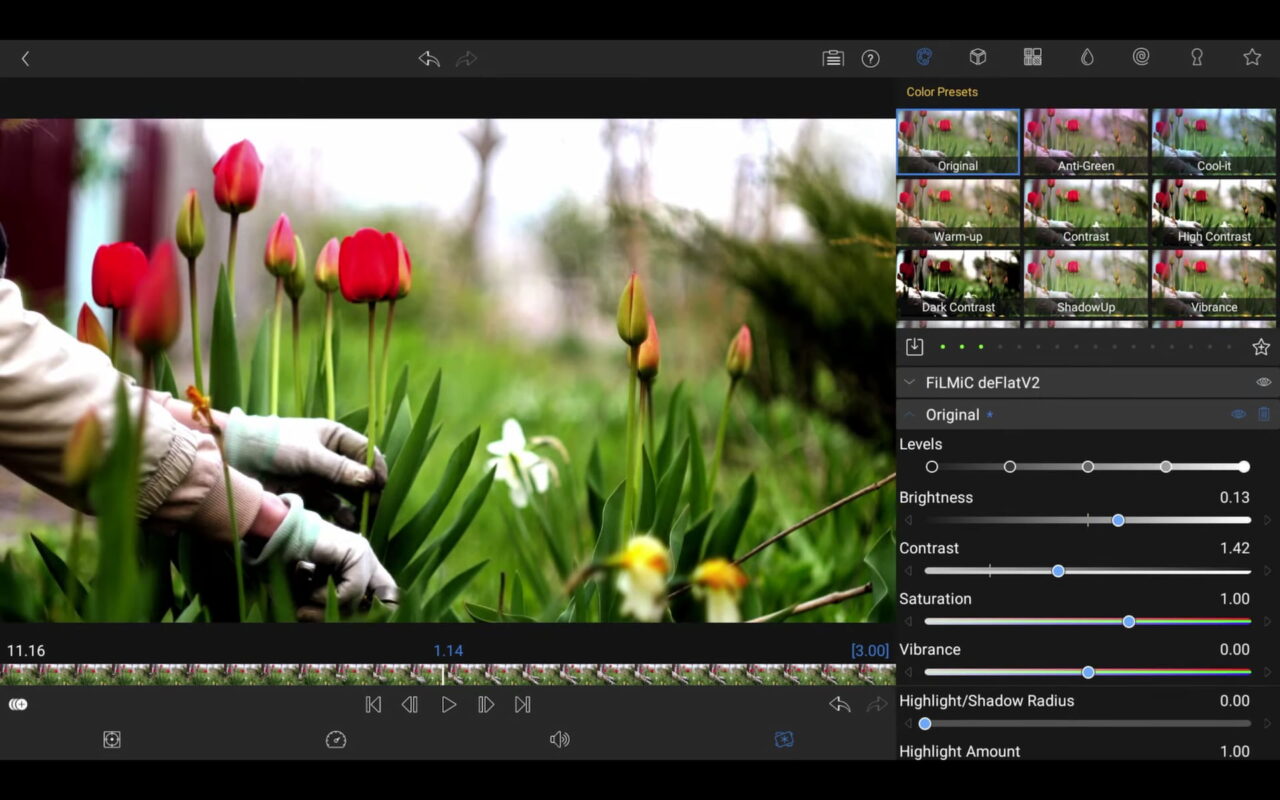
While I can’t personally answer that through my own experience, I think this demo of the LumaFusion for Chromebook video editor suggests a good one.
Based on this demo, I’d say the LumaFusion team did a great job using the full layout of large Chromebook displays. This looks far more like a true desktop app rather than a lame phone port with tons of wasted space.
LumaFusion is one of the top video editor titles in Apple’s App Store, even winning Best iPad App of the Year in 2021. I’m sure the breadth of functionality is a large reason why.
Here are just a few of the key features of the LumaFusion video editor:
- Use 6 video/audio tracks
- Use 6 additional audio tracks
- Edit with the enhanced magnetic timeline with insert/overwrite and link/unlink clips
- Display track headers for locking, hiding, and muting tracks
- Edit direct from USB-C drives
- Use for free: dozens of royalty-free music, sound fx, videos, and backgrounds
- Keyframe audio levels, panning and EQ for perfect mixes
- Isolate tracks on multiple track files
- Work in frame rates from 18fps to 240fps
Keep in mind that the above feature set is for the iOS version of LumaFusion. There are sure to be some limitations in the Android version, which would also apply to Chromebooks.
Still, LumaFusion for Chromebook appears to be far more feature-rich than the basic video editing tools Google is bringing to Google Photos. And there’s no hard feelings from Google, which has a great post explaining how the LumaFusion team developed this Android app with ChromeOS in mind.
I’d also point out that the Chromebook used in the video demo looks to be at least a mid-range model based on the Intel EVO sticker and fingerprint sensor. So this Chromebook video editor may not run as smoothly as depicted on an entry-level ChromeOS laptop.
I have a few of those on hand so maybe I’ll follow up with some testing across a range of devices.
The app is still in beta, but LumaFusion is offering it at a discount from the full price of $29.99. You can purchase the beta version for $19.99 now, and it’s a one-time price.
Doing so gives LumaFusion more test data to improve the final product and you’ll save $10: You get the full version at no extra charge when it becomes available.
